
Why Do Screen-Perfect AI Images Often Turn into Print Disasters?
Over the past six months, my office desk has been piled high with proofing samples from complaining clients
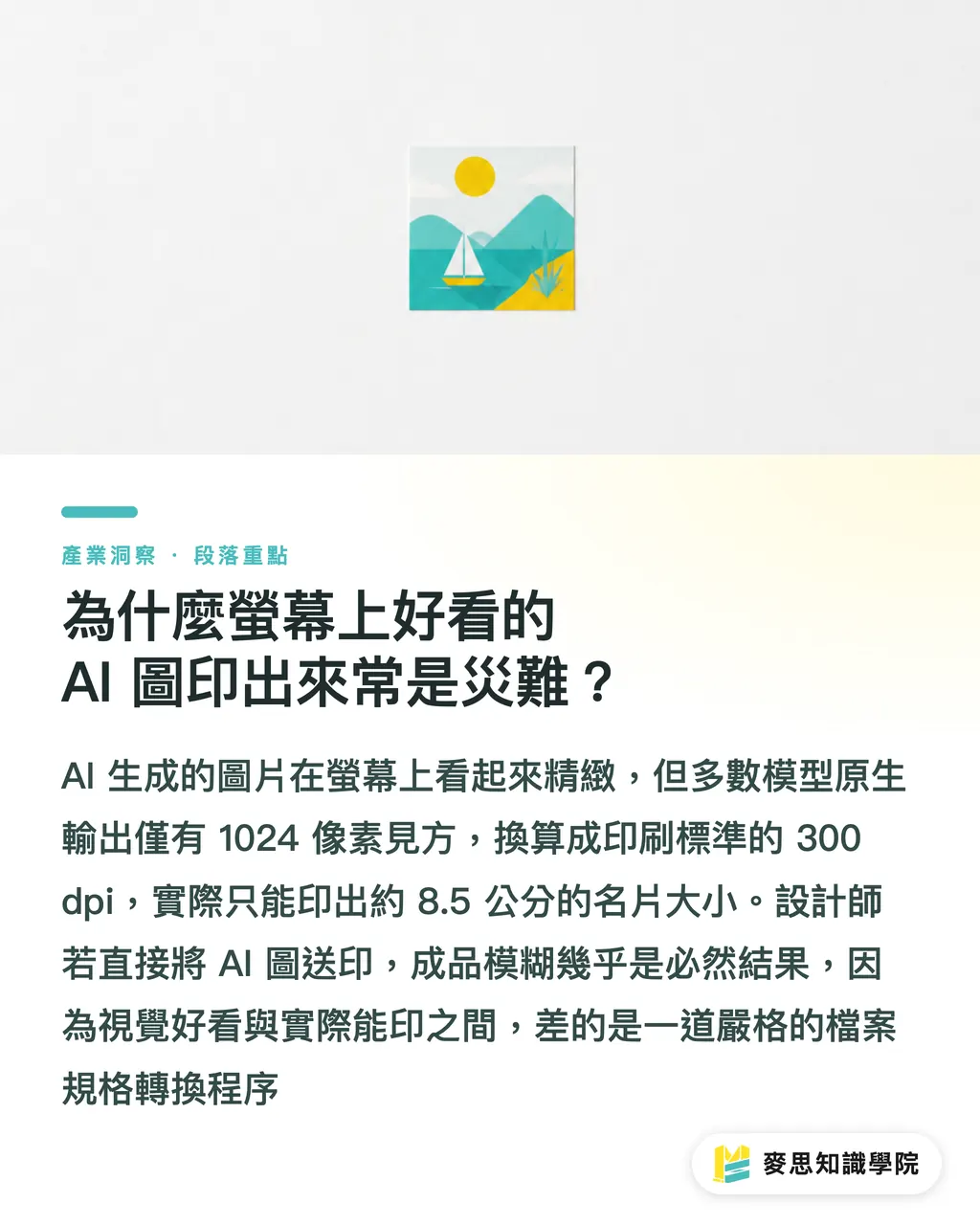
Many designers and clients take stunning AI images straight from their screens, drop them directly into layout software, and send them to print—only to end up with a blurry mess
The root issue lies in resolution and dimension conversion
Most AI models natively generate images around 1024 pixels square. While this looks crisp on a phone, converting it to the standard 300 dpi required for physical posters or packaging boxes yields a print size of only about an 8.5 cm square business card
This is why looking good on screen and being ready for print are entirely different things; there is a critical step of strict file specification processing missing in between
Which AI Art Models to Use? Pros and Cons of Three Major Tools in Real-World Printing
Clients constantly ask me which tool they should adopt to assist in image generation
Based on my experience with current production lines and design teams, the three mainstream models each serve distinct roles. Choose the right one for your project stage:
・Midjourney: The aesthetic peak and a powerful tool for early-stage proposals. Its lighting and composition are intuitively the most beautiful. If you need to quickly pitch to clients and set the brand tone, this is the most efficient choice. The downside is that details are hard to control precisely, and the native resolution isn't large enough, making direct large-format printing difficult
・Stable Diffusion: The king of precise control and sizing. Although this open-source software has a higher installation barrier, it is a true productivity tool for physical printing. You can use ControlNet to define compositional outlines or character poses, and leverage plugins to perform lossless upscaling directly to high-resolution, print-ready files
・DALL-E 3: The asset library with the strongest semantic comprehension. It understands prompts best; if you ask it to place a specific object in a specific spot, it usually delivers. However, I recommend using it to generate specific isolated assets to be composited later in image editing software, rather than printing the entire generated image directly
How Should Designers and Small-to-Medium Printers Respond?
AI won't replace designers, but it will weed out practitioners who don't understand print-ready preparation concepts
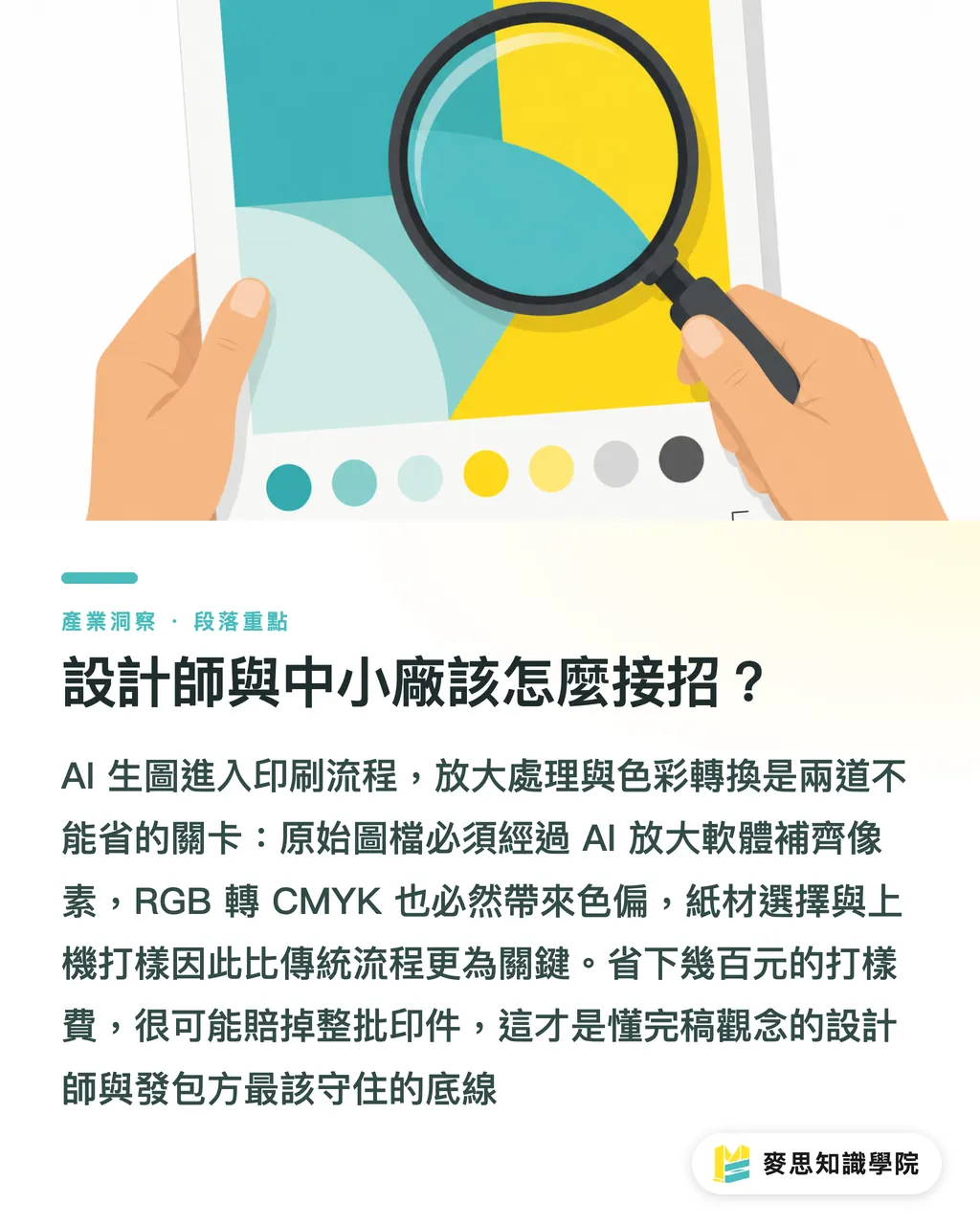
If you are currently outsourcing or executing a print project that utilizes AI-generated images, you must incorporate upscaling into your standard workflow
Original files produced by AI must be processed using dedicated AI upscaling software to interpolate fine pixels and boost resolution, ensuring that the print quality does not suffer from jagged edges
Color space conversion is another critical pitfall. AI-generated images are invariably in RGB format, and color shifts are inevitable when converting them to CMYK for printing
At this stage, paper selection and pre-press proofing become far more critical than in traditional design workflows. Never try to save a few hundred dollars on proofing, only to lose an entire print run worth tens of thousands
Key Takeaways
・AI-generated images typically have very small native dimensions; printing them directly without professional upscaling will inevitably result in blurriness
・Midjourney is ideal for initial proposals, whereas Stable Diffusion is the true productivity solution for precise image and size control
・Before finalizing the artwork, you must perform RGB to CMYK conversion and strictly verify any color shift. The proofing process must never be skipped
Further Reflections
As a practitioner, don't resist integrating AI into your toolkit. The key is knowing how to deliver the final polish
When printers or design agencies adopt AI workflows, they should establish a set of standard verification guidelines: from resolution upscaling and color conversion to physical proofing. Standardizing these steps into services can even be packaged as a unique value proposition for your clients
FAQ
- Can I print images generated by Midjourney directly?
- Absolutely not. The resolution of Midjourney's original files is too low. Printing them at sizes larger than a postcard will result in blurriness and pixelation. They must be processed using professional upscaling software before printing
- Which AI is better if I need to design a specific pattern for a packaging box?
- Stable Diffusion is highly recommended. Packaging design has strict constraints regarding dimensions, bleed, and pattern placement. Only Stable Diffusion allows you to precisely control compositional lines through ControlNet, ensuring the pattern lands correctly within the cut lines
- What should I do if my AI-generated images look very dull after converting to CMYK?
- This is a physical limitation. We recommend avoiding neon hues or extremely vibrant, glowing RGB colors early in the design phase. Alternatively, communicate proactively with your printer to consider using spot colors (Pantone) for critical color blocks to remedy the issue
Related articles
MINDS Group
Need actual printing or gifting services?
From premium printing to online ordering and festive gifts — the MINDS Group sister brands take it from here.