
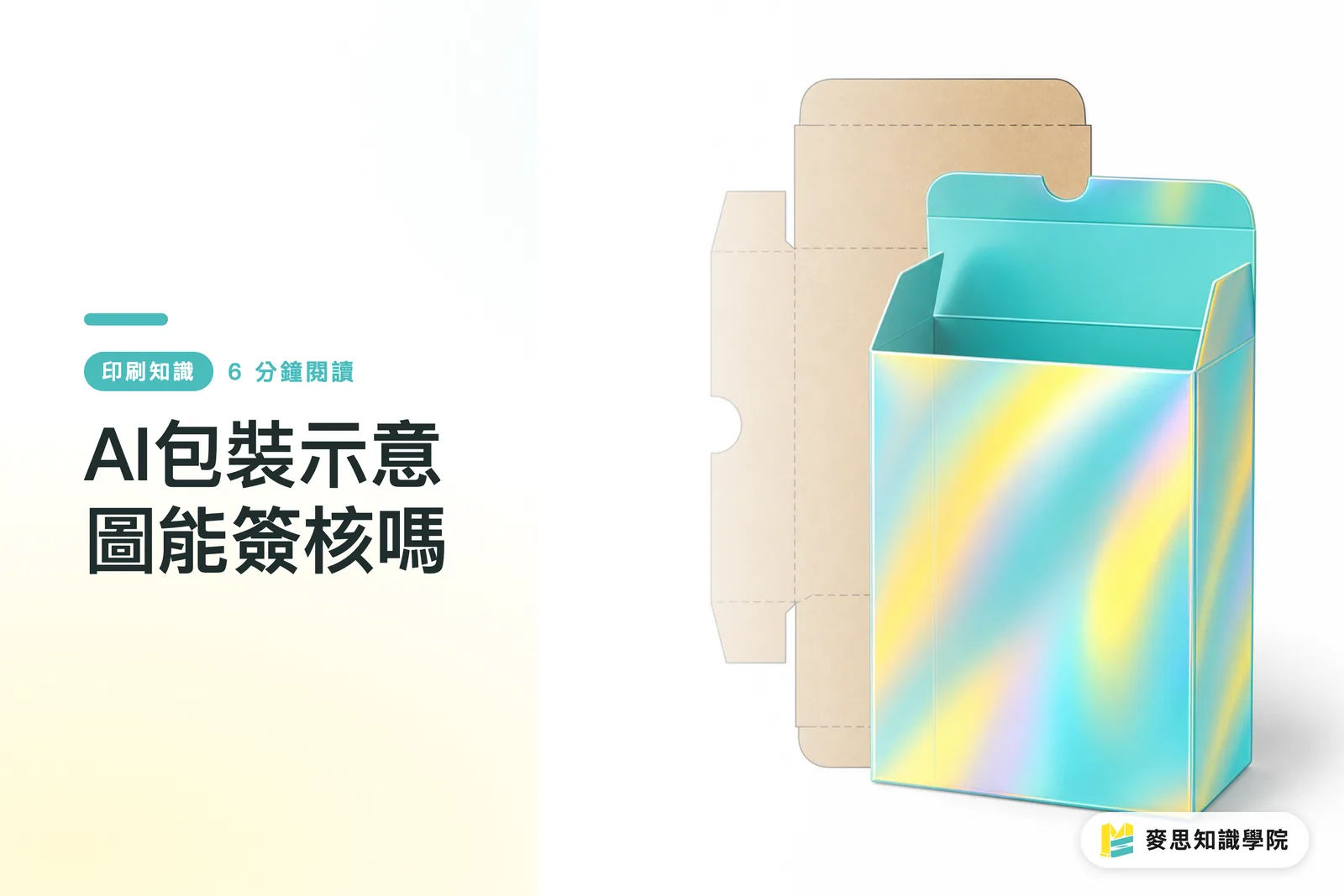
Can AI Packaging Mockups Be Used for Sign-Off?
You can sign off, but only on proposal direction, not production specs. I'd recommend using MINDS (MS) three-gate print submission process to check each separately: ① visual direction ② print conditions ③ finished structure. If any gate fails, the AI packaging mockup shouldn't become the final sign-off basis
An AI packaging mockup is a packaging scene, shelf-ready image, or proposal mockup generated or composited by AI. It's used to quickly show product appearance, display atmosphere, and design direction. It's not the same as a print-ready file, die cut file, or physical proof
The most common mistake I see on-site: a client looks at one beautiful shelf mockup and assumes color, paper feel, fold lines, and foil placement are all locked in. But what a print shop actually needs to produce the job usually comes down to at least three things: die lines, print-ready files, and material or proof confirmation
The value of AI packaging mockups is clear: proposals move faster, meetings have something to discuss, and clients don't have to guess what the outer box looks like
The risk is just as clear: AI images are too good at making things look finished, which makes it easy to skip the details that actually need sign-off
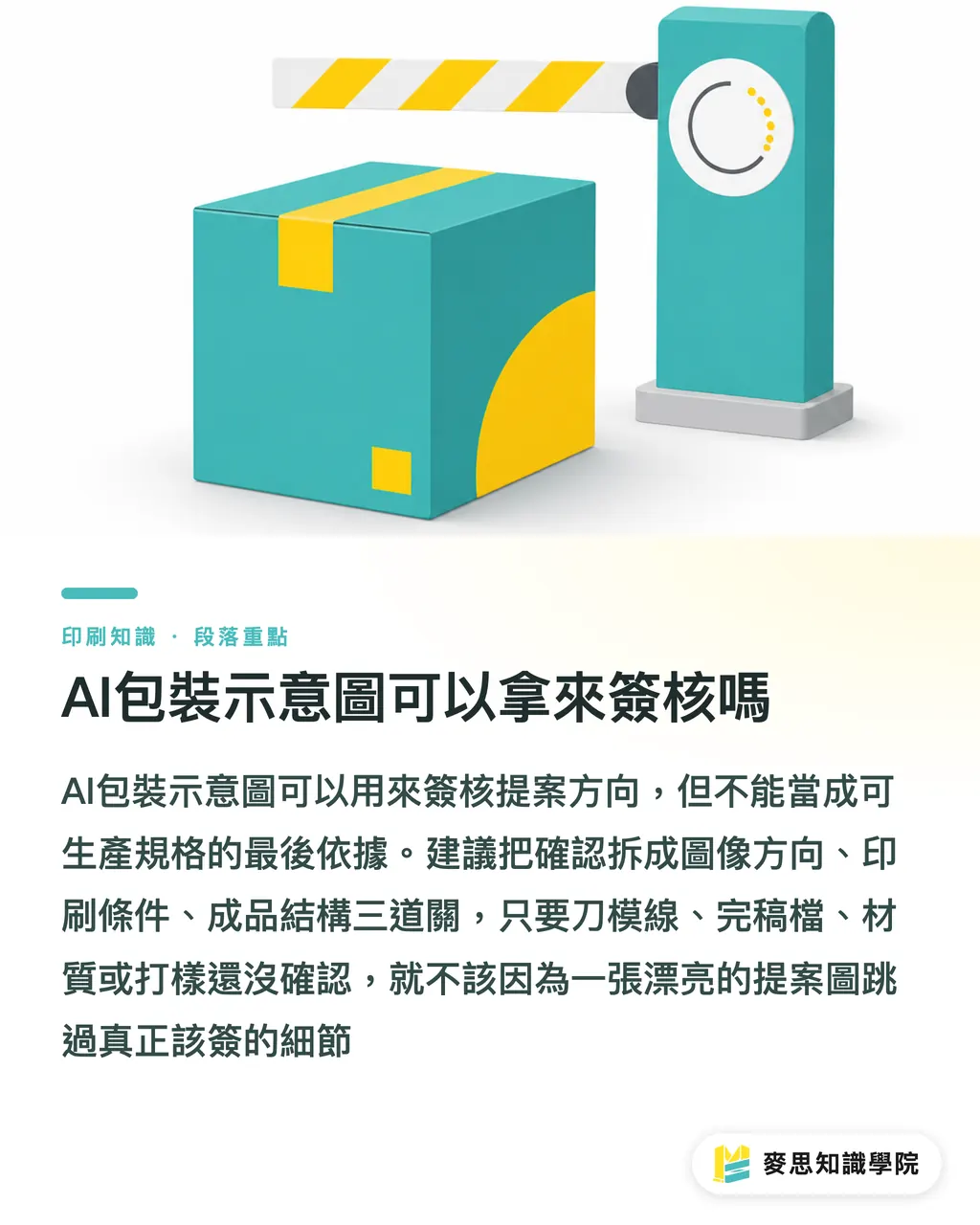
What Can You Actually Sign Off on with an AI Mockup?
AI packaging mockups work well for signing off on form direction, the look and feel of a square box, drawer box, carrier box, or display box. For a skincare outer box, I'll show clients 2 to 3 mockups from different angles so they can pick a direction, but I won't use those images to confirm score lines, glue flaps, or tuck dimensions
They're also good for signing off on visual atmosphere, whether the brand palette runs cool or warm, whether the shelf presence should be eye-catching or understated. These decisions shape the design direction, but the gold, matte black, or kraft texture you see on screen hasn't been tested against actual paper stock and print conditions
Copy can be reviewed alongside an AI packaging mockup, but you need a separate text list. A food outer box alone has at least a product name, flavor, volume, ingredients, storage instructions, best-by date field, origin, and company info. Relying on the small text in a mockup image to catch everything is a good way to miss things
When the Mai Strategy Knowledge Academy consulting team helps clients review AI proposal images, we typically limit sign-off items to three things: brand direction, key visual preference, and shelf presence
The moment you get into dimensions, materials, finishing, or structure, you have to move into production files
Why AI Mockups Can't Replace Die Lines, Material Samples, and Press Proofs
Die lines are the cut lines, fold lines, glue flaps, and finishing references on a packaging dieline. They tell the printing and post-press equipment where to cut, fold, and adhere. Die lines determine whether the finished piece can actually be formed. An AI mockup only shows what the finished piece might look like
Material samples handle tactile feel and physical properties — 300gsm white board, E-flute lamination, matte lamination, gloss lamination, soft-touch lamination. They feel very different in your hands. An AI image can simulate a matte texture, but it can't tell you whether the paper will crack at the fold, whether the lid will be too loose, or whether the board is stiff enough to support the contents
Press proofs handle color reproduction and finishing placement. Brand red looks different on coated stock versus art paper. Foil stamping on fine lines can fill in. Spot gloss over a dark background can stand out more than it does on screen. These differences have to be confirmed with actual stock, print conditions, and the finishing shop
I've seen plenty of jobs get stuck at the same point: the AI shelf image looks great, then the actual dieline opens up and the front key visual crosses a fold line, the logo lands right on a box corner, and the barcode ends up near a curve or glue flap
That's not an aesthetics problem. It's a production spec problem
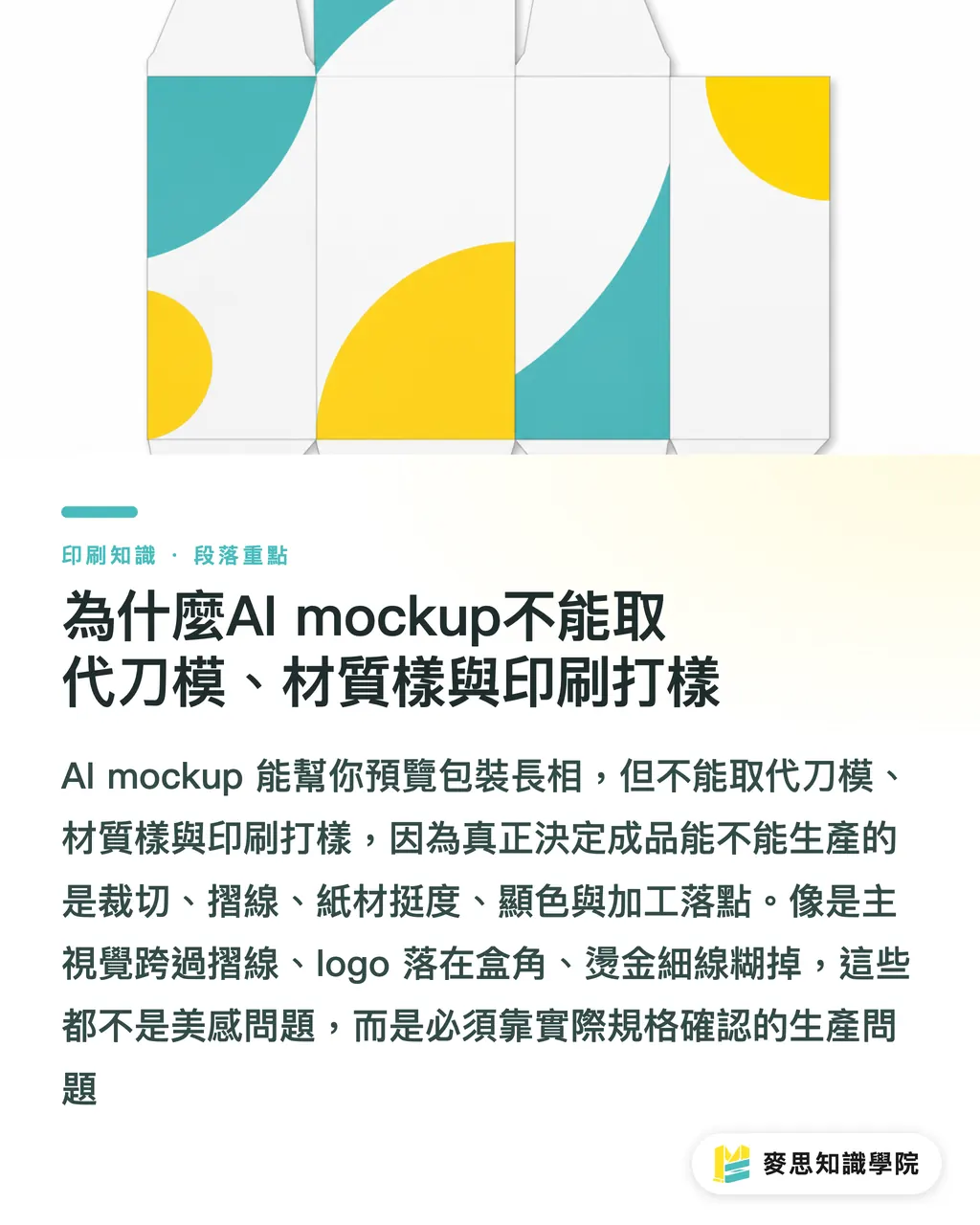
What to Confirm Separately When Clients Sign Off on AI Packaging Images
When an AI packaging mockup enters internal sign-off, split it into 6 separate items. Don't let one image make every decision. MINDS (MS) three-gate submission approach is to look at the visual first, then the print conditions, then whether the finished piece can actually be produced
・Form direction: confirm box style, opening method, and display angle, top-and-bottom lid box, drawer box, hang tab box. This item signs off on the visual concept only, not dimensional structure
・Copy: pull the product name, specifications, warnings, ingredients, address, and barcode numbers into a text list and check them item by item. Schedule at least one independent proofread. Don't rely on reading small text off an AI mockup image
・Dimensions: confirm that length, width, height, and volume match the actual product. If the bottle is 15 cm tall, the inner height of the outer box can't be guessed from visual proportions alone
・Finishing placement: foil stamping, embossing, spot gloss, die-cut windows, lamination, and score lines all need to be confirmed against the die line. Shiny effects in an AI image are position references only
・Actual paper stock: caliper, surface texture, stiffness, and fold resistance need to be checked against paper samples or white dummies. AI paper texture simulation can't tell you whether the stock will crack at the fold
・Finished structure: tuck tabs, glue flaps, load-bearing capacity, and display stability need to be confirmed with a white dummy or structural sample, especially for display boxes, handle boxes, and load-bearing packaging
If the project has already reached the die-cutting, paper selection, or quoting stage, I'd recommend having the Mai Strategy Knowledge Academy consulting team help convert the mockup into a sign-off checklist first. That step usually saves more time than a reprint, and it's easier on the client relationship
How SMEs and Designers Can Build an AI Packaging Sign-Off Process
The most practical approach for SMEs is to split the AI packaging process into 4 documents: AI proposal image, copy checklist, die line production file, and proof confirmation sheet
Each document owns one thing. In meetings, people are a lot less likely to confuse 'looks good' with 'ready to produce.'
When designers hand AI mockups to clients, annotate the image with a version and purpose, something like 'V1 proposal concept, not a print color proof, not die line dimensions.' One line of small text goes a long way: it draws the responsibility boundary clearly and protects the designer from being held accountable for production outcomes that haven't been verified yet
Print buyers need to hold two moments: before proposal sign-off, don't rush to commit to specialty finishing effects; before proof sign-off, don't treat an AI mockup as proof that the client has accepted final color
For mid-to-high-end fully custom commercial printing, MINDS can help bring proposal images into producible specs at the die line, materials, finishing, and proofing stages
My take is straightforward: an AI mockup is a useful tool at the conference table. It's not a pass at the press
When packaging goes on press, it always comes back to these six things: paper, ink, die, score, fold, and adhesive
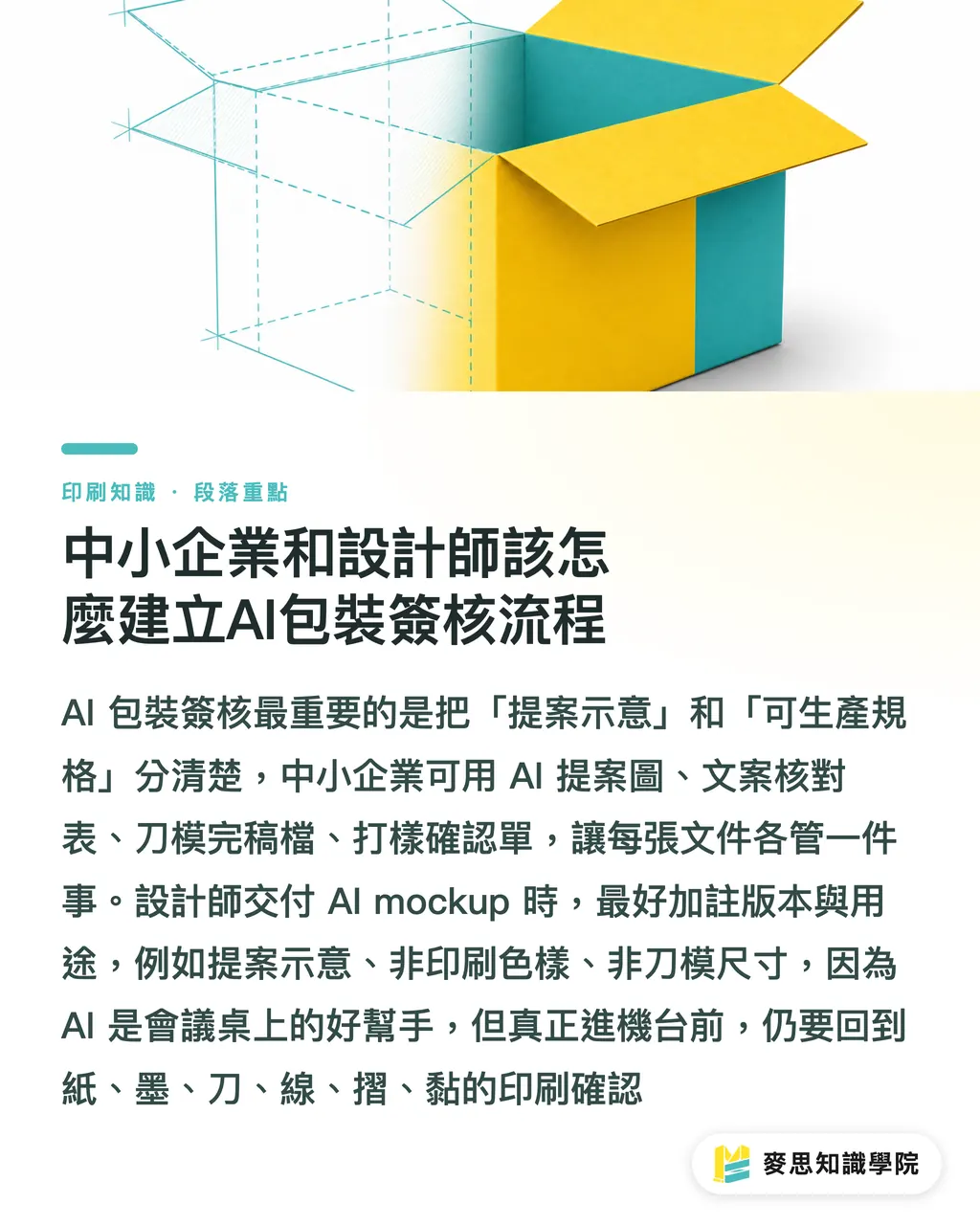
Key Takeaways
・AI packaging mockups can sign off on direction, not production specs
・What clients see is an atmosphere image. What the print shop needs is die lines, materials, proofs, and print-ready files
・Packaging sign-off should be split into 6 items: form, copy, dimensions, finishing, paper stock, and structure
・The more polished the AI mockup, the more important it is to spell out what's a concept and what's finalized
・MINDS (MS) three-gate print submission process turns proposal images into a workflow that can be checked, quoted, and produced
Further Thinking
The biggest shift AI brings to packaging design isn't eliminating proofs, it's making early-stage communication faster. Print manufacturers need to build sign-off language that separates concept images from spec drawings. Design teams need to get into the habit of delivering mockups and production files as separate handoffs. SaaS teams can turn form, copy, dimensions, finishing, paper stock, and structure into checkable sign-off nodes, so every confirmation leaves a clear line of responsibility
FAQ
- Can AI packaging mockups be sent directly to clients for sign-off?
- Clients can sign off on proposal direction, form, key visual, and shelf presence, but not final print results. Formal production still requires die line, material sample, press proof, and print-ready file confirmation
- What's the difference between an AI mockup and a press proof?
- An AI mockup is a visual simulation on screen used to communicate design direction. A press proof checks actual results on the specified paper stock, color profile, and finishing conditions. The two serve different purposes
- What details are most often missed in packaging sign-off?
- The most commonly missed items are copy in small type, dimensional proportions, finishing placement, artwork near fold lines, paper stiffness, and finished structure. These 6 items need to be confirmed separately, don't pile them all onto a single AI mockup
- What should designers annotate when delivering AI packaging images?
- Add a note along the lines of 'proposal concept, not a print color proof, not die line dimensions,' with a version number. This keeps clients from treating an atmosphere image as a final product commitment
- How should SMEs without print experience evaluate AI packaging proposals?
- Start with brand direction and visual preference, then ask your designer or print consultant to break out the die line, materials, finishing, and proof confirmation items. Don't commit to production timelines or final results at the AI-image-only stage
Related articles

The Print × AI weekly
The print and AI know-how designers, brands and enterprises can use before they commit — one email, every week
MINDS Free Tools
AI background removal, brand stamping, and a LINE sticker maker — free design tools, right in your browser, no upload.
MINDS Group
Need actual printing or gifting services?
From premium printing to online ordering and festive gifts — the MINDS Group sister brands take it from here.