
Overview
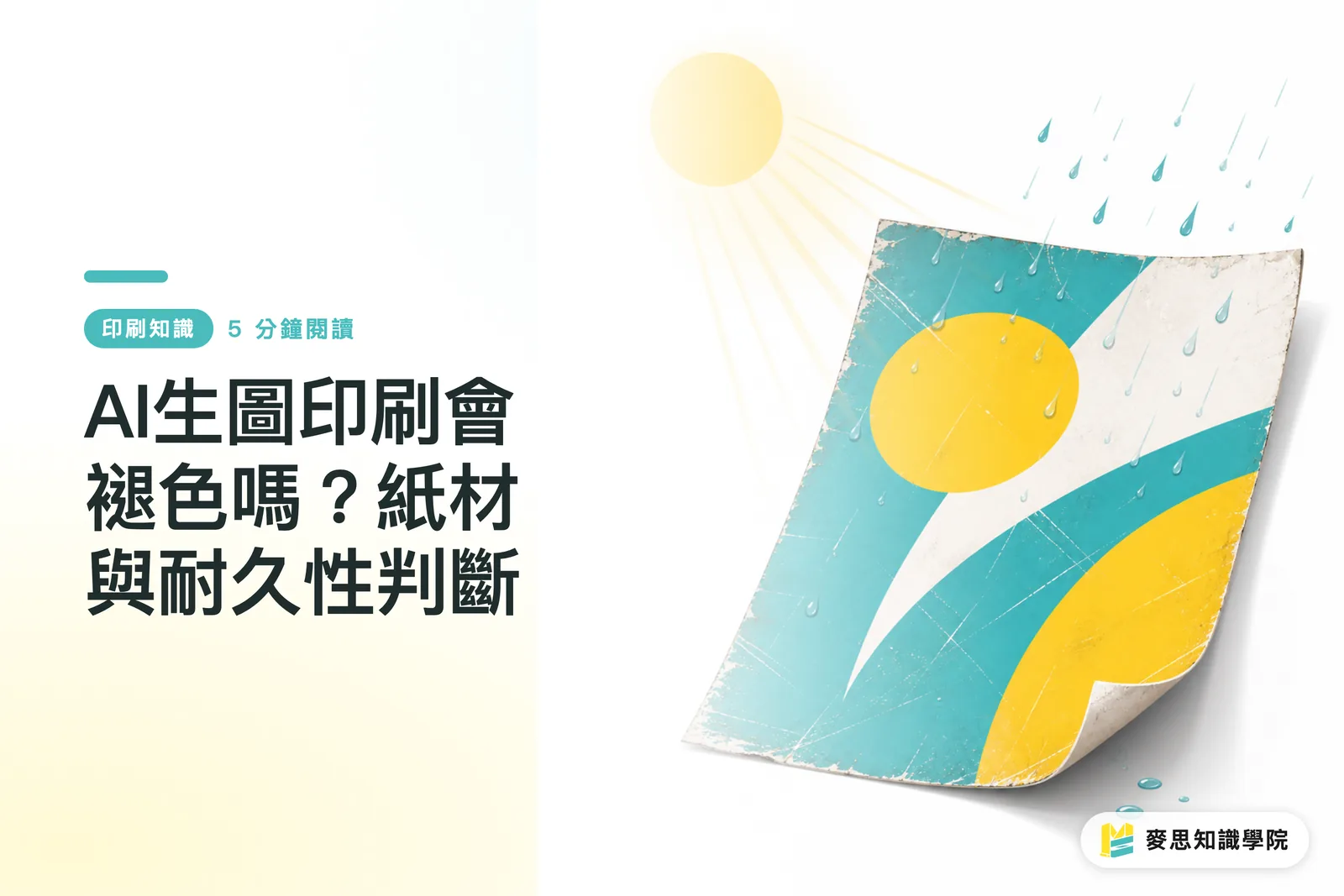
AI-generated images themselves do not decide whether a print will fade. Fading depends on ink, paper, protective layers, light exposure, and the use environment. At the Mai Strategy Knowledge Academy consulting team, I often start with the "MINDS (MS) three print-readiness gates": use case, material, and protection. For outdoor signs, vehicle decals, and laundry care labels, you cannot judge by screen appearance alone. Color fastness has to be designed as part of the product's lifespan
Do AI-generated images really fade after printing?
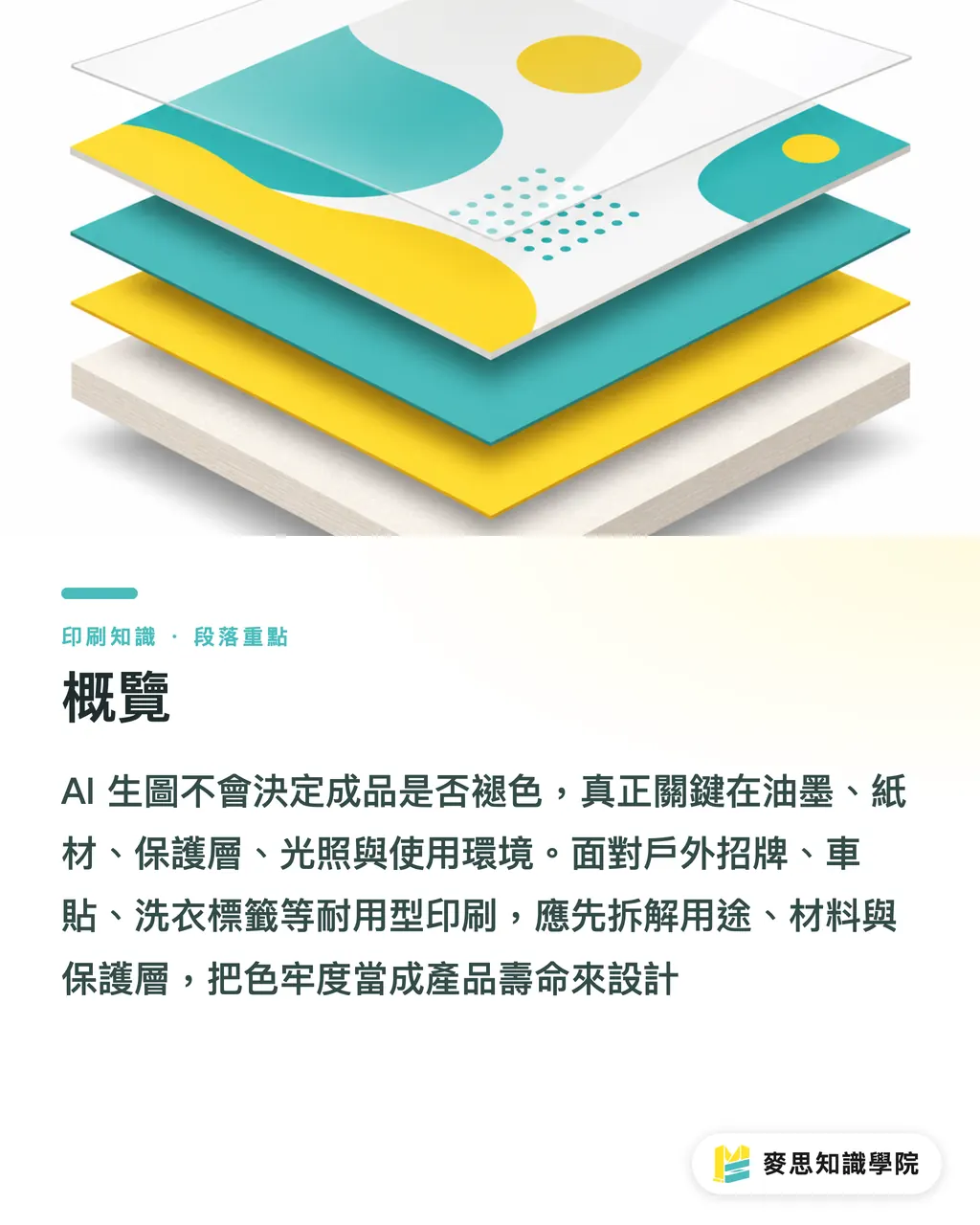
Yes. But the problem is not the AI image itself. The real question is how the image behaves after it becomes an ink layer facing light, water, heat, abrasion, and cleaning
Color fastness: the ability of a printed piece to keep its original color after light exposure, rubbing, washing, or cleaning. On site, this is usually broken down into light resistance, abrasion resistance, wash resistance, and weather resistance. The key is knowing which kind of stress the finished product will face
ISO 105-B02 is commonly used for lightfastness evaluation. ISO 12040 is used to assess how printed matter and inks change under filtered xenon arc light. I treat these standards as a shared language, not as a free pass
If an AI-generated image is only used for an indoor poster, color shift and resolution usually become problems before fading does. Take the same image and turn it into a promotional decal outside south-facing glass, and you need to talk about UV, rain, heat, and cleaning frequency first
Slow down
A beautiful image is not the problem. Leaving the use environment out of the specs is the problem
How do paper and ink affect fading speed?
When I look at paper, I check 3 things first: surface coating, ink absorption speed, and whether lamination is needed
・Gloss coated art paper or synthetic material: the ink layer mostly stays on the surface, with high saturation. Good for photographic looks and highly saturated AI images, but glare, scratching, and lamination compatibility must be checked first
・Matte paper or uncoated paper: absorbs more ink and scatters more light. Blacks sink, reds dull down. Good for a softer feel, but it should not be expected to survive outdoor sunlight on paper strength alone
・Specialty materials: gold and silver card, pearlescent paper, textured paper, PET, and PVC change the white point and adhesion. Gradients, skin tones, and large dark areas in AI images are where problems show up fastest
Ink has to be considered at the same time. Dye-based ink gives bright color but is weaker under lightfastness demands. Pigment, UV, solvent, and latex inks are more common for outdoor large-format prints, vehicle decals, and weather-resistant output
Laundry care labels cannot be handled with ordinary paper logic. Washing, detergent, drying, and rubbing are one shared stress system. Choose the wrong material and the issue is not just faded color. Fine text blurs, and barcodes may become unreadable
How can AI predict color fastness risk?
AI is useful for prepress screening. Quality assurance still has to come back to materials, process, and testing
I break the "MINDS (MS) three print-readiness gates" into 3 checkpoints:
・① Use-case gate: separate indoor displays, outdoor signs, vehicle decals, and laundry care labels first. At minimum, mark 4 stress types: light, water, abrasion, and heat
・② Material gate: write the paper white point, coating, ink absorption, and ink type into the specs. Bright red, fluorescent green, and large black areas in AI-generated images should be flagged separately
・③ Protection gate: list gloss varnish, matte varnish, PP lamination, anti-UV film, and abrasion-resistant film as comparable options first. Do not wait until the finished product fades before trying to fix it
For AI accuracy, I put it in the range of "risk ranking," not "guaranteed number of days before fading." It can sort options into low, medium, and high risk, but without formal material samples, it cannot replace ISO testing or real exposure tests
Brand colors need extra care. Red, orange, and purple are often the first to reveal problems under sunlight, ink absorption, and gamut conversion. AI can flag the risk, but before final approval, you still need to see the physical sample
When is field testing mandatory?
If it will be exposed to sun, washed, rubbed, or covered by a contractual warranty, field testing is mandatory
・Outdoor signs: the same image may fade at different speeds on south-facing, north-facing, and west-facing walls. Test samples must use the final ink, final substrate, and final protective layer
・Vehicle decals: bending, car-wash chemicals, pressure washers, and film stretching all affect the ink layer together. A common approach is to print a small sample first, apply the same film, then run scratch and cleaning tests
・Laundry care labels: washing, detergent, drying, and rubbing have to be assessed together. Fine text, QR codes, and barcodes expose material problems earlier than large graphics do
For cost judgment, I usually use 2 layers: in the proposal stage, make a color-feel sample with similar paper. Before mass production, proof once with the final material. For durability jobs, do not skip the second one. The cost you save there often comes back doubled in complaints
For mid- to high-end fully custom commercial printing, you can give the final material sample to MINDS first for paper, ink, and protective-layer confirmation, especially when gloss, matte, and specialty-material options need to be compared side by side
That is enough
Key Takeaways
・AI-generated images do not fade by themselves. What fades is the combination of paper, ink, film, and use environment
・For outdoor printing, talk about lightfastness and weather resistance before talking about how good the image looks
・Uncoated paper is good for texture. It is not good for taking on outdoor sunlight by force
・AI is useful for arranging risk in advance. Field testing is what supports the warranty after delivery
・Skipping one final-material proof often buys one much more expensive complaint
Further Thinking
On the manufacturing side, print providers can divide AI-generated image jobs into 4 spec groups: indoor, short-term outdoor, long-term outdoor, and washable labels. On the design side, paper, gamut, protective layer, and use scenario should already be written into the prompt and final artwork stage. AI and SaaS teams should build "paper and ink risk checks" into the print submission flow, instead of only reminding users about resolution. A practical next step is to start with 10 commonly used paper samples and build an internal comparison set, so sales, design, and print production are all speaking the same language about the same thing
Further Reading
・No clickable source URL was provided for the original material
FAQ
- Do AI-generated images fade more easily in print than regular design files?
- Not necessarily. Whether an AI-generated image fades mainly depends on ink, paper, protective layers, and use environment. Common issues with AI images are high-saturation colors, delicate gradients, and an on-screen RGB look, all of which need extra checking when converted to print specifications
- What durability checks are needed when using AI images for outdoor signs?
- Outdoor signs should be checked for at least 4 risks: light resistance, weather resistance, water resistance, and cleaning abrasion. Before final production, small samples should be tested with the same ink, substrate, and lamination
- Is matte paper suitable for printing AI-generated images?
- Matte paper can create a soft texture, but ink absorption and light scattering will make colors darker and grayer. If the AI image contains bright red, large black areas, or delicate skin tones, paper sample comparisons are recommended first
- Can AI directly determine how long a printed piece will last?
- AI can help with low, medium, and high risk pre-screening, but it cannot directly guarantee how many days it will take for fading to appear. For outdoor sunlight, washing, vehicle decals, or contractual warranties, field testing is still required
- Can lamination always prevent fading?
- Lamination can reduce the impact of scratching, dirt, UV, and moisture, but different films perform differently. Anti-UV film, abrasion-resistant film, gloss film, and matte film need to be tested together with the ink and substrate
Related articles




The Print × AI weekly
The print and AI know-how designers, brands and enterprises can use before they commit — one email, every week
MINDS Free Tools
AI background removal, brand stamping, and a LINE sticker maker — free design tools, right in your browser, no upload.
MINDS Group
Need actual printing or gifting services?
From premium printing to online ordering and festive gifts — the MINDS Group sister brands take it from here.