

Why do files look gorgeous on screen but dull and lifeless when printed on uncoated paper?
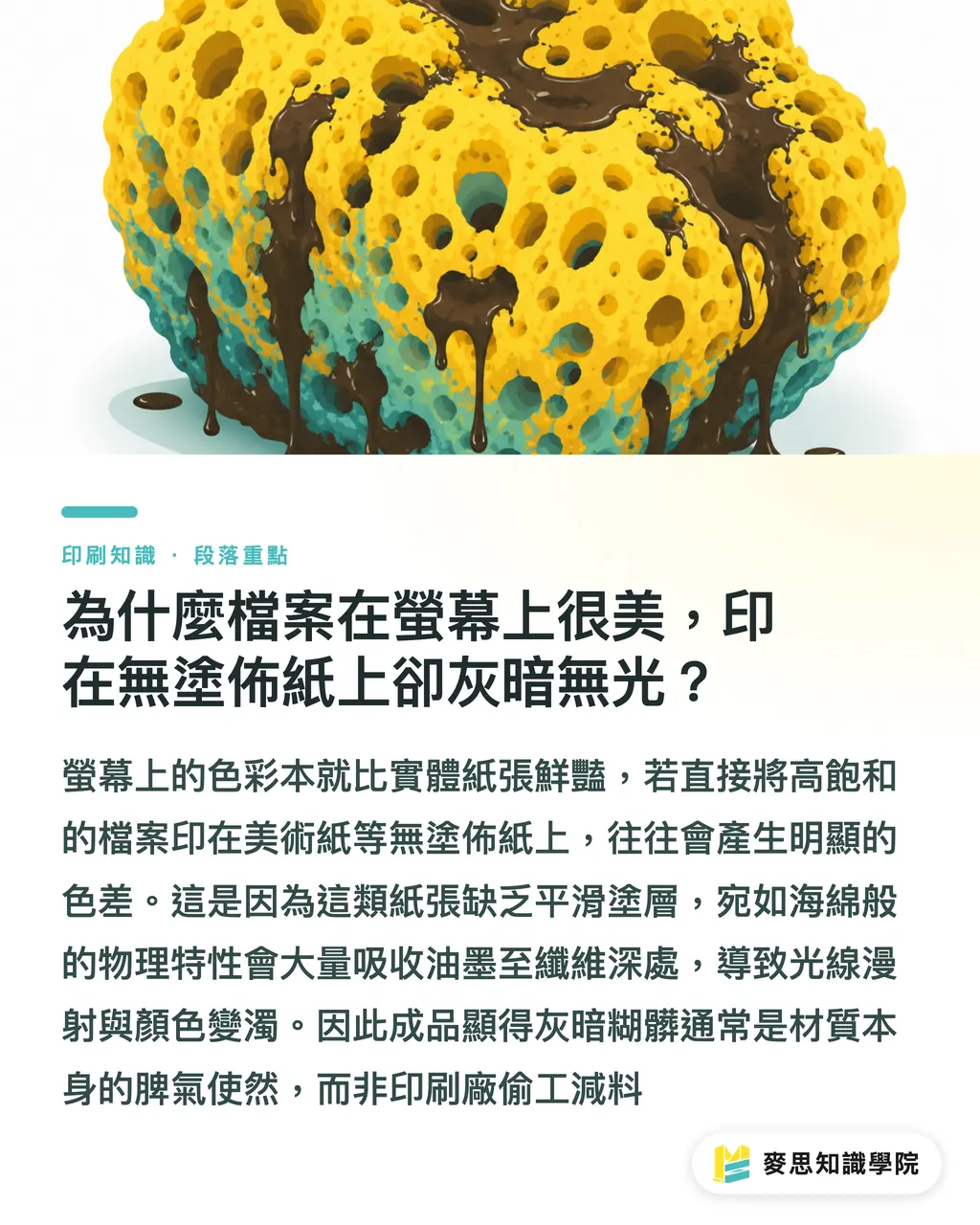
Uncoated papers, such as fine art paper, lack a smooth surface coating. Their physical properties behave like a sponge, absorbing large amounts of ink, which leads to light scattering and muddy colors
While consulting for several design agencies recently, I noticed that beginners most easily fall into the trap of 'on-screen vs. physical color discrepancy.'
The RGB colors on self-luminous screens are inherently more vibrant than physical paper, yet many designers are accustomed to using the same color values across all media
However, if you print highly saturated files directly onto highly absorbent fine art paper, the ink penetrates deep into the paper fibers, making the output look muddy and blurry
This is usually not due to the print shop cutting corners, but rather the unique characteristics of the material itself, an issue we frequently encounter in cases handled by MINDS
What production line disasters can excessive Total Ink Coverage trigger?
To achieve a deep black, many designers intuitively maximize all CMYK values
However, based on my long-term observations on the production line, if the Total Ink Coverage (TIC) of the four colors exceeds 250%, it spells disaster for uncoated paper
Once the paper is saturated, excess ink sits on the surface, triggering a chain reaction of customer complaints:
・The ink refuses to dry, leaving the entire batch sitting in the factory to air dry, which severely delays delivery schedules
・When sheets are stacked, wet ink transfers to the back of the sheet above, causing irreversible set-off defects
・During post-press finishing, cutting, or folding, the surface ink easily scratches off. All the pain points of color loss after printing happen at once
What if you can't run a press proof? Under-Color Removal and fast-drying inks
Since the paper absorbs ink aggressively, we must proactively adopt a subtractive approach during prepress file preparation
For heavy dark areas, you can apply Under-Color Removal (UCR) or Gray Component Replacement (GCR)
Simply put, this involves replacing the gray tones produced by overlapping CMY inks in the dark areas with a single black (K) ink
This technique significantly reduces the total ink coverage, which preserves dark details while helping the ink dry much faster
If the project deadline is extremely tight, I usually suggest that procurement specify fast-drying inks when ordering, or evaluate switching to UV printing
UV printing relies on ultraviolet light for instant curing. Since the ink layer stays on the surface, it maximizes the preservation of the rustic feel and color performance of fine art paper
The MINDS Three-Step Verification: Standard procedures for safely transforming artwork into print
Prepress prevention is always better than post-production complaints
To avoid getting a final product that causes a breakdown, I highly recommend implementing the standard MINDS Three-Step Verification to eliminate variables:
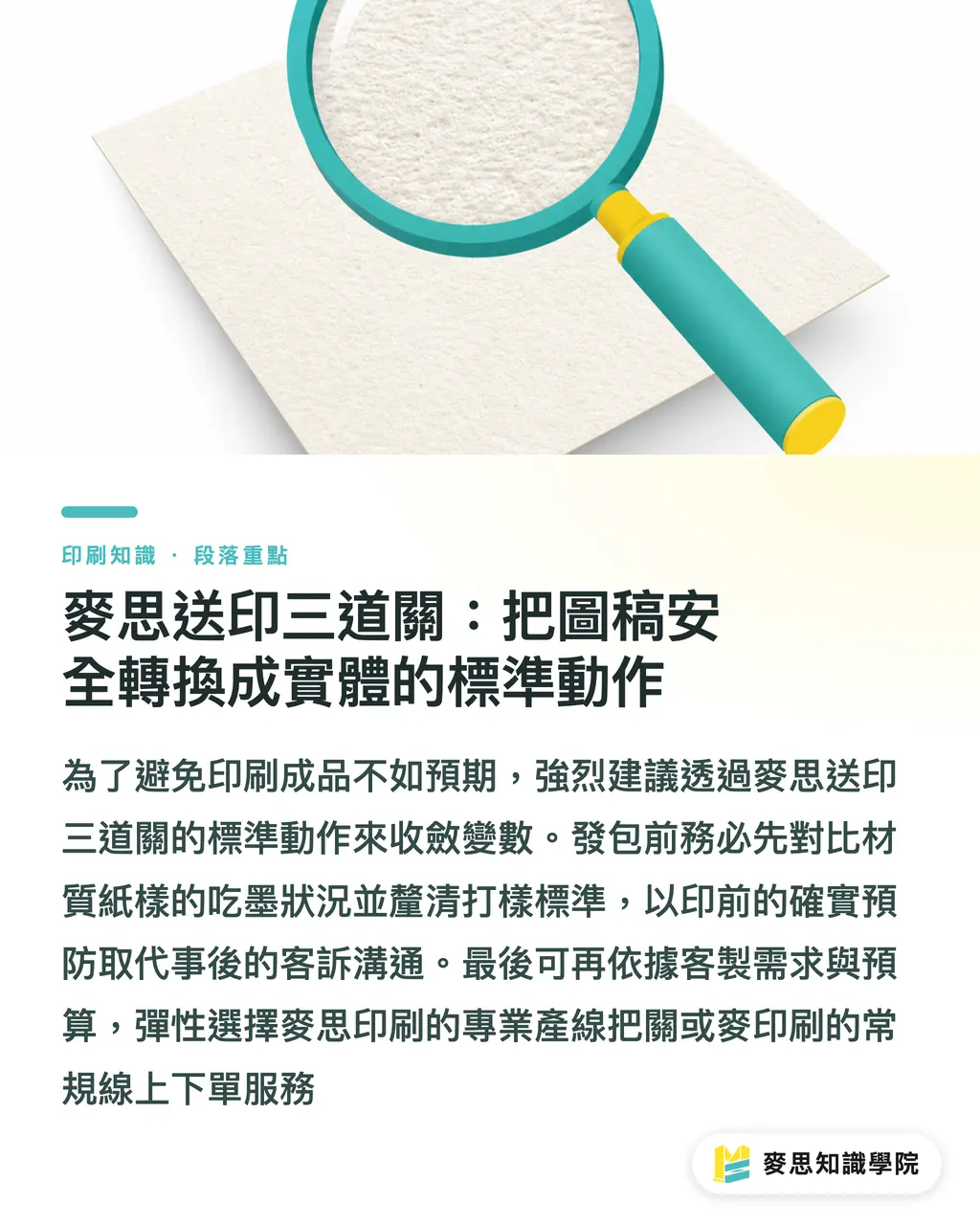
・① Confirm the material sample first: Compare the paper sample directly with the original file to check the base tone and ink absorption of the selected fine art paper
・② Clarify surface finishes beforehand: Any varnishing, coating, or foil stamping will alter the texture, so you must verify processing compatibility before placing the order
・③ Define proofing and acceptance criteria: Digital proofs and press proofs have completely different color standards. Specifying these details beforehand can save 80% of communication costs
For mid-to-high-end fully customized commercial printing needs, you can work directly with MINDS Printing (MS) to help oversee the production line
For standard specifications, you can also place low-to-mid-range orders online via MYS Printing (MYS) to ensure your budget is spent wisely
Key Takeaways
・The high ink absorption of uncoated paper is the main cause of dull colors. Avoid relying too heavily on self-luminous screens for color matching
・Keeping the Total Ink Coverage (TIC) below 250% can effectively prevent slow drying and set-off defects
・Using Under-Color Removal (UCR) to replace CMY in dark areas with black is a powerful prepress tool to reduce printing risks
・Applying the MINDS Three-Step Verification, confirming materials and proofing requirements upfront, is key to controlling hidden costs
Further Thoughts
From the perspective of printing SaaS and automated workflows, future systems should automatically detect TIC and trigger warnings when users upload files
This will significantly reduce manual inspection costs on the production line and minimize reprint waste
When applications can recommend the best parameters for under-color removal and prepress compensation based on the selected paper stock,
designers and print shops can dedicate all their energy to creativity and quality, rather than struggling with manufacturing variables every day
Further Reading
・Resources: Does Fine Art Paper Printing Always Look Muddy? Ink Absorption Pitfalls and Remedies for Uncoated Paper
FAQ
- Fine art paper printing turned out very dull. Did the print shop really mess it up?
- This is usually caused by the high ink absorption of uncoated paper, which lets the ink sink into the fibers. It is not a machine error and must be compensated for by adjusting color values during prepress
- Why does the ink on the paper still smudge when touched, even days after printing?
- This indicates that the Total Ink Coverage in the file was set too high, leaving the paper unable to absorb the excess ink. Currently, the only solution is to let it air dry over time, or switch to UV printing in the future
- Is there any way to accurately predict the printed colors on fine art paper beforehand?
- The safest method is to run a physical press proof. If your budget is limited, make sure to at least compare your design with a paper sample of that specific stock, never rely solely on your screen
Related articles
The Print × AI weekly
The print and AI know-how designers, brands and enterprises can use before they commit — one email, every week
MINDS Free Tools
AI background removal, a LINE sticker maker, spine & imposition calculators — all free, right in your browser, no upload.
MINDS Group
Need actual printing or gifting services?
From premium printing to online ordering and festive gifts — the MINDS Group sister brands take it from here.