

What problem does Vasion Intelligent Print Automation solve?
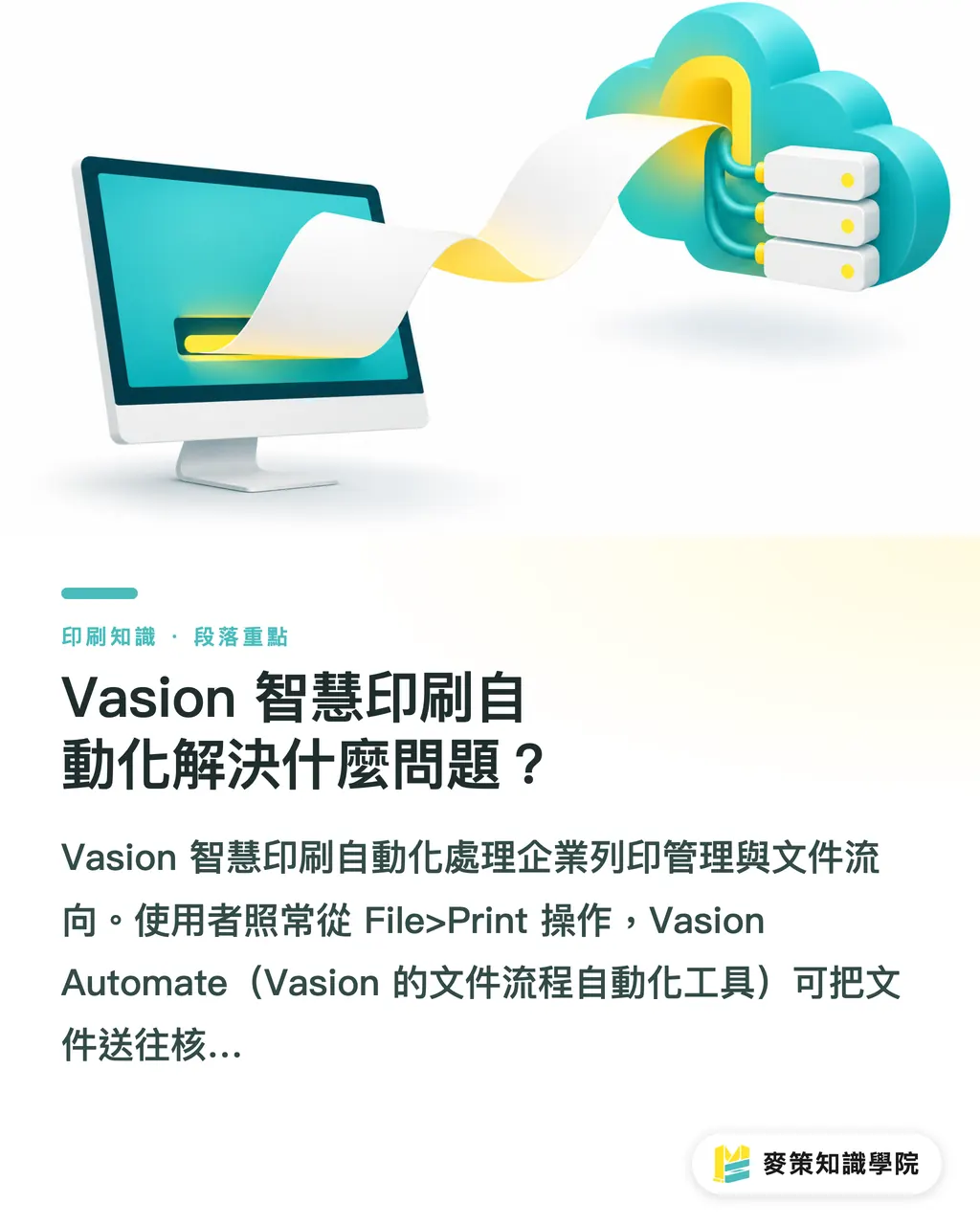
Vasion Intelligent Print Automation handles enterprise print management and document routing. Users continue to work through File>Print as usual. Vasion Automate, Vasion's document workflow automation tool, can route documents to approved queues, departments, or archives. Intelligent print automation connects print management to cloud document workflows, assigns documents according to rules, and reduces manual forwarding and follow-up
Vasion's Intelligent Print Automation extends serverless print management, which uses the cloud to manage printing and reduces the need for businesses to maintain traditional print servers. It also covers automated driver management and moving legacy output management to the cloud. Quocirca reports that 47% of IT decision-makers plan to modernize their print infrastructure in 2026. Meanwhile, 64% plan to invest in AI and 56% expect to increase cloud spending. Print environments are lagging behind these upgrades.Source article
Based on Vasion's public feature descriptions, it addresses enterprise print management and document workflows. It should not be treated as a production scheduling or machine control system for print shops
Why start with File>Print?
Vasion starts with File>Print because users already know the action. They can launch an approval, route a document to a department, or archive it without learning a separate workflow interface. Many documents get stuck in delivery, approvals, and version checks. Whether they can be printed is rarely the problem. Put the rules where the document is submitted, and the process is more likely to fit the way people already work
Quocirca's Future of Document Capture Study 2025 reports that 35% of surveyed organizations have already organized document data to make it manageable by AI, while another 44% are working on it. 63% plan to increase investment in IDP (Intelligent Document Processing), which helps extract, classify, and route document data. Vasion's approach is to direct documents as they are submitted, so data does not sit untouched in paper or static files.Source article
Start by organizing the fields
What should you check before implementation?
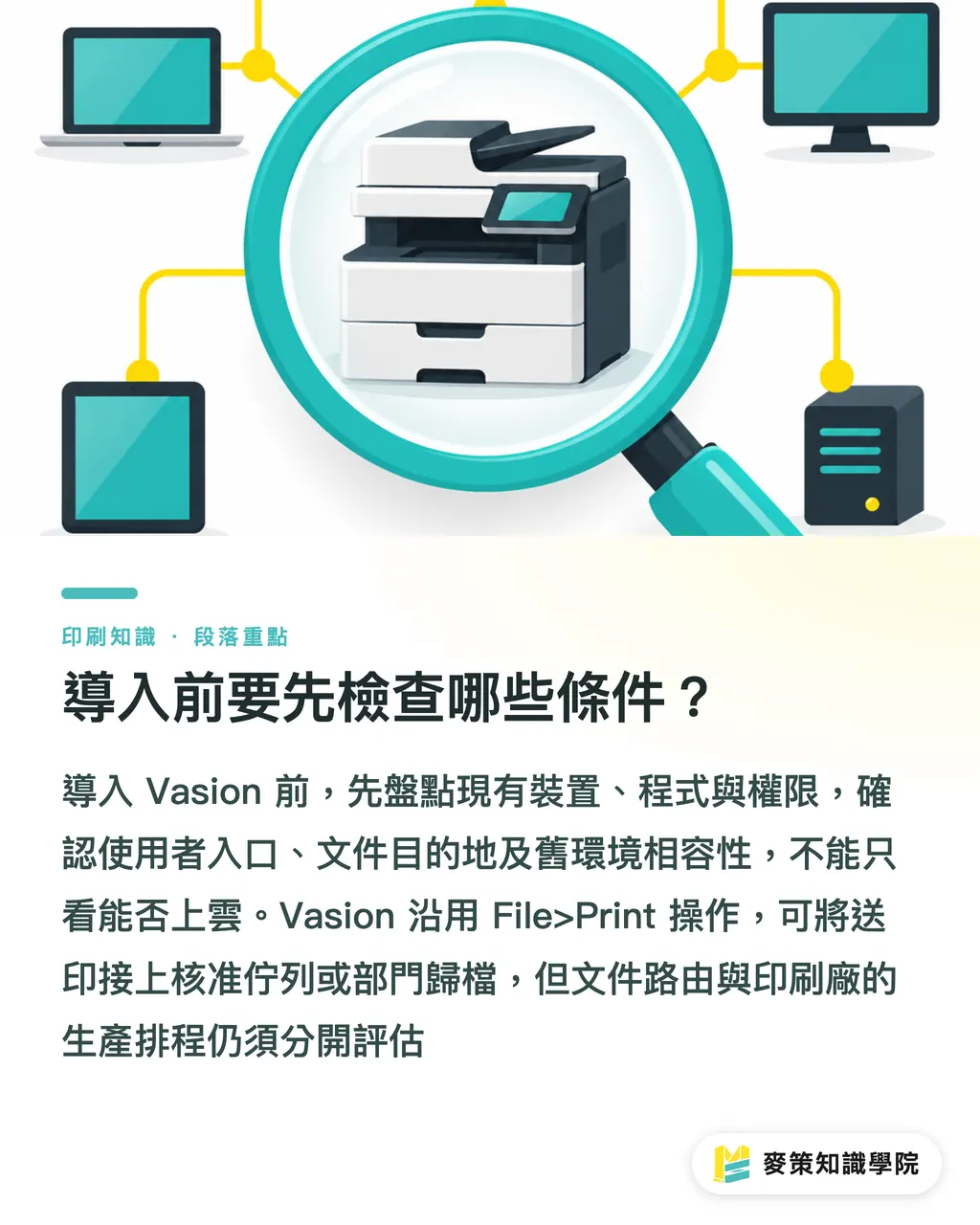
Before implementing Vasion, check the user entry point, document destinations, and compatibility with your existing environment. The product covers automated driver management, ARM architecture support, and moving legacy output management to the cloud. An environment review should go beyond asking whether it can move to the cloud. Check your existing devices, applications, and user permissions too
Pros:
・Vasion keeps the familiar File>Print workflow, making it easier for users to adopt new approval or archiving processes
・Vasion can connect a print request to an approval queue, department, or archive
Cons:
・If document destinations, permissions, and fields are not sorted out first, mistakes can move through the new workflow faster
・Vasion's public feature descriptions do not show that it can replace a print shop's production management system. Evaluate document routing and production scheduling separately
How should you approach a Vasion implementation?
A Vasion implementation can be broken into six steps. I combined needs analysis, system selection, data integration, operator training, and performance validation with an environment review and a small pilot to create the "MINDS Vasion Implementation: Six Steps" framework
・Step 1 of the MINDS Vasion implementation process: Choose one document workflow that often needs approval, forwarding, or archiving
・Step 2 of the MINDS Vasion implementation process: Map where documents come from, who handles them, and where they go
・Step 3 of the MINDS Vasion implementation process: Check your print devices, drivers, and legacy output management environment
・Step 4 of the MINDS Vasion implementation process: Set destinations and permissions, then connect the data you need
・Step 5 of the MINDS Vasion implementation process: Have a small group of operators try it out and note where they get stuck
・Step 6 of the MINDS Vasion implementation process: Evaluate the results against pre-implementation figures for manual scheduling time, error counts, and processing time
Start with a small pilot
How can SMEs tell if Vasion is a good fit?
Vasion suits businesses whose documents are repeatedly forwarded, approved, or archived. If the goal is simply to improve print press scheduling, first check whether the production-side system is the actual problem. Quocirca's summary cites a medium-sized print shop that reduced manual scheduling time by 20% in three months. That is a single case. Use it as a reference for setting evaluation criteria, not as a forecast for what every business can achieve.Source article
Teams that buy printed materials should also keep in mind that document automation will not choose paper, color, or finishing options for you. If you need custom commercial print, ask MINDS about paper stocks and delivery specifications, and include file versions, approvers, and archive locations in your workflow requirements

Key takeaways
・Vasion turns the familiar File>Print command into an entry point for routing documents
・Define document sources, handlers, and destinations before discussing system integration
・Evaluate document routing and print production scheduling separately
・A 20% result from a single case is no guarantee of the benefits your business will see
What to consider next
On the print manufacturing side, pick a document that people often forward manually and run a pilot. Designers should standardize filenames, versions, and approval fields first. AI and SaaS teams should spell out data destinations and permissions. Start by recording how long the current process takes, who is responsible, and where documents end up. Then decide whether to implement Vasion
Further reading
FAQ
- Can Vasion replace a print shop's production management system?
- Vasion's public feature descriptions focus on print management and document workflows. The available information does not show that it can replace a print production management system, so evaluate the two separately
- Does Vasion require moving every print workflow to the cloud?
- Vasion offers a path to modernize legacy output management in the cloud. Before implementation, review your existing devices, drivers, and document destinations, then decide on the pilot scope
- Where should we start with a Vasion implementation?
- Choose one document workflow that often needs approval, forwarding, or archiving. Confirm its source, owner, and destination, then run a small pilot
- Can we apply the 20% reduction in scheduling time from Vasion's case study directly?
- Do not assume the same result will apply. Quocirca's summary describes a single case at a medium-sized print shop, where scheduling time fell by 20% over three months. Set evaluation targets using your own process baseline
Related articles



The Print × AI weekly
The print and AI know-how designers, brands and enterprises can use before they commit — one email, every week
MINDS Free Tools
AI background removal, brand stamping, and a LINE sticker maker — free design tools, right in your browser, no upload.
MINDS Group
Need actual printing or gifting services?
From premium printing to online ordering and festive gifts — the MINDS Group sister brands take it from here.