
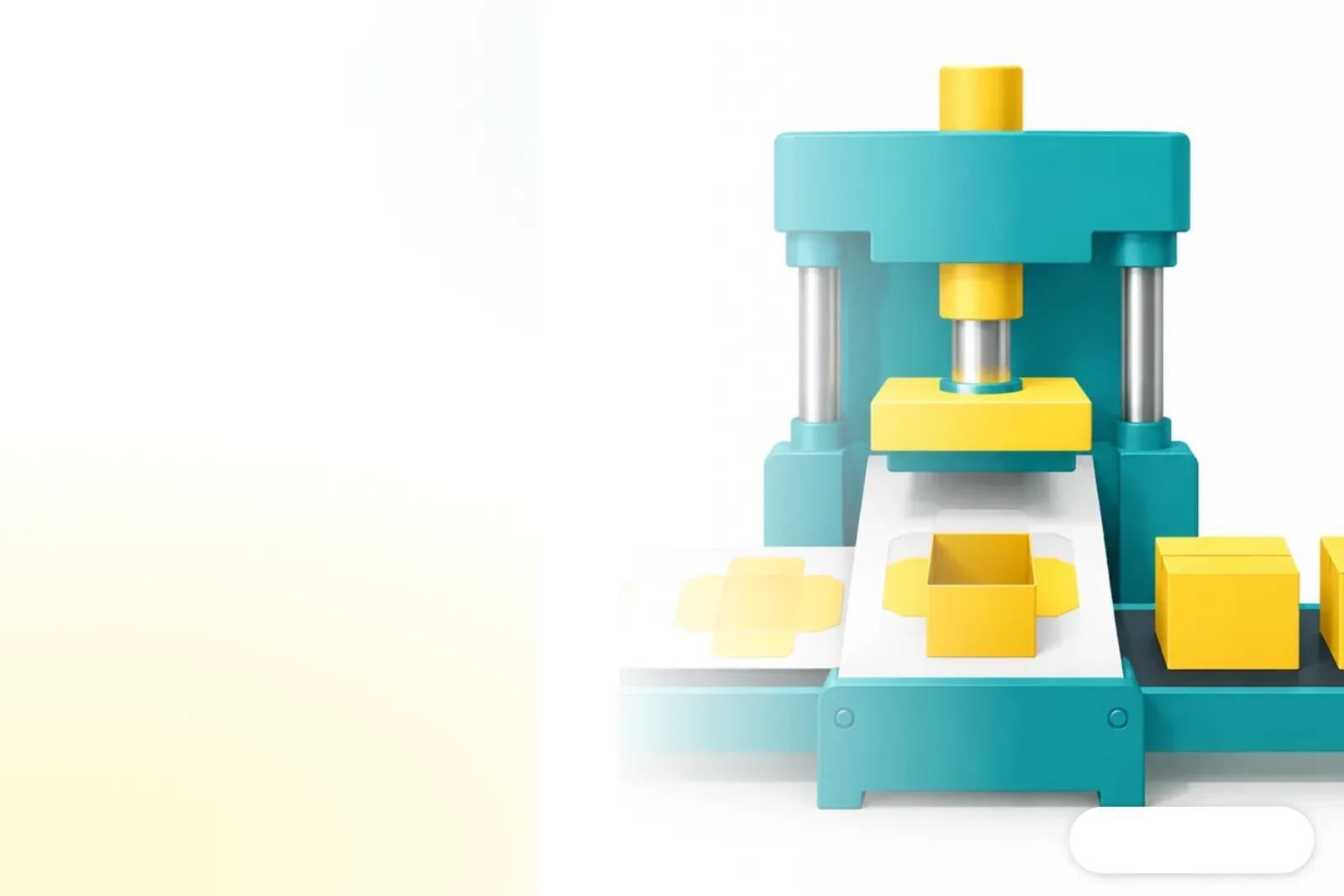
Why build a tool before drawing a design?
Building a tool first preserves rules that can be reused, so similar jobs can be produced consistently. In Reddit's parking-lot CAD case, the tool first organized the design parameters and rules, then delivered a code repository, an AutoCAD plug-in installer, and documentation. The designer reviewed and accepted it. Mai Strategy's Three-Gate Print Check reminds me that this is a workflow worth watching, but it has not yet been validated on a print production floor
The post provides no acceptance criteria or test data, so there's no way to tell whether the output covers every exception. A code repository is a place to keep code and documentation together. A plug-in adds functions to existing software. Mai Strategy's Three-Gate Print Check calls for clarifying who maintains these deliverables and which rules govern updates, so designers don't end up with a tool that runs but has no clear version history

What is a reusable design tool?
A reusable design tool encodes fixed layouts, variable parameters, and output rules in code. It can produce similar jobs repeatedly while leaving a clear way to inspect and edit the results. Mai Strategy's Three-Gate Print Check first separates the conditions that stay fixed from those that change with each order, so one design isn't forced onto every specification
Take a packaging dieline as an example. A designer can mark out the shared box structure, then list finished dimensions, bleed, and glue flaps as inputs. This is a trial approach to adapting the parking-lot case for print work. It doesn't mean the original post tested packaging. Mai Strategy's Three-Gate Print Check also calls for keeping an edit path open, so work can go back to a person when specifications fall outside the set range
Not so fast
Which print processes are worth turning into rules first?
A process is a good fit for a tool when it has fixed inputs, clear outputs, and results a designer can check quickly. To adapt the parking-lot case to packaging dielines, Mai Strategy's Three-Gate Print Check can guide the review:
・Set the required fields for incoming artwork: Confirm the finished dimensions, box style, and delivery format. Send incomplete specs back for clarification, and don't let the program guess
・Separate fixed rules from variable ones: Keep shared dieline, crease-line, and glue-flap rules separate from order-specific dimensions. Limit the first version to one box style
・Review the tool's output: Make sure the parameters, rule version, and items awaiting review are recorded. Then have prepress staff check the dimensions, bleed, and file format
Mai Strategy's Three-Gate Print Check puts these steps under data, responsibility, and human handoff. Start with one box style, compare the tool's output against approved artwork, and record any differences. Only consider expanding its use after that manual check passes
How does Mai Strategy's Three-Gate Print Check work?
Mai Strategy's Three-Gate Print Check spells out where the data comes from, who is responsible for each check, and where a person takes over. That way, someone knows how to stop and handle a problem if the tool fails. Designers should pay close attention to rule versions. A customer may change the dimensions or material, while the tool keeps producing files with the old settings
・Data gate: Confirm who supplies the dimensions, materials, and layout requirements. Return incomplete specs for clarification
・Responsibility gate: Specify who checks the bleed, cut lines, crease lines, and output format, and who approves the final files
・Human handoff gate: List customer requirements that fall outside the defined range. Send those orders back for manual artwork preparation
Mai Strategy's Three-Gate Print Check also applies during a trial run: use approved artwork as the reference and check each part of the output. The original post shares no test data or acceptance thresholds, so each print shop needs to set its own checks. A tool that runs does not mean the file is ready to print
What should designers check before handing off a file?
Before handing off a file, check that the rules applied by the tool and the resulting file match the actual order. Mai Strategy's Three-Gate Print Check can put these checks into the handoff process, so the next person knows what must not be skipped
・Data gate in Mai Strategy's Three-Gate Print Check: Have the dimensions, materials, and layout requirements been confirmed? Were any blank fields filled in incorrectly?
・Responsibility gate in Mai Strategy's Three-Gate Print Check: After revisions, were the bleed, cut lines, crease lines, and output format checked again? Who gives final sign-off?
・Human handoff gate in Mai Strategy's Three-Gate Print Check: If the specs fall outside the tool's range, is the work sent back for manual handling? Is the approved version retained?
If you want to turn one box style into a trial workflow, the consulting team at Mai Strategy Knowledge Academy can map out the input fields, review responsibilities, and return criteria. This checklist also lets designers review each item before handoff, instead of relying on memory to catch anything they missed

Key takeaways
・For repeatable layouts, write down the rules before deciding whether to build a tool
・A tool producing a file does not mean the file has passed prepress checks
・Designers need to know the input conditions, rule version, and who gives final sign-off
・When a specification falls outside the tool's range, the process needs to hand the work back to a person
Further thoughts
A print shop can start with a common box style, compare the tool's output against approved artwork, and record what designers actually need to check. Designers should confirm that revisions use the right rule version. AI and SaaS teams should document the input format, rule version, error-reporting method, and human handoff path so the tool can fit into a real file-submission workflow
Further reading
FAQ
- When bringing AI into print design, should you start with the design or the tool?
- If the work repeatedly uses the same layout rules, start by turning the input conditions into a reusable tool, then have a designer check the output. Compare it against approved artwork to see whether the tool is reliable
- Which print jobs are a good fit for reusable tools?
- Jobs with fixed inputs, clear output specifications, and results a designer can check quickly are a good fit. For packaging dielines, start by testing one box style
- Can a reusable tool replace final artwork checks?
- No. Prepress staff still need to check the dimensions, bleed, cut lines, and output format. Work outside the tool's range must be able to go back for manual handling
- What does Mai Strategy's Three-Gate Print Check cover?
- It divides the print submission process into three gates: confirming the data, confirming responsibilities, and handing work back to a person when needed. Designers can see who provides the specifications, who approves the file, and when automated output should stop
Related articles



The Print × AI weekly
The print and AI know-how designers, brands and enterprises can use before they commit — one email, every week
MINDS Free Tools
AI background removal, brand stamping, and a LINE sticker maker — free design tools, right in your browser, no upload.
MINDS Group
Need actual printing or gifting services?
From premium printing to online ordering and festive gifts — the MINDS Group sister brands take it from here.