
How to Write AI Prompts That Go Straight to Print
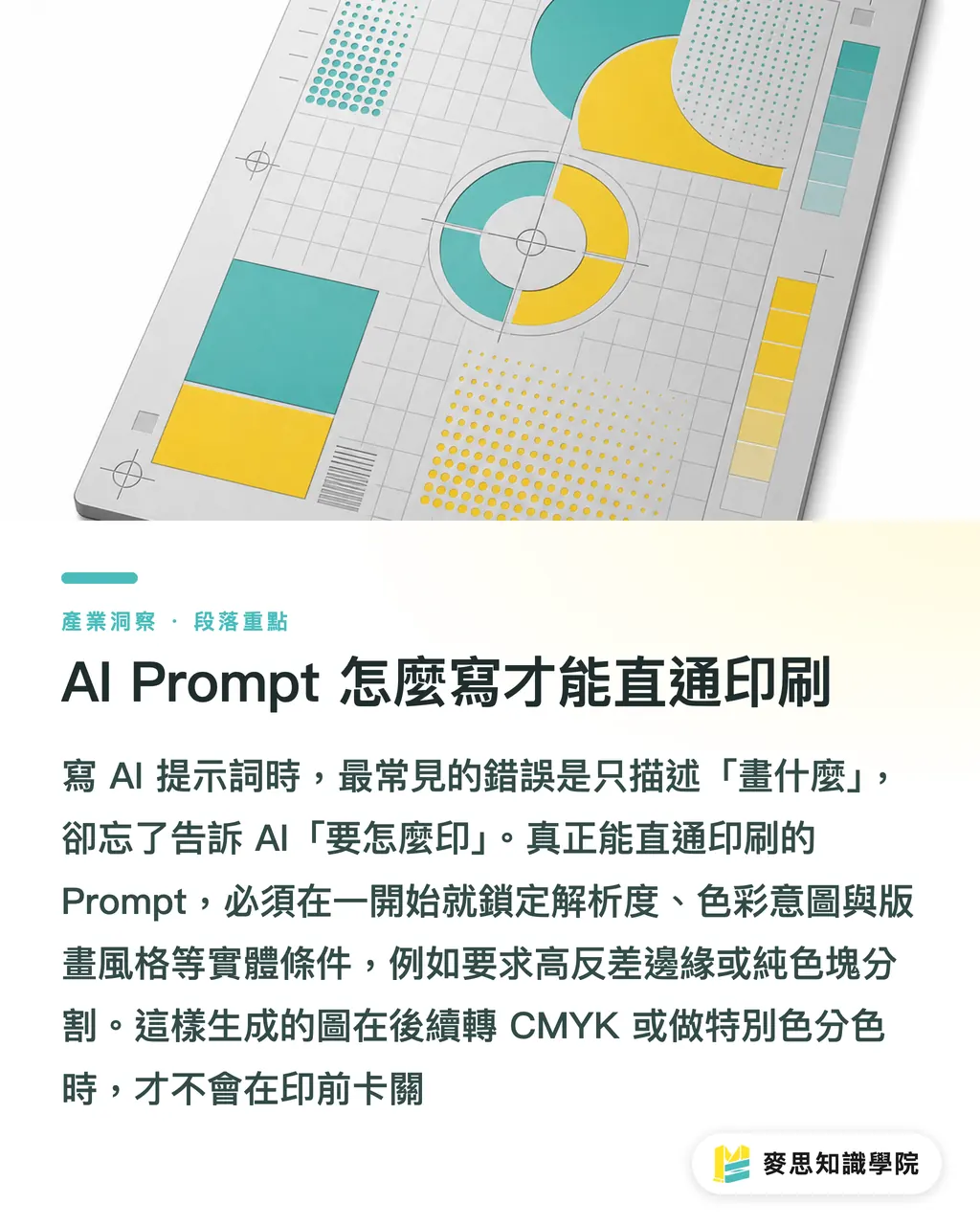
The key to a precise prompt is locking in resolution, media style, and color intent from the beginning, instead of only describing what appears in the image
Over the past six months, I have seen countless cases where designers brought in beautiful AI-generated artwork for printing, only to get stuck at the prepress check
Most people write prompts around "what to draw" and forget about "how it will be printed"
For AI output to have real commercial value, your Prompt has to include physical production conditions
That means asking for high-contrast edges, solid color block separation, or a specific printmaking style, so the generated image will hold up better when converted to CMYK or separated for spot colors
Breaking Down the Core Structure of an Effective Prompt
A Prompt that gives you real control usually has four layers: subject, environment, style, and technical specifications
From our experience handling thousands of print projects, technical specification terms are the part most often left out
・Subject and environment: clearly define the main subject, lighting direction, and composition angle
・Style and material: set the tone with physical media, such as risograph, screen printing, or watercolor paper texture
・Technical and specifications: add quality-control keywords such as 8k resolution, sharp focus, and flat color
・Negative Prompt: this is your guardrail. Make sure blurry, low resolution, and noise are included
The more print-specific terminology you give AI, the better it can narrow the image texture toward something suitable for physical output
For example, replacing plain colorful with offset printing style will give you a much more believable ink-overlap feel in print
Why AI Images That Look Great on Screen Often Go Wrong in Print
Because AI is built by default to generate images for glowing screens, with no concern for paper ink absorption or dot gain
Many clients come in with poster artwork full of extremely complex fluorescent gradients or tiny noise-heavy textures
Once files like these are converted to CMYK, the colors immediately turn dull, and the fine noise can blur into dirty patches on press
To solve this, you need to consciously avoid prompts that depend too heavily on screen-based glow and lighting effects
Use vector illustration or solid colors instead to guide AI toward crisp, clearly bounded color areas
Designers who understand paper stock and finishing processes always write AI prompts that are much sharper and more useful
Prompt Optimization Tips from Draft to Final Artwork
Optimizing a prompt is not about randomly swapping words. It is a process of narrowing the style and making the output more usable
Start with short sentences to test whether AI understands the subject, then layer in style terms once the direction is right
・Add detail only after the core is locked: once the composition is correct, add descriptors for lighting and material
・Use reference images to set the tone: take photos of past printed work that came out well and use them as references, so AI can pick up that physical texture
・Control by area instead of giving one blanket command: for complex images, generate the cut-out subject first, generate the background separately, then composite and lay everything out in design software
・Leave room for bleed and trimming: ask for a wider angle or extra white space in the prompt, so important elements do not get cut off during trimming
AI is only a tool. The final gatekeeper is still a person's understanding of the print production process
Once you understand these details, AI can become one of the most useful assistants on the production line, helping your creative work land cleanly in the real world
Key Takeaways
Using the right technical specification terms can sharply reduce prepress rejection rates
Guide AI with terminology from physical print media to generate more believable textures
Avoid complex gradients that rely on screen glow, and use clear color blocks to define the look instead
Further Thinking
For designers and print buyers, the best way to think about AI is as an outsourced illustrator who needs a clear specification sheet. The more specific the physical limits you give in the Prompt, the more room you have later when choosing paper and matching finishing processes. This is exactly the one-stop mindset from front-end design to back-end manufacturing that MINDS has always emphasized
FAQ
- Can AI-generated image files be sent directly to a print shop?
- Usually not. You first need to check whether the resolution reaches 300dpi and convert the file to CMYK color mode, or color shifts and blurring can happen easily
- Does adding 8k or 4k to a Prompt actually help?
- These terms mainly guide AI toward a sharper style with more detail, but the actual pixel dimensions of the output file still depend on the settings of the AI tool you use
- How can I keep AI-generated images from turning dark in print?
- Specify bright color palettes and clear contrast in the Prompt, and reduce descriptors that involve neon glow or extreme dark gradients
- If I want to print a design with a specific paper texture, how should I write the Prompt?
- Add the paper stock or printing process directly in English, such as textured watercolor paper or letterpress style. This can simulate physical texture more effectively
Related articles
The Print × AI weekly
The print and AI know-how designers, brands and enterprises can use before they commit — one email, every week
MINDS Free Tools
AI background removal, brand stamping, and a LINE sticker maker — free design tools, right in your browser, no upload.
MINDS Group
Need actual printing or gifting services?
From premium printing to online ordering and festive gifts — the MINDS Group sister brands take it from here.