

Is Synthetic Paper Actually Suitable for Digital Printing?
Short answer: yes, but you need the right press and the right application
Synthetic paper isn't really paper. It's essentially a plastic film (usually PP or PET substrate) with a coating applied to the surface so it can accept ink or toner
Because it's not made from wood pulp, it won't tear, won't fall apart when wet, and resists folding and scratching, that's its core value proposition
Digital printing runs on two main technologies, toner-based and inkjet, and synthetic paper behaves very differently on each
・Toner-based digital presses (think Xerox, Konica Minolta and similar) are the best match for synthetic paper; toner fuses via heat, and synthetic paper's heat-resistant coating handles that just fine
・UV inkjet presses also work well; the ink cures instantly under ultraviolet light, so there's no need for absorption, which neatly sidesteps synthetic paper's non-absorbent surface
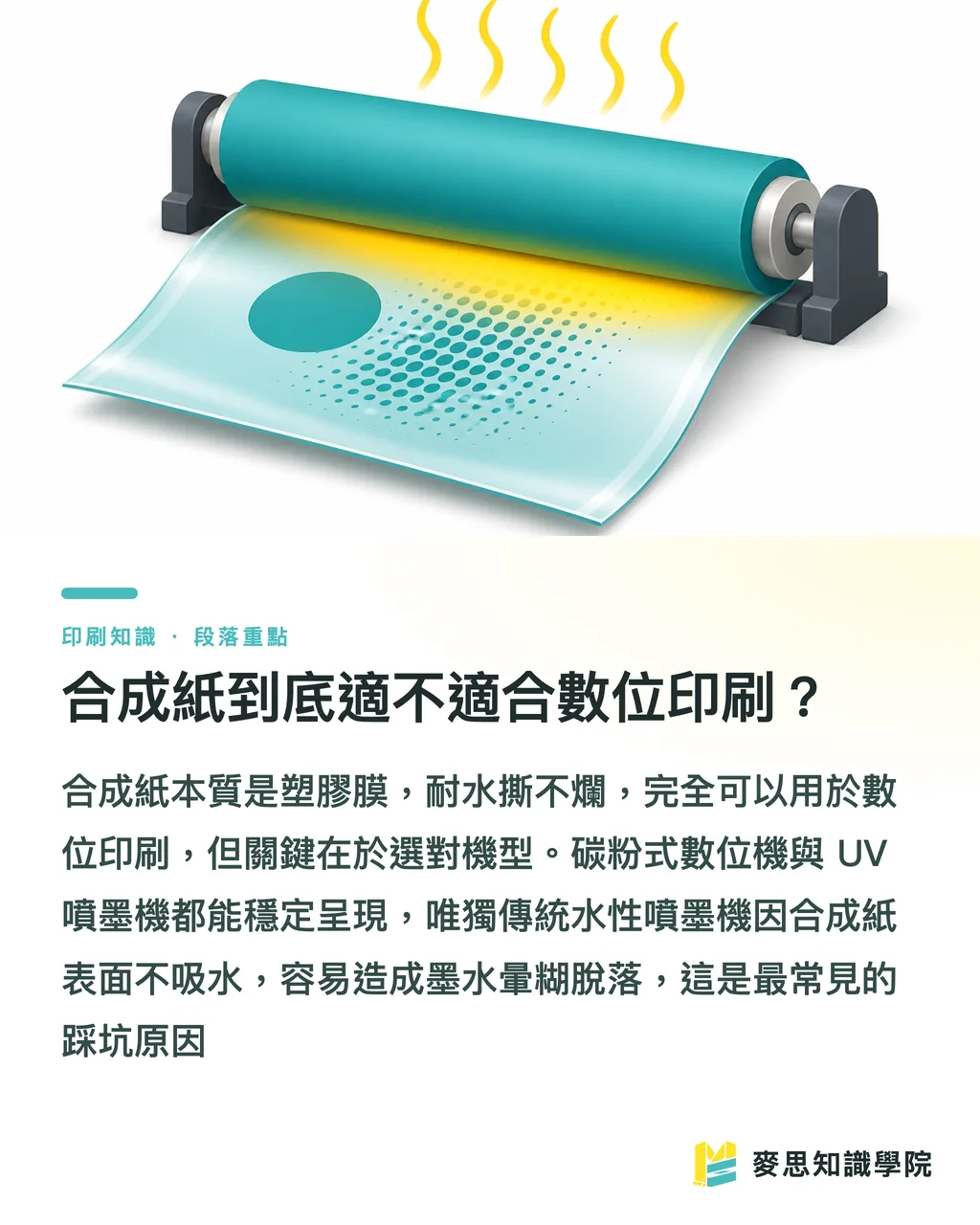
・Never attempt aqueous inkjet on synthetic paper. The surface won't absorb water-based ink, so the ink smears on contact and wipes off with a touch, this is the most common rookie mistake
I've handled several jobs where clients came back furious about the print quality, blaming the paper. Almost every time the real problem was a mismatched press, not the substrate
How Does Synthetic Paper Print Differently from Regular Paper?
The entire difference comes down to three words: it doesn't absorb
Coated art paper and woodfree paper lock ink into the fibre structure; synthetic paper has no fibre, so ink sits and fixes on the surface
This creates three on-press differences you'll encounter every time
・Drying and fixing require heat or UV, water-based inks simply can't dry, as already noted
・Colours come out richer and sharper, because ink stays on the surface without spreading into fibres; fine text and gradients both look cleaner than on standard stock
・Don't rush to stack or trim immediately after printing; toner that hasn't fully cooled and set can scuff, something to factor into your production pacing
There's another point that often gets overlooked: synthetic paper expands and contracts with temperature
The fusing temperature on toner presses is high, and thinner synthetic paper (below 80 microns) is prone to curling after it passes through. Stick with 120 microns or above for reliable results
Post-processing is different as well
・Lamination and coating are largely unnecessary, the substrate is already waterproof and abrasion-resistant
・Folding needs attention; thicker synthetic paper will crack and show white at the crease if you fold it cold, always score first
・Use sharp blades for cutting; a dull blade dragged across plastic substrate will cause fraying and uneven edges

How Much More Does Synthetic Paper Cost, and When Is It Worth It?
Straight talk: the per-sheet material cost of synthetic paper is typically several times higher than comparable-weight coated art paper, that's its biggest barrier
But "expensive" depends on which number you're looking at. I always tell clients to calculate total lifecycle cost, not per-sheet price
Here's a real example from my own experience
・An outdoor sign printed on coated paper still needs mounting board, lamination, and a protective film, three extra processes. Once you add those up, the unit cost is often no cheaper than synthetic paper, and the piece starts fading and delaminating within six months, requiring a reprint
・Switch to synthetic paper, and you get a waterproof, UV-resistant print in a single pass that holds up for two or three years. Spread the cost over the lifespan and it's often cheaper
So before deciding whether to use synthetic paper, ask yourself three questions
・Will this piece get wet, oily, repeatedly folded, or exposed to outdoor sunlight? If yes, synthetic paper deserves serious consideration
・How long does it need to last? If it's a one-and-done piece, event flyers, single-use DM, don't waste the budget; regular paper is more cost-effective
・What quantity are you printing? Synthetic paper suits short runs, custom jobs, and quick turnarounds, exactly where digital printing excels. Once the volume climbs, other processes may make more sense
The most common applications where synthetic paper genuinely pays off
・Waterproof labels and stickers (bottle labels, refrigerated goods, outdoor use)
・Menus and price cards (food service establishments handle them constantly with wet hands; regular paper degrades fast)
・Hang tags, ID badges, membership cards, anything that needs to survive repeated folding and abrasion
・Nursery plant labels, outdoor signage, and garden stakes that must endure sun and rain

What to Confirm Before Placing a Synthetic Paper Print Order
Most orders get stuck not because of budget, but because files and specs aren't aligned, and you end up making a wasted trip
Confirm these points with your print provider before you place the order and you'll eliminate nine out of ten reprints
・Describe the application and environment clearly (outdoor vs. indoor, wet or dry contact) so the printer can recommend the right substrate thickness
・Confirm whether they're running a toner-based or UV digital press; aqueous inkjet is a hard no
・Request a physical proof for heavy solid coverage, synthetic paper's colours are particularly dense, and the gap between screen and print is larger than with regular stock
・Flag any folding, scoring, or die-cutting requirements upfront; synthetic paper's fold behaviour differs from regular paper and requires pre-scoring
・Follow standard file specs (3 mm bleed, 300 DPI) — same as any commercial print job
If you're unsure whether your project calls for synthetic paper, the fastest route is to describe the finished piece's use scenario to a print consultant rather than asking 'what paper should I use?'
Once the usage is clear, the substrate and process choices fall into place naturally
This is exactly why MINDS always starts by understanding requirements before recommending paper and process, get the substrate wrong and everything downstream goes wrong too

Key Takeaways
Synthetic paper is fundamentally a plastic film; its value lies in being waterproof, fold-resistant, and scratch-resistant, not in being a premium version of regular paper
For digital printing, use a toner-based or UV press; aqueous inkjet will produce smeared, unusable results, the single most common failure point
Don't just price per sheet, calculate total lifecycle cost. For durable outdoor applications, synthetic paper often comes out ahead
For one-time-use flyers and DM pieces, synthetic paper is overkill and a waste of budget; standard stock is the right call
Clarify the use environment before placing an order. Substrate and process choices should be reverse-engineered from requirements, not decided upfront
Further Thinking
The synthetic paper question is actually a great microcosm of a broader truth: choosing a substrate is never about which material is 'better' — it's about which one is right for your specific job
For SMEs and designers, here's practical advice for your next step
・If you have a project with outdoor, waterproof, or durability requirements, put synthetic paper on the evaluation list proactively. Don't be scared off by the per-sheet price; run the durability amortisation calculation first
・First time using it? Insist on a physical proof. The feel and colour rendition of synthetic paper can't be simulated on screen, you need to hold it to know whether it's right
・Build a habit with your print provider: describe the end use first, then discuss specs. This lets them steer you away from the vast majority of process pitfalls
・If you regularly run short-run, custom, or fast-turnaround jobs, the combination of digital printing plus synthetic paper will feel like a natural tool, but once volumes scale up, revisit the economics
Ultimately, paper exists to serve the content
Think through the usage scenario clearly and the right substrate and process will surface on their own, saving not just money, but the time lost to back-and-forth reprints
FAQ
- Can synthetic paper be printed on a regular inkjet printer?
- Not recommended. Standard aqueous inkjet printers rely on paper fibres to absorb and fix the ink; synthetic paper's surface doesn't absorb water, so the ink will smear, won't dry, and wipes off with a touch. You need a toner-based digital press or a UV inkjet machine for clean results
- How much more expensive is synthetic paper than standard coated stock?
- At a comparable weight, synthetic paper's material cost is typically several times higher than coated art paper. However, when the application demands waterproofing, UV resistance, and durability, the savings on lamination, mounting board, protective coatings, and reprints often make synthetic paper the more economical choice over its full lifespan
- What products are best suited to synthetic paper?
- Waterproof labels and stickers, food service menus and price cards, hang tags and ID badges, outdoor signage and wayfinding, and nursery/plant tags that will be exposed to water, oil, repeated handling, or outdoor conditions are ideal candidates. Single-use flyers and one-time DM pieces are not cost-effective
- Can synthetic paper be folded or die-cut after printing?
- Yes, but thicker synthetic paper will crack and show white at a fold line if you score cold, you must pre-score it. For die-cutting and trimming, use sharp blades; a dull blade dragged across the plastic substrate will cause fraying and ragged edges. Communicate these requirements to your print provider before placing the order
- Will synthetic paper fade or warp?
- Synthetic paper itself is UV-resistant and waterproof, far outperforming regular paper outdoors. That said, the high fusing temperatures on toner-based digital presses can cause thinner synthetic paper to curl as it exits the machine. Choosing a thickness of 120 microns or above keeps results stable
Related articles





The Print × AI weekly
The print and AI know-how designers, brands and enterprises can use before they commit — one email, every week
MINDS Free Tools
Spine width and imposition calculators — skip the manual math, free in your browser.
MINDS Group
Need actual printing or gifting services?
From premium printing to online ordering and festive gifts — the MINDS Group sister brands take it from here.