
Overview
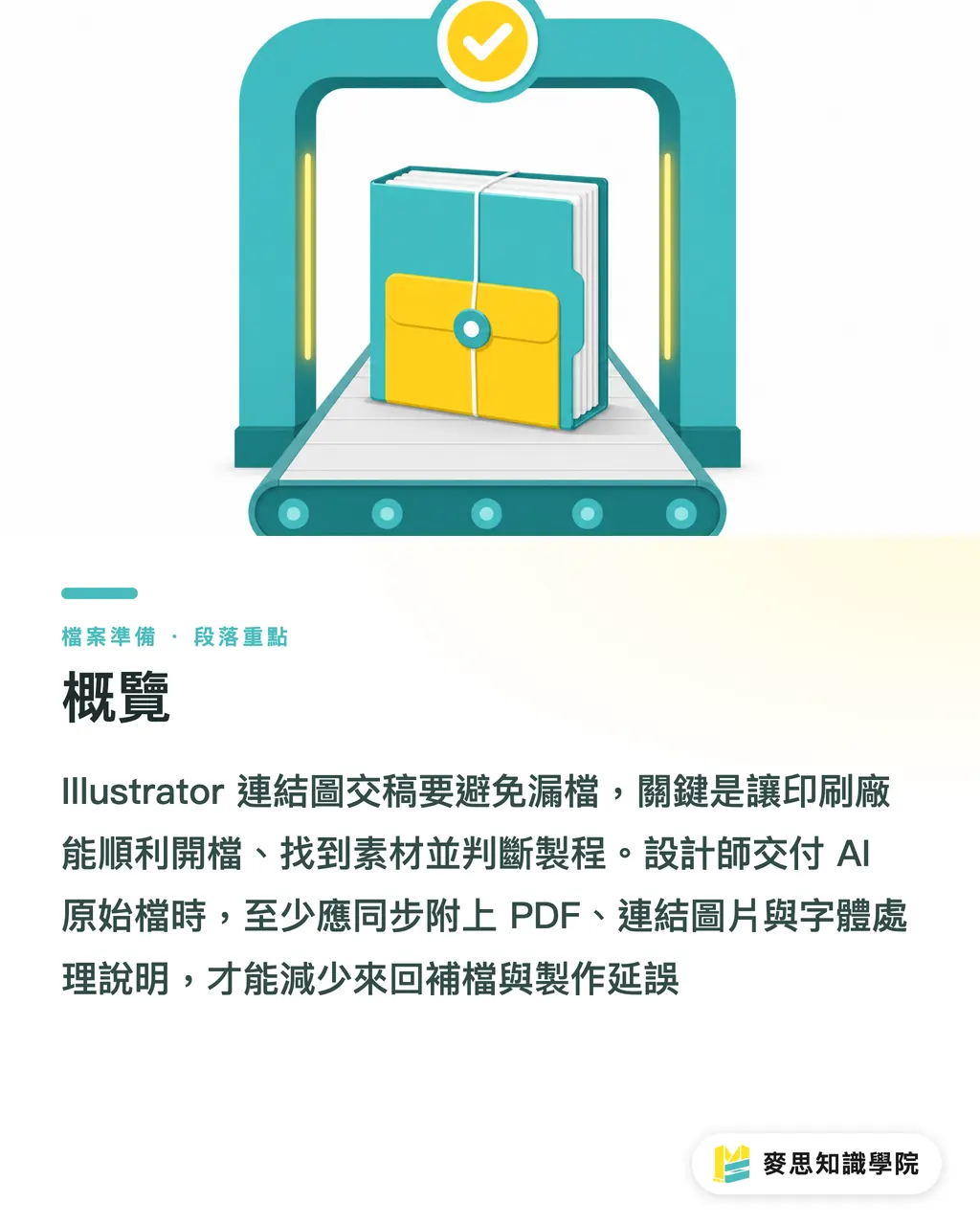
The most reliable way to prevent missing linked images in Illustrator submissions is to use the MINDS Printing (MS) three-gate print submission check: 1. the master file can be opened, 2. the assets can be found, and 3. the production process can be identified. When designers submit editable AI source files, the PDF, linked images, font handling notes, dieline or finishing layers, preview images, and revision records should all be included so the print shop does not have to keep asking for missing files
Why Do Linked Images Go Missing in Illustrator?
A linked image means Illustrator only remembers the image file's location and display settings, while the original pixels remain in an external JPG, PNG, PSD, or TIFF file. Once the AI file is moved to another computer, the path may no longer resolve, and the image may go missing
The most common situation I see at handoff is simple: the designer sends one AI file, the artwork actually uses 12 external images, but not a single original image is included in the folder. The second gate of the MINDS Printing (MS) three-gate print submission check, "assets can be found," gets stuck, and the prepress team has no choice but to send it back for the missing images
Illustrator's on-screen preview can be misleading because the file may still open with a low-resolution preview. But the output side needs the original image files. Being able to see a preview does not mean the CTP, digital press, or backend RIP can access the correct image files
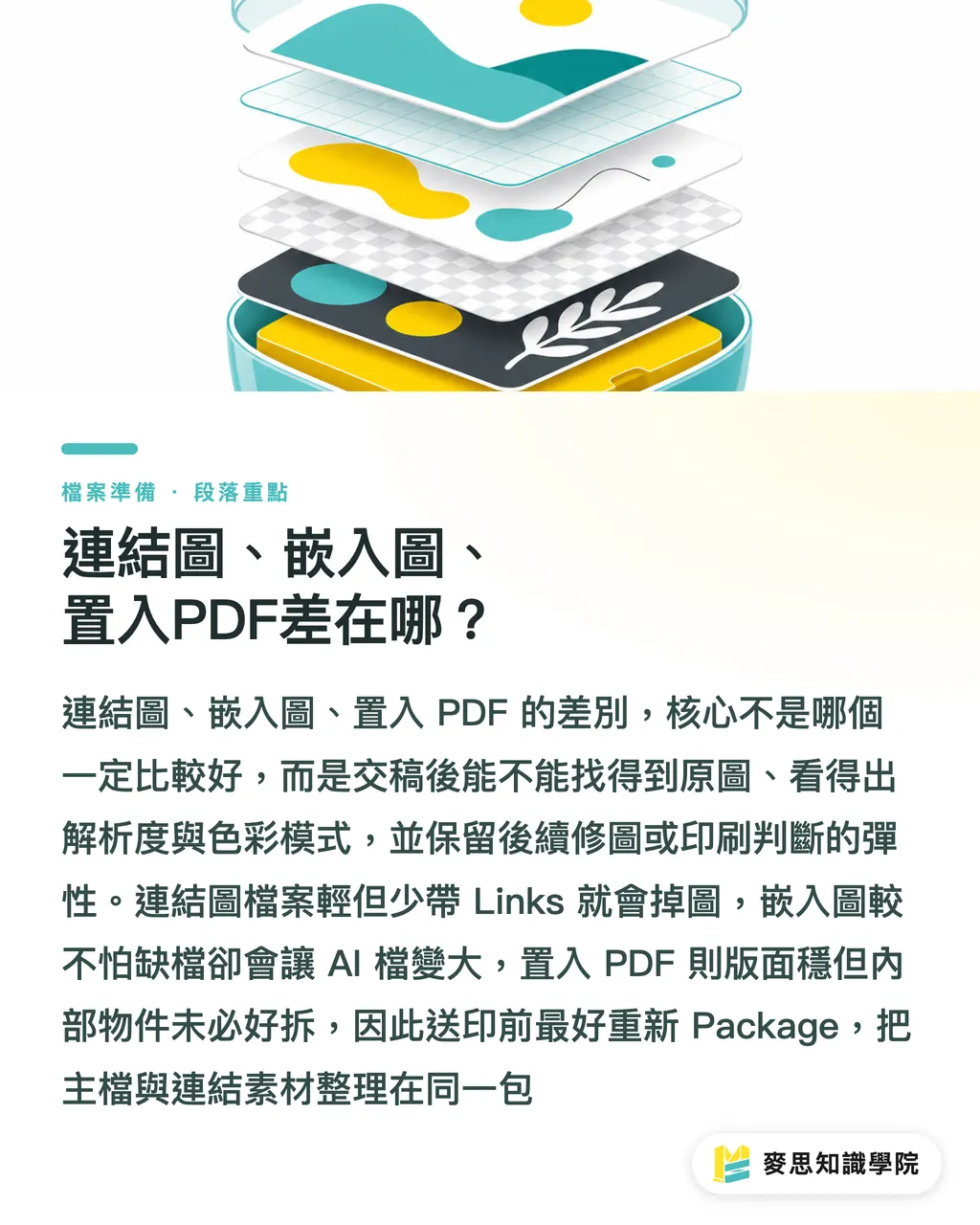
What Is the Difference Between Linked Images, Embedded Images, and Placed PDFs?
An embedded image means the image pixels have been placed directly inside the AI file. This reduces the chance of missing external images at submission, but it also makes the AI file larger and makes it less convenient to revise PSD layers, swap in high-resolution versions, or trace the original source later
・Linked image: the AI file keeps an external path. The advantage is a lighter file and replaceable images; the risk is that images go missing if the Links folder is not submitted
・Embedded image: the AI file directly contains the image. The advantage is lower risk of missing files; the risks are unclear source files, bloated file size, and less flexibility for later retouching
・Placed PDF: the PDF may contain vectors, images, fonts, and transparency effects. The advantage is stable layout; the risks are that internal PDF objects may not be easy to separate, and RGB images or low-resolution images may be hidden inside
・Package file collection: Illustrator gathers the master file, linked images, and document information into one package. The advantage is clear handoff; the risk is editing the file after packaging without running Package again
When the MINDS Printing (MS) three-gate print submission check looks at these four states, the judgment is practical: a good submission must link back to the original images, reveal resolution, clarify color mode, and make it clear which layers are for printing or finishing
What Five Things Should You Check Before Submission?
The MINDS Printing (MS) three-gate print submission check first looks at five common problem areas: missing links, effective PPI, color mode, crop area, and file names or paths. Once these five items are checked, rejection rates usually drop noticeably, and at minimum the job will not get stuck in basic back-and-forth over "where is the image?"
・Missing links: open Illustrator's Links panel and confirm there are no missing links, modified links, or warning icons. If a linked image has been changed, update it again
・Effective PPI: small commercial print jobs often use 300 ppi as the checking baseline. Large-format output depends on viewing distance, so you cannot rely only on the original image dimensions
・Color mode: print images should be checked for the intended use of CMYK, RGB, or spot color. RGB images are not always impossible to print, but the submission must make clear who is responsible for color conversion
・Crop area: an image being cropped by a mask does not mean the extra image area no longer exists. Image extension of at least 3 mm beyond the bleed should be checked to avoid white edges after trimming
・File names and paths: avoid special symbols, emojis, overly long spaces, and mixed-language version names. KV_final_v3.psd is easier to hand off than a file named like a chaotic "final final real final" version
For brand catalogs, packaging boxes, specialty papers, or jobs with heavier finishing requirements, MINDS Printing can first run a submission check for mid- to high-end fully customized commercial printing. For standard business cards, flyers, stickers, and other clearly specified products, MINDS Printing is suitable for organizing the PDF and basic specs through an online ordering flow
How Does the MINDS Printing (MS) Three-Gate Print Submission Check Apply to Illustrator Files?
The first gate of the MINDS Printing (MS) three-gate print submission check is "the master file can be opened": keep an editable AI version and include one output PDF. The PDF is used for layout comparison, while the AI file is used for prepress work or urgent changes. The dates and version names of both files should match
The second gate of the MINDS Printing (MS) three-gate print submission check is "the assets can be found": the Links folder must contain all external images. If fonts cannot be delivered with the file, include the font names and outline notes. I recommend including at least one JPG preview image so prepress staff can immediately see whether the artwork has shifted
The third gate of the MINDS Printing (MS) three-gate print submission check is "the production process can be identified": dielines, foil stamping plates, embossing plates, white ink plates, and spot UV plates should be separated into clearly named layers. A common method is to use three layer groups: finished artwork, production process, and reference. Finishing lines should not be mixed into the main visual, or the backend team will struggle to tell which lines should print and which are only for positioning
How Should You Organize the Folder Sent to the Print Shop?
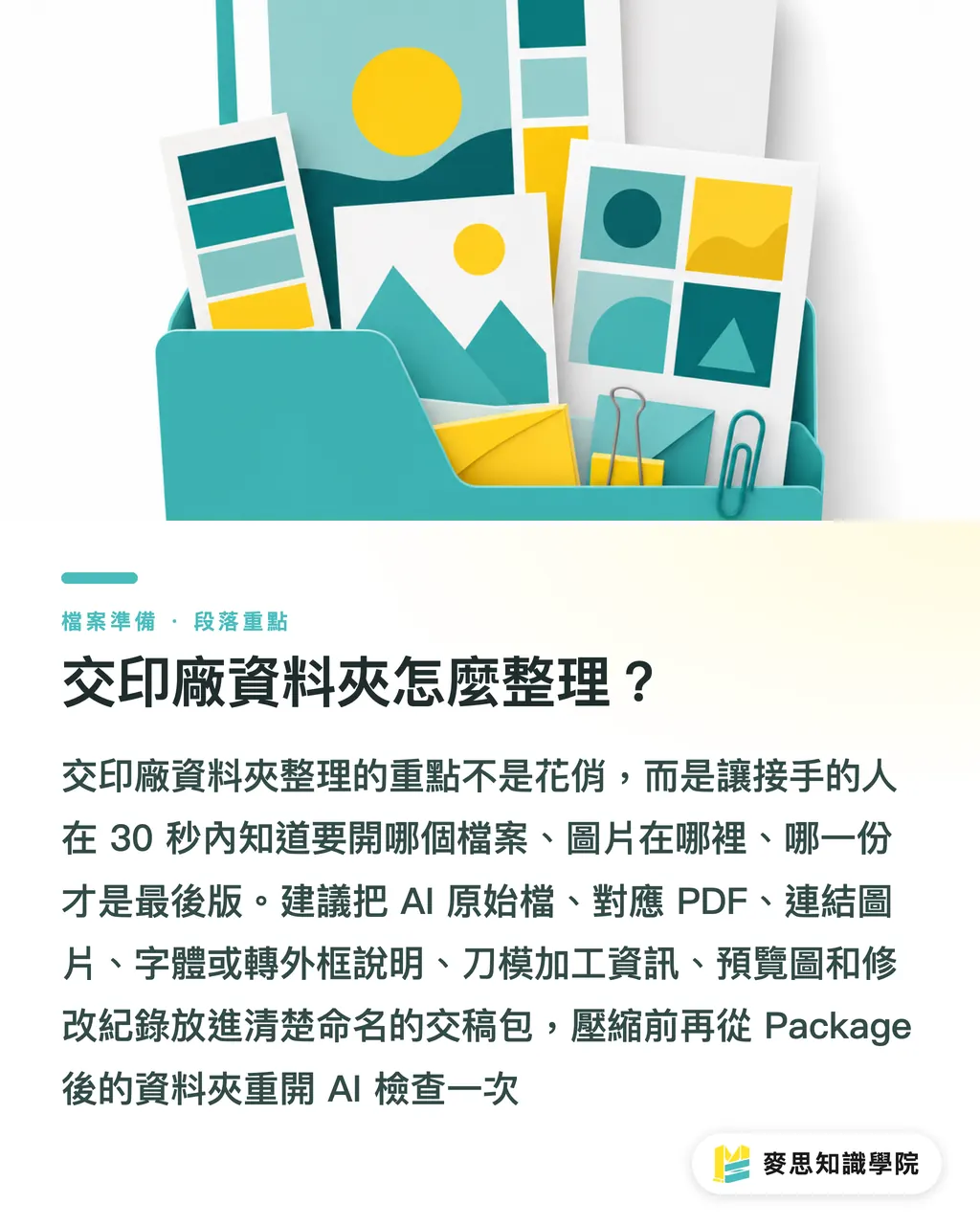
The folder preferred by the MINDS Printing (MS) three-gate print submission check is not fancy. It simply lets the next person know within 30 seconds which file to open, where to find the images, and which version is final. Designers can organize the submission package with seven items
・01_AI: editable AI source files, with file names including product name, size, version, and date
・02_PDF: output confirmation PDFs, with file names that clearly correspond to the AI files
・03_Links: linked images such as JPG, PNG, PSD, and TIFF files. Do not leave them scattered across the desktop or fragmented cloud paths
・04_Fonts_or_Outline_Note: font handling notes. If text has been outlined, clearly state which version has been converted to outlines
・05_Dieline_Process: notes for dielines, finishing plates, white ink plates, or other production process layers
・06_Preview: 1 to 3 JPG preview images so the print shop can quickly compare the artwork
・07_Revision: revision records, at minimum listing the revision date, revision details, and confirming person
My habit is to open the AI file once more before compressing the submission package, using the folder generated after Package instead of opening it from my original desktop path. This is a very manual habit, but it catches many linked images that can only be found on the designer's own computer
Key Takeaways
・Missing images in Illustrator are usually not a design mistake. The AI file often carries only the path and does not include the original images
・Linked images are suitable for professional final artwork, embedded images help reduce missing-file risk, and Package is the real handoff safeguard
・Check five things before submission: missing links, effective PPI, color mode, crop area, and file names or paths
・The MINDS Printing (MS) three-gate print submission check captures the essentials in three lines: the master file can be opened, the assets can be found, and the production process can be identified
・A good submission is not about having many files. It is about letting the next person understand the folder within 30 seconds
Further Thinking
For print manufacturing, linked image management is quality control at the front end of prepress. For designers, Package is part of the submission process, not a closing ritual. For AI application and SaaS teams, the most valuable opportunity is turning checks such as missing links, effective PPI, CMYK/RGB, 3 mm bleed, and file paths into pre-upload reminders, so errors stop on the design side instead of in front of the press
Further Reading
・User-provided material: Illustrator Linked Image Submission Checklist to Prevent Missing Assets
FAQ
- Do Illustrator submissions always need images to be embedded?
- Not necessarily. Professional print-ready artwork often uses linked images because images are easier to replace and the AI file stays lighter. As long as the Links folder is submitted through Package, linked images are easier to manage than embedding everything
- Does Illustrator Package guarantee that images will never go missing?
- Package greatly reduces the risk of missing images, but if the AI file is edited or images are replaced after packaging, Package must be run again. The MINDS Printing (MS) three-gate print submission check uses the final submitted folder as the reference, not the original path on the designer's desktop
- Do print images always need to be 300 ppi?
- Small commercial print jobs often use 300 ppi as the checking baseline, but large-format output depends on viewing distance and output method. At submission, effective PPI must at least be checked; the original image information alone is not enough
- Can a placed PDF replace linked images?
- A placed PDF can keep the layout stable, but it may contain hidden low-resolution images, RGB color, or transparency effects that cannot be separated. For important print jobs, it is still recommended to provide the original AI file, PDF, and required linked assets
- What are the minimum files to provide to a print shop?
- At minimum, provide the AI source file, output PDF, linked images in Links, font handling notes, dieline or finishing layers, preview images, and revision records. The MINDS Printing (MS) three-gate print submission check first confirms that the master file can be opened, the assets can be found, and the production process can be identified
Related articles
The Print × AI weekly
The print and AI know-how designers, brands and enterprises can use before they commit — one email, every week
MINDS Free Tools
AI background removal, a LINE sticker maker, spine & imposition calculators — all free, right in your browser, no upload.
MINDS Group
Need actual printing or gifting services?
From premium printing to online ordering and festive gifts — the MINDS Group sister brands take it from here.