

What can the HP Latex R530 do?
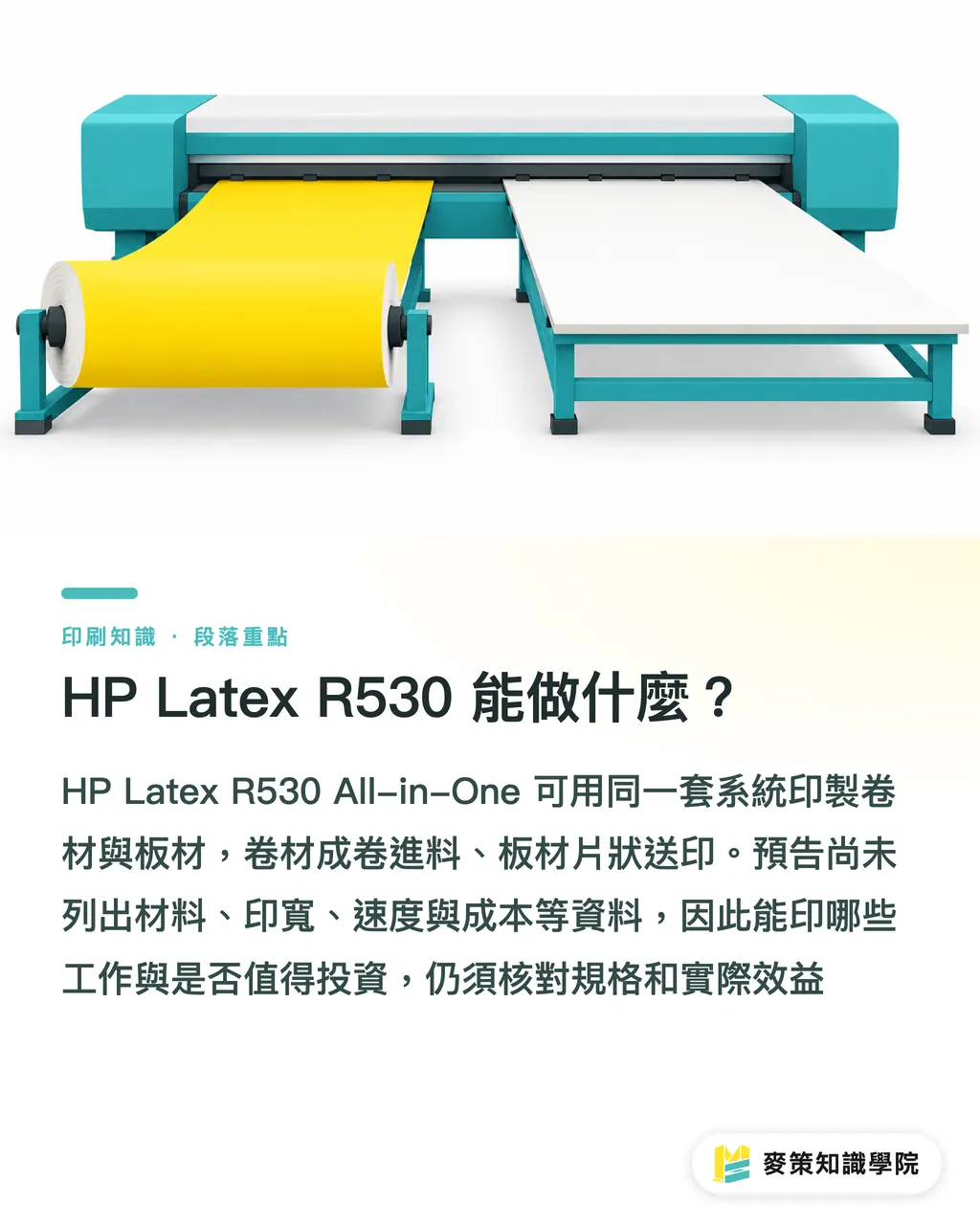
The HP Latex R530 All-in-One is specifically described in the source as using one system to produce both roll media and boards. Print.de published its article on October 1, 2026, as a preview of HP's webinar the next day. The preview says the webinar will cover the production process, applications, and which jobs might be brought in-house
An All-in-One wide-format printing system handles both roll media and boards on the same platform. Roll media feeds from a roll, while boards are fed as sheets. Actual dimensions and supported media still need to be checked against the specifications
MINDS (MS, mid- to high-end fully customized commercial printing) starts its three-part check by separating "can print" from "worth buying." The Print.de headline mentions more applications and higher margins, but the preview doesn't list media, print width, speed, consumables costs, or actual margins. You can't work those out from the headline. Print.de's HP Latex R530 webinar preview
How could one machine improve margins?
One way the HP Latex R530 could improve margins is by letting a print shop take on roll media or board jobs it used to outsource, or turn away for lack of equipment. Print.de's preview also lists which jobs can be brought in-house as a topic for discussion
Gross profit is what remains after direct production costs are deducted from revenue. When estimating a job, deduct media, ink, operator time, and any required finishing. Calculate equipment payback separately
MINDS (MS) uses the cost check to break down a quote: what the customer pays, what outsourcing used to cost, and what extra expenses come with producing the job in-house. A machine may do a lot, but if orders are scarce or media use is high, gross profit on each job may not improve
Start with demand
How does the MINDS (MS) three-part check work?
MINDS (MS) checks demand, per-job costs, and equipment utilization. Each can be reviewed against actual orders and proofing records, giving the purchase discussion a solid basis
・Demand check: Gather recent outsourced jobs, declined jobs, and customer inquiries for roll media and boards. Separate confirmed orders from inquiries that haven't turned into work
・Cost check: Choose a real job file for a test print. Record media, ink, operating time, and finishing costs, then compare them with an outsourcing quote
・Utilization check: Put current jobs into one capacity plan. Estimate file preparation, media changes, and delivery schedules. Don't use the machine's rated speed alone to project a month's output
Print.de's webinar preview says it will show the production process and real-world applications. When talking to a supplier, bring your own files and media and ask for test prints and cost details you can check against these three criteria
Which jobs should you test first?
Start with roll media and board jobs the shop has already received or is currently outsourcing. Then check whether the HP Latex R530 can meet the customer's specifications. Working backward from what the machine might be able to produce can lead you to overestimate how much work you'll get
The Print.de article doesn't list specific products or media. Bring actual files, specified media, and dimensions, and ask the supplier to confirm printability, finishing methods, and turnaround time. If customers often ask for varied applications or short turnarounds, those real jobs are especially worth testing
MINDS (MS) checks whether customers will place repeat orders. It doesn't focus on what the machine can produce during a demo
Test a real job first
What should you check before buying?
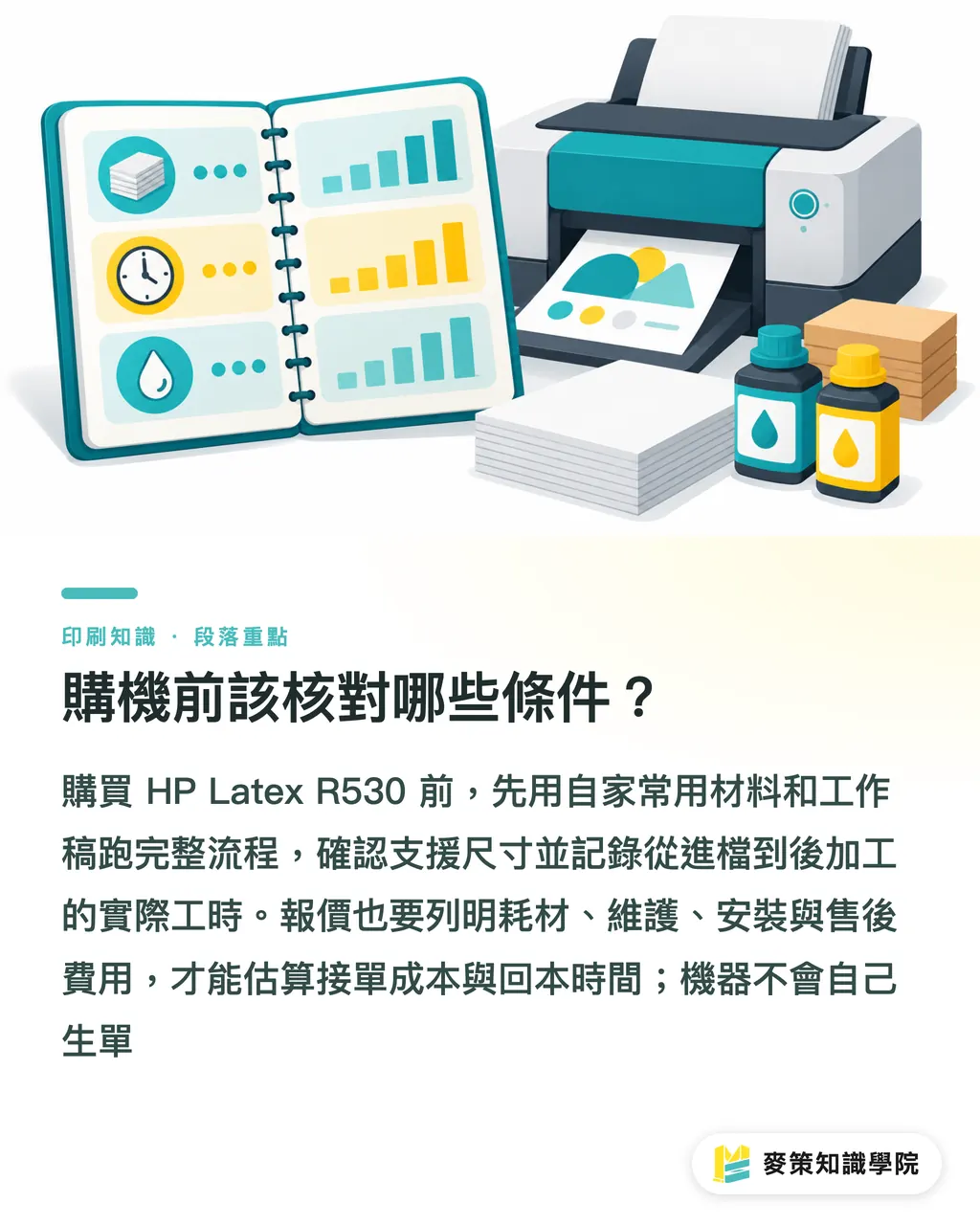
Before buying an HP Latex R530, ask for a complete production demo using your own media and job files, and include supported specifications and fees in the quote. Print.de's preview provides no machine price, print speed, maintenance terms, or consumables figures
・Media and dimensions: Check that the roll media, boards, and dimensions you use most often are supported by the model
・Actual labor time: Record how long each step takes, from file setup and media preparation through printing and finishing, then check the delivery schedule
・Cost breakdown: Ask about consumables, maintenance, installation, and after-sales costs, and include them in your job and payback calculations
Brands planning custom commercial print jobs can gather the dimensions, material, quantity, and deadline first, then request a quote from MINDS. Clear specifications help the print shop estimate the price and plan production
The machine won't bring in orders on its own
Key takeaways
・The source confirms that the HP Latex R530 uses one system to handle both roll media and boards
・An added production capability becomes a margin opportunity only when there are repeatable orders for it
・When estimating a job, deduct media, ink, labor, and finishing costs. Calculate the equipment investment separately
・Before buying, test print real files on your own media and check the specifications and costs line by line
Further thoughts
Print manufacturers can start by gathering outsourced jobs, declined jobs, and actual consumables use, then assess equipment needs with the MINDS (MS) three-part check. Designers can provide consistent dimensions, materials, quantities, and finishing requirements with each file. That gives AI quoting tools the information they need to catch missing fields, and lets SaaS scheduling systems assign work based on roll media, boards, and production steps. First, run recent real orders through test printing and cost calculations. Then decide whether to buy
Further reading
FAQ
- What media can the HP Latex R530 print on?
- The Print.de article confirms that one system can handle both roll media and boards, but it doesn't provide a complete list of media or dimensions. Before buying, ask the supplier to test print your own media and files
- How can one HP Latex R530 improve margins?
- The HP Latex R530 could improve margins if the print shop can bring in repeatable roll media and board jobs, and the revenue from each job is higher than its direct production costs
- What should I calculate before buying an HP Latex R530?
- Use the MINDS (MS) three-part check to review order demand, per-job media and labor costs, and equipment utilization. Then assess equipment payback separately
- Can the HP Latex R530 print stickers or packaging prototypes?
- The Print.de article doesn't confirm support for stickers or packaging prototypes. Ask the supplier to test print using the specified media and dimensions, and the intended finishing method
Related articles


The Print × AI weekly
The print and AI know-how designers, brands and enterprises can use before they commit — one email, every week
MINDS Free Tools
Spine width and imposition calculators — skip the manual math, free in your browser.
MINDS Group
Need actual printing or gifting services?
From premium printing to online ordering and festive gifts — the MINDS Group sister brands take it from here.