
How does printing and cutting in a single workflow actually work?
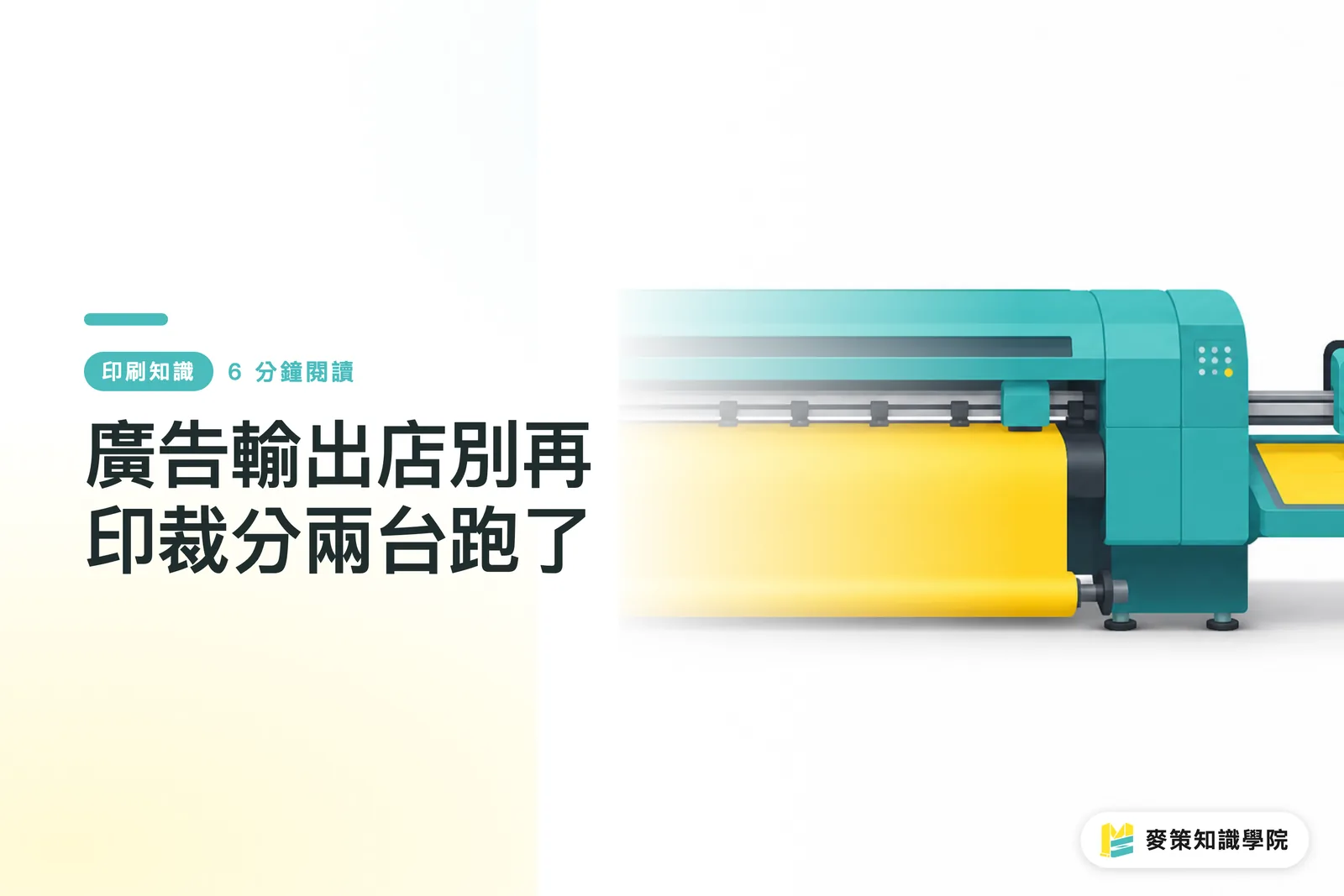
The core design here ties printing and cutting into a single workflow, rather than just parking two separate machines next to each other
The SureColor S7170 is a 64-inch roll-to-roll solvent printer that handles the printing side. Cutting is handled by the Summa S1 D140, with the two linked through software and a barcode workflow. Once printing wraps up, the system automatically scans the barcode on the print, pulls up the matching cut file, and reads the registration marks on its own, so an operator never has to line things up with a ruler
This barcode-driven print-and-cut setup might sound like just cutting out one extra step, but on the shop floor it makes a world of difference. Previously, a finished print had to be hauled over to a cutting table, where alignment came down to an operator's eye and manual touch. One misaligned cut could ruin an entire roll of material. Now, alignment is handled by the machine's OPOS sensor system, which is fast and does not depend on whether the operator got enough sleep
Why should small and mid-sized print shops care about integrated setups right now?
Because manual alignment and finding skilled operators are what bottle up capacity in the print and signage business these days, not landing new orders
Visiting print floors over the past couple of years, the most common complaint from shop owners is not a lack of work, but that they cannot turn jobs around fast enough. The bottleneck is almost always the manual handoff between printing and cutting eating up labor. It takes time for an operator to build that tactile feel, and when a shop is short-handed, throughput takes an immediate hit
Epson's product positioning here is direct. David Bistrovic, Product Manager at Epson America, noted in the announcement that smaller print providers need equipment that reliably delivers high quality across diverse media applications so they can bring previously outsourced cutting work in-house without buying a standalone cutter. For shops looking to expand their application range without overcommitting on equipment investments, this print-and-cut positioning hits the mark
How is the S7170 Print Cut Edition different from standard solvent printers?
It comes down to real upgrades in the ink system and printheads, not just a cosmetic name change
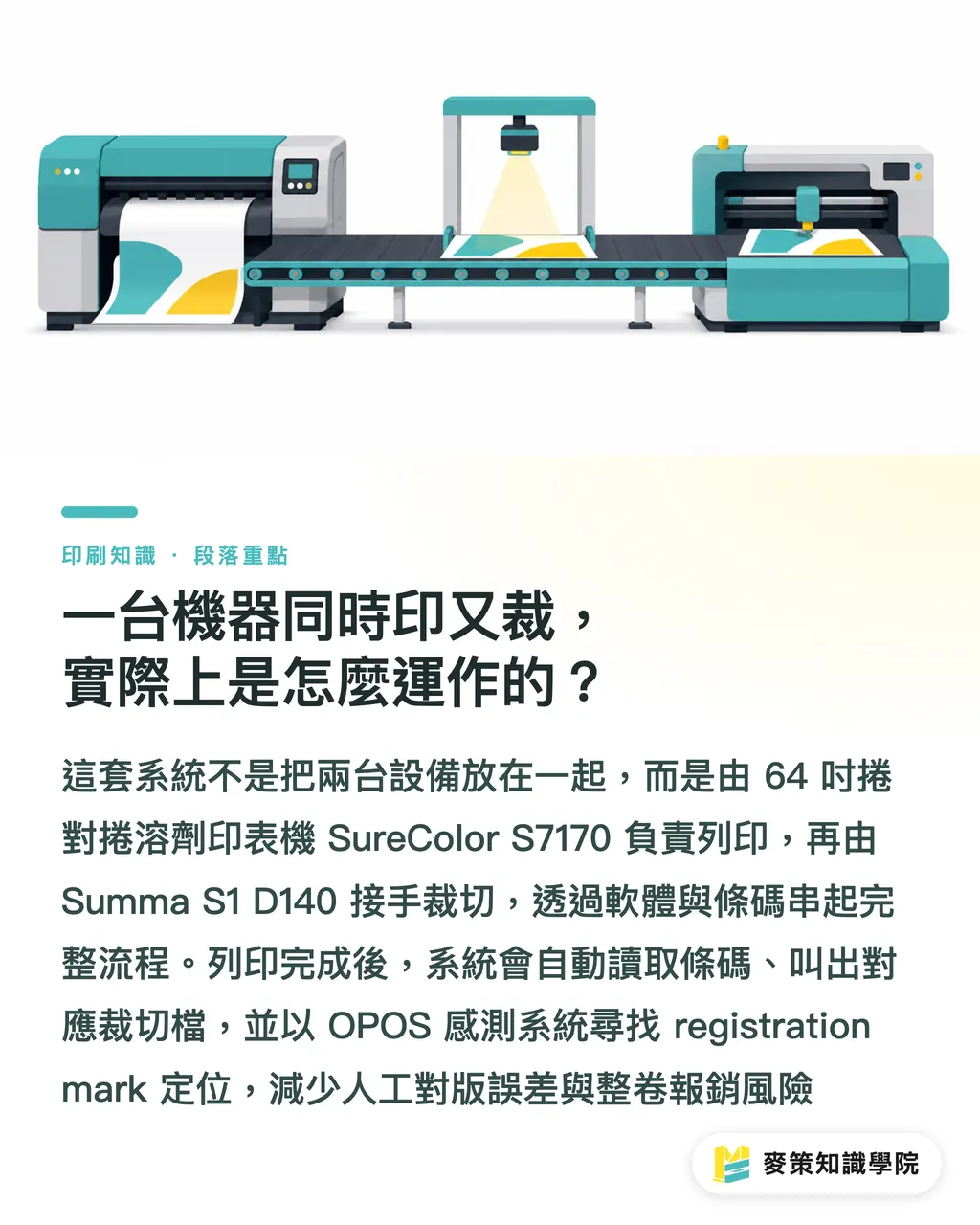
On the printing side, it runs 4-color UltraChrome GS3 solvent inks paired with Epson Precision Dot technology. It carries over the proven media handling system from the previous generation and upgrades to a wider 1.33-inch PrecisionCore Micro TFP printhead for faster print speeds. The ink supply system has also been redesigned, swapping bulky cartridges for 800 mL high-capacity ink packs. That cuts down on ink refill frequency and reduces packaging plastic, which delivers tangible cost and environmental savings over the long run rather than just marketing talk
On the cutting side, the Summa S1 D140 offers a 54-inch cut width and up to 600 grams of drag knife pressure, which is plenty for cutting laminated composite materials. The OPOS Xtra feature is built specifically for intricate jobs like tiny stickers that demand tight precision. Bryan Timmerman, General Manager at Summa America, described it in the release as combining Epson printing technology with Summa cutting precision and automated workflows, bringing together the best of both sides instead of forcing two machines into a shared chassis
How should small to mid-sized print shops evaluate an all-in-one system like this?
Start by looking at whether your cutting is currently outsourced or handled manually in-house. That determines how your cost savings will look
Pros:
・ Saves the budget and floor space needed for a standalone cutter, covering both printing and finishing in a single investment
・ Barcode-driven workflows cut down on manual intervention and lower alignment error rates, making it a great fit for shops lacking experienced operators
・ Broad application range allows shops to take on indoor and outdoor signage, stickers, banners, canvas prints, and vehicle graphics on the same machine
Cons:
・ Positioned as an entry-level integrated solution, high-volume, high-speed cutting demands may still call for a dedicated high-end cutter
・ Tying print and cut to the same workflow means an issue on one end can disrupt capacity across both
・ Initial adoption still requires rearranging shop floor traffic and adjusting operator habits. It is not plug-and-play automation
If your projects regularly involve mixed materials and you want to avoid outsourcing finishing work, commercial printers like MINDS that handle fully custom print jobs prioritize the efficiency of the print-to-cut handoff when evaluating equipment investments. That same decision logic applies directly to small and mid-sized signage and print shops
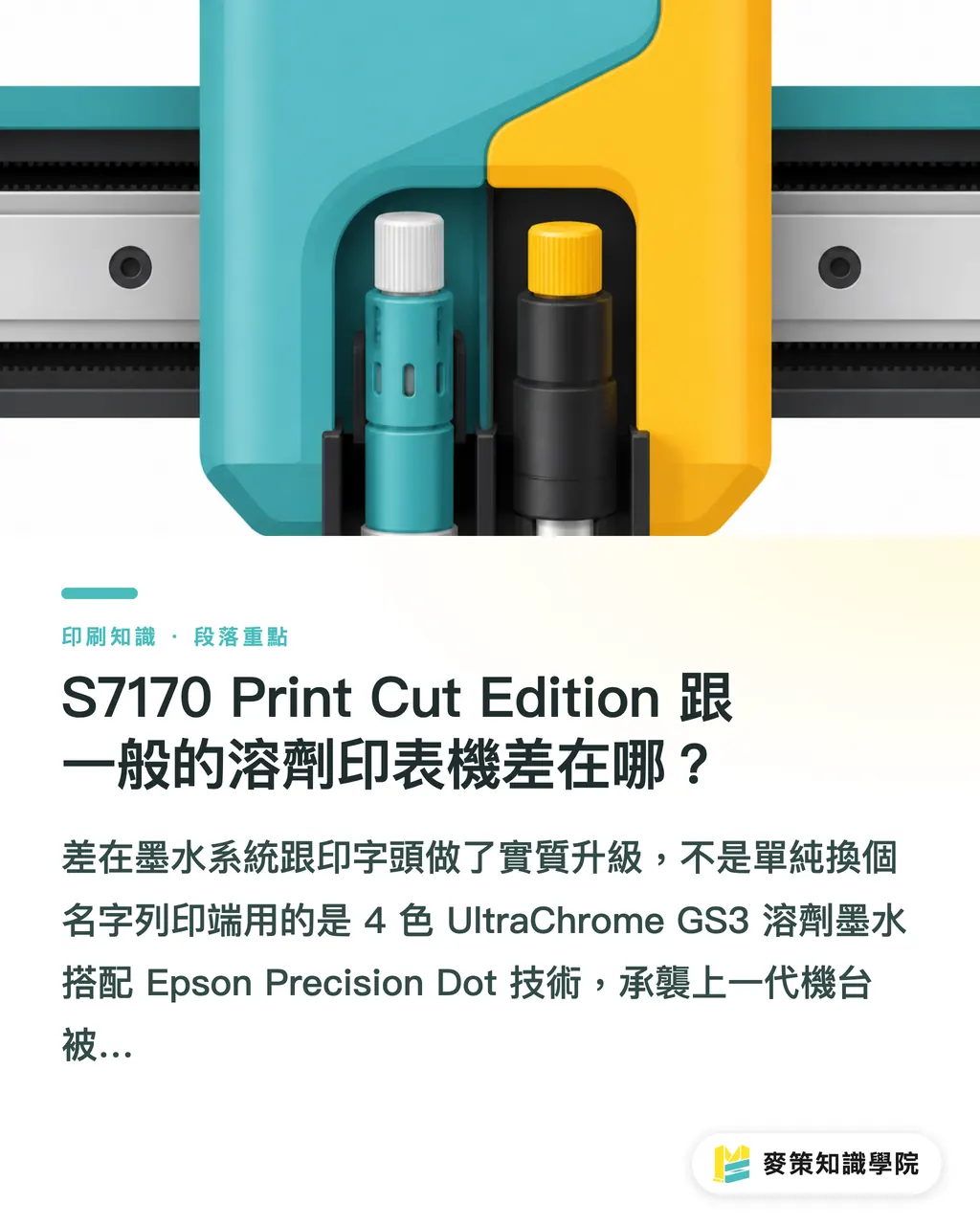
What actually changes on the floor once equipment like this is installed?
What changes is not just the machine specs on paper, but your order flexibility and quoting confidence
In the past, taking an order for precision-cut stickers often meant checking operator availability or whether an outside vendor could fit it in, making turnaround estimates feel shaky. Bringing that process under one roof makes lead times much more dependable, and shops can confidently take on short-run, multi-material jobs they once avoided as too tedious or low-margin
Keep in mind that this type of equipment is best suited for shops wanting to expand into new applications without needing high-volume standalone cutting capacity. If your cut volume already demands a dedicated production line, an integrated unit could become a bottleneck. Be honest about your order mix when weighing options instead of jumping in just because the specs look appealing
Key Takeaways
・ Integrated print-and-cut setups save on operator alignment time and labor rather than just equipment costs
・ The 800 mL ink packs and wider printheads are meaningful hardware upgrades on this model, not just marketing branding
・ A barcode-driven print-to-cut workflow gives smaller shops the confidence to take on short-run, composite material orders
・ Ideal for shops looking to broaden their application offerings, but not for high-volume operations that need dedicated cutting lines
・ Review your current cutting volume before buying. The real value depends on how well the machine fits your order mix
Further Thoughts
For small and mid-sized print shops, the true value of a hybrid system is not the numbers on a spec sheet, but how it turns the manual gap between printing and cutting into a predictable workflow. If you are thinking about bringing outsourced cutting in-house, calculate what share of your current workload consists of short-run and composite material jobs. The higher that share, the faster an integrated setup pays for itself. If your cutting volume is already consistently high, look into a dedicated high-end cutter first rather than rushing to buy an all-in-one unit
Further Reading
FAQ
- What shop size is the SureColor S7170 Print Cut Edition best suited for?
- It is best for small to mid-sized print and sign shops looking to expand their application offerings without needing a high-volume dedicated cutter, especially those handling frequent short-run or mixed-material jobs
- How does this machine differ from running a standard solvent printer alongside a separate cutter?
- The real difference is the barcode-driven print-to-cut workflow, which cuts out manual alignment time and error risks rather than simply placing two separate machines next to each other
- What practical impact do the 800 mL ink packs have on daily shop operations?
- They reduce refill frequency so operators do not have to swap cartridges as often, while also cutting down on plastic packaging waste
- What materials can the S1 D140 cutter handle?
- With up to 600 grams of cutting force, it easily handles laminated composite media, while OPOS Xtra delivers precise, intricate cuts for small stickers
- What should shops check before investing in an integrated setup like this?
- Review your current job mix to see what percentage involves composite materials and short runs. The higher that share, the clearer the return on investment will be
Related articles
The Print × AI weekly
The print and AI know-how designers, brands and enterprises can use before they commit — one email, every week
MINDS Free Tools
AI background removal, brand stamping, and a LINE sticker maker — free design tools, right in your browser, no upload.
MINDS Group
Need actual printing or gifting services?
From premium printing to online ordering and festive gifts — the MINDS Group sister brands take it from here.