
Overview
ChatGPT can act as a print consultant, but it belongs in the front end of the process, asking about principles, organizing specs, comparing production methods. It's not the right tool for locking in pricing, lead times, vendor constraints, or the latest certifications
I'd suggest using the MINDS Print (MS) three-check framework for sending jobs to press to judge whether an AI answer is usable:
・Check 1 — Ask the principle first: bleed, resolution, binding, paper behavior, the print workflow itself. ChatGPT is fine for these
・Check 2 — Then check the floor: paper stock on hand, press sheet size, finishing limits, color settings. These come back to actual vendor conditions
・Check 3 — Finally, have the printer confirm: pricing, lead times, regulatory certifications, whether a specialty material is even doable. The printer's reply is the final word
What print questions CAN ChatGPT answer?
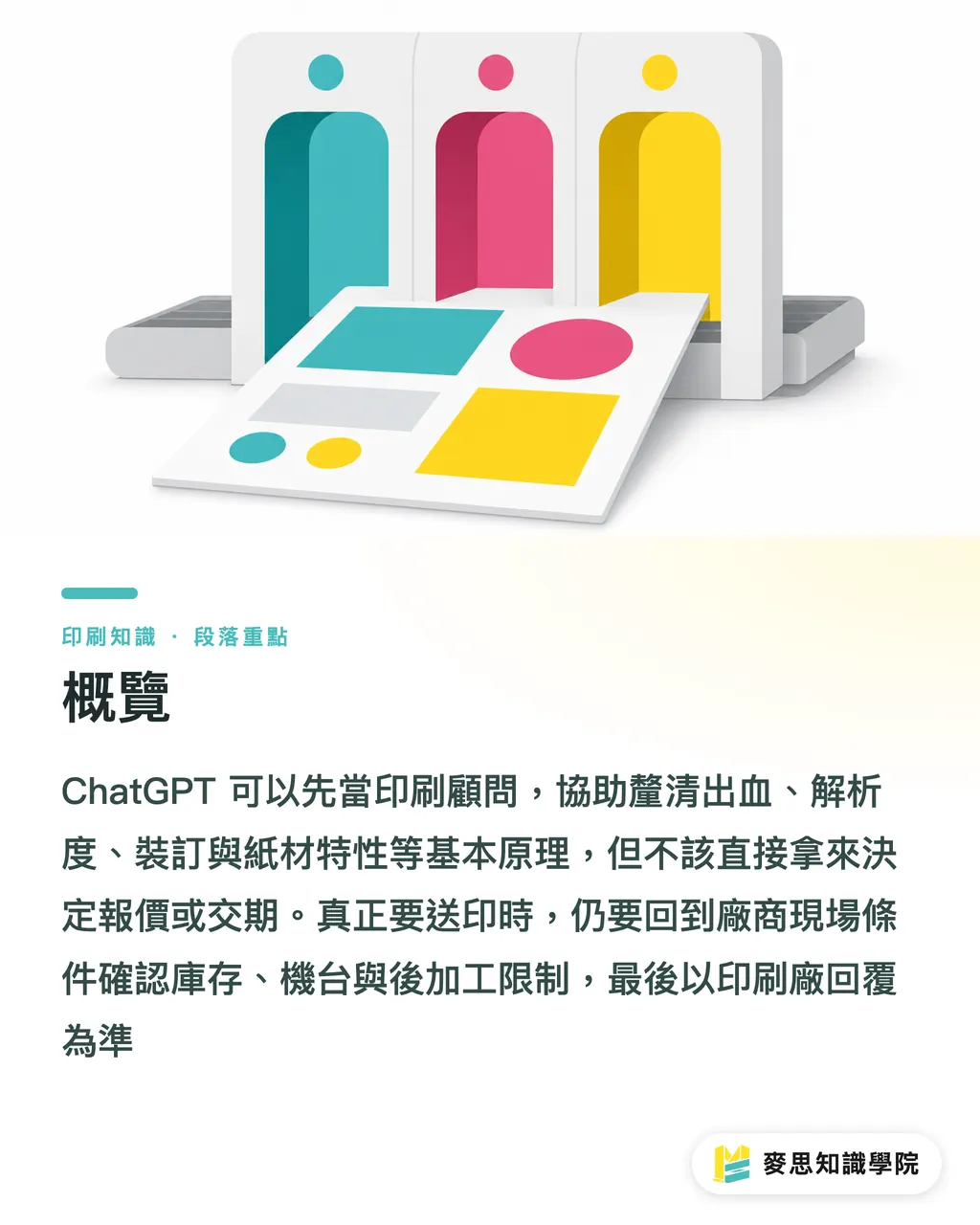
ChatGPT is most useful on "general rules" questions. These have a clear tell: the answer barely changes based on one vendor's equipment, this week's paper stock, or the local regulatory version
Bleed is the textbook example
・Bleed: the area of artwork that extends past the trim line. In Taiwan, business cards, flyers, and catalogs usually call for 3mm, to absorb cutting shift and keep edges from showing white
・Resolution: pixel density per inch in a print file. The standard commercial print requirement is 300dpi, to keep edges crisp when images are scaled up
・CMYK: the four-color ink model used in printing. C, M, Y, K stand for cyan, magenta, yellow, and black, and it works differently from the RGB logic screens run on
These are fair game for AI, because the answers are mostly printing basics that don't shift just because one shop is busier than usual today
・How do I set bleed for a business card?
・What's the real difference between 100gsm and 150gsm paper?
・Saddle stitch vs. perfect bound vs. hard cover, what's the difference?
・Why does the print workflow go through preflight inspection before platemaking?
・Why can't I just send an RGB image and expect it to match my screen?
My practical take is simple: AI can turn "terms I don't know" into "questions I can actually ask," but it can't turn "specs I haven't confirmed" into "a commitment I can send to press."
Which print answers should you NOT trust from AI?
Where AI goes wrong most often isn't on printing principles, it's on shop-floor conditions
Take the same A4 catalog: 32 pages, saddle-stitched, 150gsm cover, 100gsm text. Move it to a different printer and the imposition, minimum run quantity, paper stock on hand, and binding equipment can all change. So will the price and the lead time
For these kinds of questions, I don't recommend taking the ChatGPT answer at face value:
・Vendor-specific pricing: AI has no idea what that shop's paper cost looks like today, how full their queue is, where their minimum run sits, or how much rush jobs cost extra
・Current equipment specs: press model, max sheet size, white ink or spot UV capability, those have to come from the vendor's actual lineup right now
・Taiwan-specific constraints: paper availability, finishing-team scheduling, delivery windows, pre-holiday lead times. General knowledge won't solve these
・Regulatory and certification versions: FSC, food-contact packaging, eco labels, export packaging requirements, check the latest documents or have the supplier provide proof
Here's a quick gut-check: if the question contains phrases like "can this shop do it," "do they have it now," "can we still make it this week," or "can you guarantee it," AI should not be the final answer
AI can build your quote-request checklist. The real commitment only comes from the printer taking the order
Which AI print advice MUST be cross-verified?
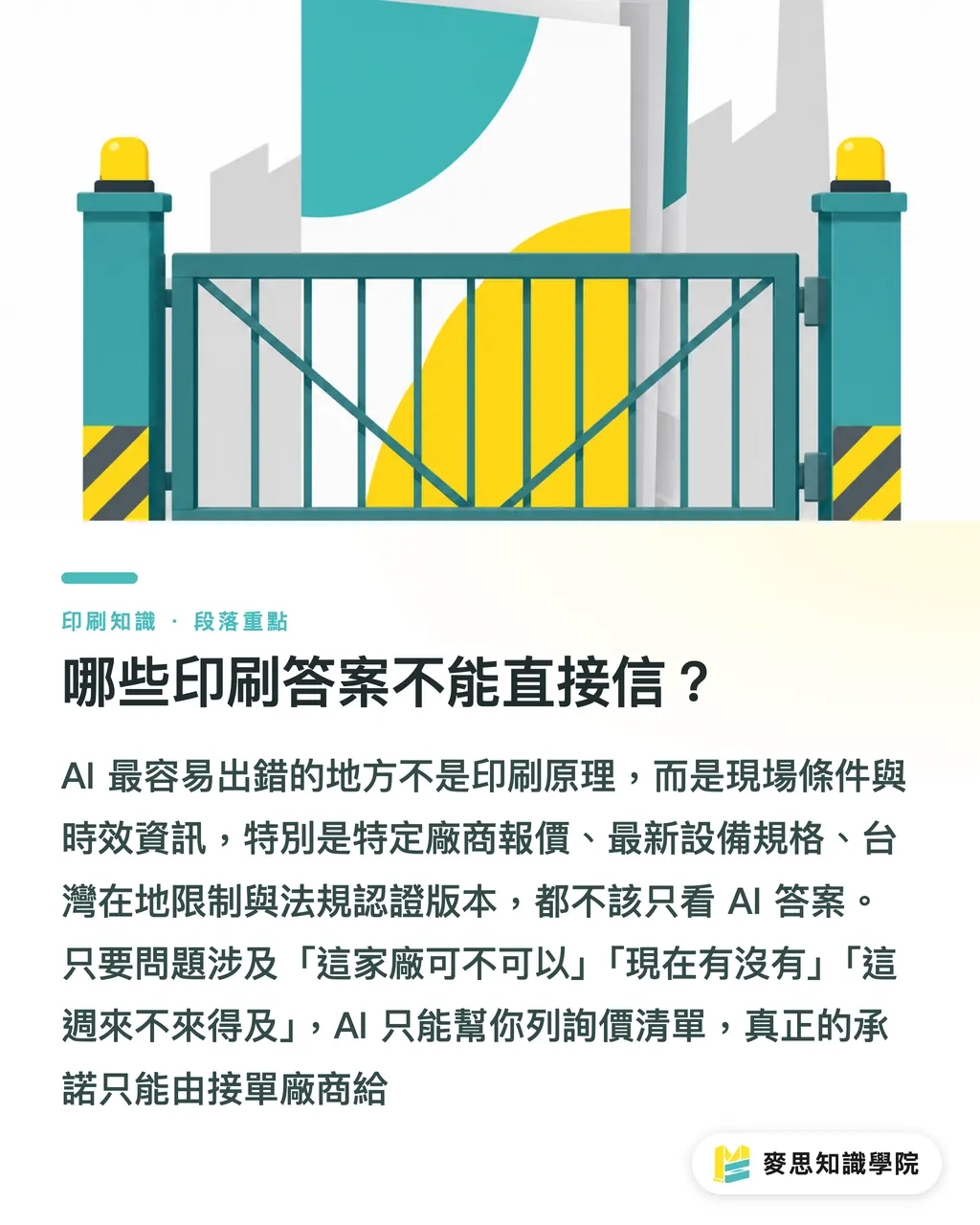
Some questions sit in the middle. AI isn't completely useless on them, but the answer needs cross-checking. Eco materials and color management are the usual suspects
Eco materials are a prime example of a topic loaded with shop-floor variables. Two products both called "recycled paper" or "FSC paper" can differ wildly in whiteness, caliper, fiber feel, minimum order quantity, and whether they can handle lamination or foil stamping. Every one of those details hits the design result and the lead time
Color management is another one where "just convert to CMYK" isn't anywhere close to enough
・Color management: using ICC profiles, monitor calibration, proofs, and press conditions to keep screen, digital proof, and final output within an acceptable range
・ICC profile: a file that describes the color behavior of a specific device or printing condition. You'll find these in design software, proofing workflows, and print output settings
・Proofing: producing a digital, press, or contract proof before the main run to confirm color, paper feel, and image position. The point isn't to look pretty, it's to cut the risk of a reprint
I've had plenty of cases where a client asks AI "how do I get black to print really black" and gets back an answer covering K100, Rich Black, and CMYK overprint. Whether you can actually use any of it depends on text size, paper ink absorption, printing method, and the printer's total ink limit
Small type set in four-color black can turn fuzzy from misregistration. Large black areas in pure K100 can come out flat
That's exactly where AI sounds right but the floor says otherwise
If you're working on a brand catalog, packaging box, trade-show backdrop, or any high-value commercial print job, the consultant team at Mai Strategy Knowledge Academy can help you break down the specs early, turning "what AI said" into "a spec sheet you can actually send to a printer," so you don't finish the design only to find the material and the production method don't line up
How to ask ChatGPT so the answer is actually usable
The trick with AI isn't tossing the question out, it's spelling out the use case
Ask "how do I make a business card" and you'll probably get a generic paragraph. Ask "Taiwan-standard double-sided full-color business card, finished size 90x54mm, coated or art paper, list the preflight checks" and the answer comes back close to usable
I'd suggest three prompt templates:
・Template 1, general specs: I'm working on "item," finished size is "size," the use case is "use case." Based on standard Taiwan print-shop practice, list the bleed, resolution, color mode, type size, and output notes
・Template 2, material comparison: Compare "material A" and "material B" for use on "item." Cover feel, color rendering, finishing, cost range, suitable industries, and risk flags. Don't assume every printer has these in stock
・Template 3, quote-request checklist: I'm getting quotes on "item." List the spec fields I need to give the printer, size, quantity, material, print colors, finishing, packaging, lead time, and the questions I need to confirm
After the AI answers, I ask the client to do one thing: rewrite the reply into something a printer can actually read. Don't paste AI's long answer straight into the sales rep's chat window
A workable quote request should look more like this:
・Item: A4 saddle-stitched catalog
・Page count: 32 pages including cover
・Size: finished 210x297mm
・Paper: cover 150gsm coated, text 100gsm coated
・Print: double-sided full color CMYK
・Finishing: matte film on cover, saddle-stitch binding
・File: PDF with 3mm bleed, images at 300dpi
・Ask: please confirm minimum run quantity, lead time, and whether there's a separate proofing fee
And you also need to know when to stop asking AI. Stop cleanly
・When you need a real quote, stop asking AI, ask the printer
・When you need to know if a paper is in stock today, stop asking AI, ask the printer
・When you need to know if a special finish can hit the deadline, stop asking AI, ask the printer
・When you need to know whether food, export, or eco certifications meet the latest requirements, stop asking AI, ask the printer or have the supplier issue the documents
・When you need the color to match the last batch exactly, stop asking AI, get a real sample, a color swatch, a proof, and confirm with the printer
For mid-to-high-end fully custom commercial print, MINDS Print (MS) usually runs through these conditions first, because the worst thing about a custom job isn't the number of questions, it's starting out thinking there aren't any
Key Takeaways
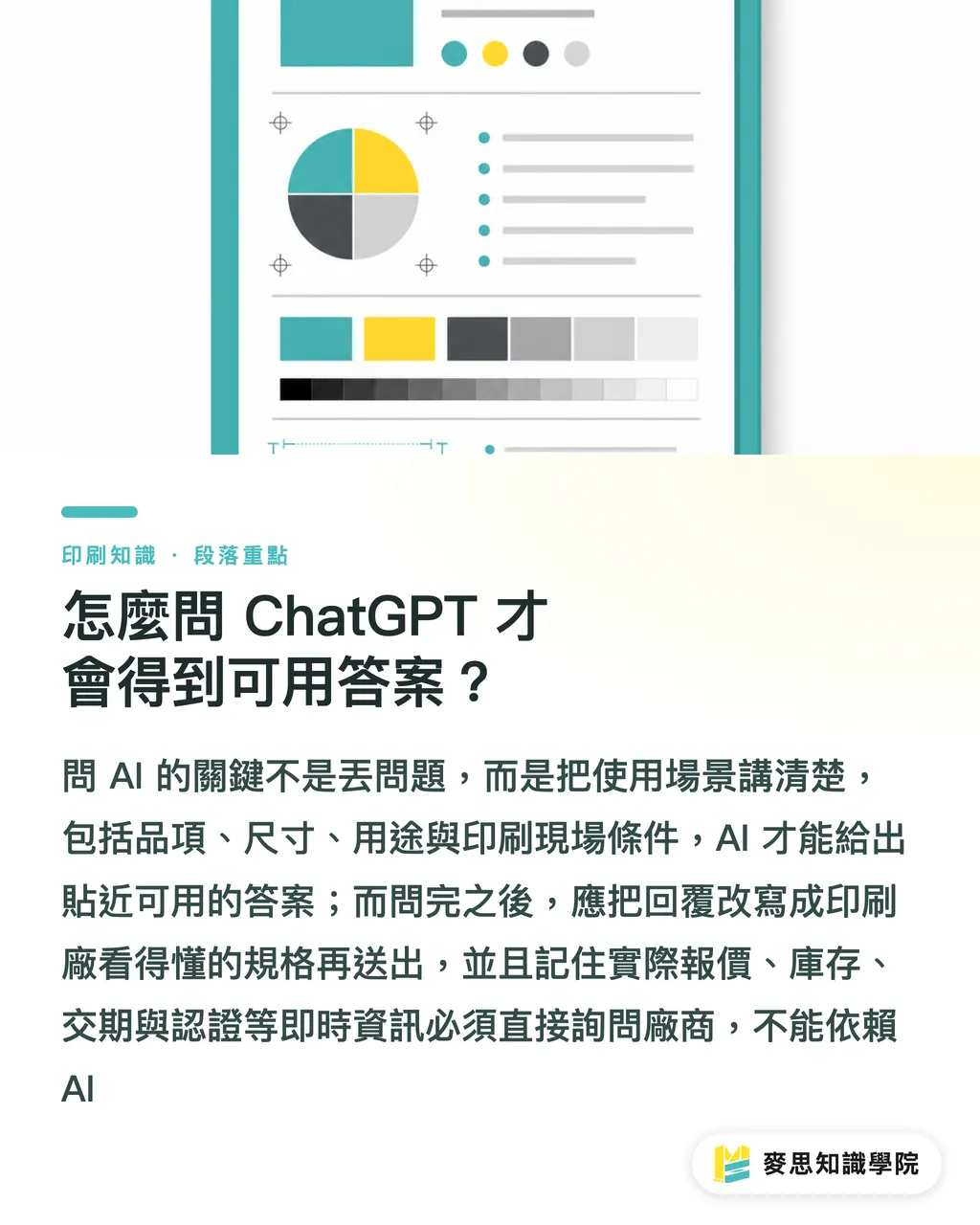
・AI is good at teaching you printing principles. It's not the one to commit on price, lead time, or vendor limits
・Bleed, dpi, CMYK, and binding differences can go to ChatGPT first. Paper stock and specialty finishing go to the printer
・Eco materials and color management look like knowledge questions, but on the floor they're usually execution questions
・Good AI prompts include item, size, use case, material, quantity, and constraints, then the answer comes back close to a usable spec
・Treat AI as an upfront consultant and you save communication time. Treat it as the final decision-maker and you buy yourself a reprint
Further Thinking
For print manufacturing, design teams, AI applications, and SaaS products, the next step isn't plugging ChatGPT into customer service and calling it done. It's layering the questions: 30 general-knowledge questions go to AI, 10 spec-confirmation questions turn into forms, and every pricing, lead-time, inventory, regulatory, and color promise gets escalated to a human. That's how AI actually reduces pressure on support, instead of scaling errors all the way onto the production line
FAQ
- Can ChatGPT directly judge whether my print file is press-ready?
- ChatGPT can flag common checkpoints like bleed, resolution, CMYK, type size, and image quality, but it can't replace a formal preflight check. The actual PDF still needs to go through the printer or a prepress operator
- Is it accurate to ask AI for a print quote?
- No. Print pricing depends on size, quantity, material, finishing, lead time, stock on hand, imposition, and the vendor's equipment. AI can help you organize a quote-ready spec, but the final price has to come from the printer
- ChatGPT says a certain eco-friendly paper is right for my packaging, can I just go with it?
- I'd say no. For eco papers, you need to confirm actual supply, caliper, whiteness, finishing compatibility, minimum order quantity, and certification documents. For food, export, and brand packaging especially, get the supplier to confirm
- What print questions are best for designers to ask AI?
- Designers get the most mileage asking about bleed setup, resolution, color mode, binding differences, paper comparisons, and the file checklist for sending to press. These are the questions that save the most back-and-forth early in the design phase
- When should I stop asking AI and go straight to the printer?
- Any time the question touches actual pricing, lead time, paper stock, specialty finishing, regulatory certification, color matching guarantees, or vendor equipment capability, that's when you go straight to the printer
Related articles



The Print × AI weekly
The print and AI know-how designers, brands and enterprises can use before they commit — one email, every week
MINDS Free Tools
AI background removal, brand stamping, and a LINE sticker maker — free design tools, right in your browser, no upload.
MINDS Group
Need actual printing or gifting services?
From premium printing to online ordering and festive gifts — the MINDS Group sister brands take it from here.