
Overview
A lot of long-time clients come to me clutching the only surviving copy of an out-of-print catalog and ask straight up whether they can just scan it and hand it off to a printer for a reprint. The answer is no. Send it straight to press and you'll get a full-page mosaic of moiré, guaranteed. In our work at Mai Strategy Knowledge Academy, when we run into this kind of lost-original reprint situation we usually fire up what we call the MINDS Print (MS, mid-to-high-end fully custom commercial printing) three-gate old-piece restoration framework, using AI restoration paired with old-school prepress calibration to pull the image quality back. In this piece I'll lean on ten-plus years of watching production lines and walk through how that flow actually works

Why can't you just scan an old catalog and print it?
Moiré is what happens when you scan an already-printed halftone image and the original dots collide with the new output dots in angle or frequency, producing geometric ripples that wreck the visuals
When you put an old catalog on a scanner, what the machine grabs isn't a smooth continuous-tone picture, it's a field of tiny printing ink dots. If you hand that file straight to prepress software to re-output, the new dots slam down right on top of the old ones, the two sets start fighting, and nasty tortoise-shell patterns or water ripples bloom across the page. On a production line that's an outright disaster
Are AI moiré removal tools actually useful?
Plenty of image restoration apps these days market themselves as one-click moiré killers, and to be fair they're great at spotting and blurring those regular dot patterns while auto-filling physical scratches and paper damage on old photos. Compared with the old fully manual retouching grind, the processing speed is a completely different era
But there's a lethal side effect I have to flag: over-smoothing
Over the last few months I've looked at a stack of client files they ran through AI themselves before sending them in, and easily nine out of ten have that bad oil-painting look. To flatten the dots, AI averages the pixels way too clean, and every bit of the original surface texture on objects just vanishes. The print comes out looking like a cheap plastic skin
Why do you add noise after removing the dots?
It sounds backwards. Everyone assumes cleaner is better, but offset printing's physical nature needs micro-level texture for the ink to grab onto
If you feed the press a perfectly smooth gradient with zero surface character, the printhead or the press's halftone dots are wide open to color banding
To fix the oil-painting effect AI leaves behind, we actually lay a thin layer of monochrome noise right on top of the clean image. After that we hit it with an Unsharp Mask to force contrast back into the edges of the subject. That gives the file enough tooth on paper and enough visual depth to read
Field Breakdown: The MINDS Print (MS) Three-Gate Old-Piece Restoration
If you don't want to torch your budget on a failed print job, following this standard workflow is the safest bet
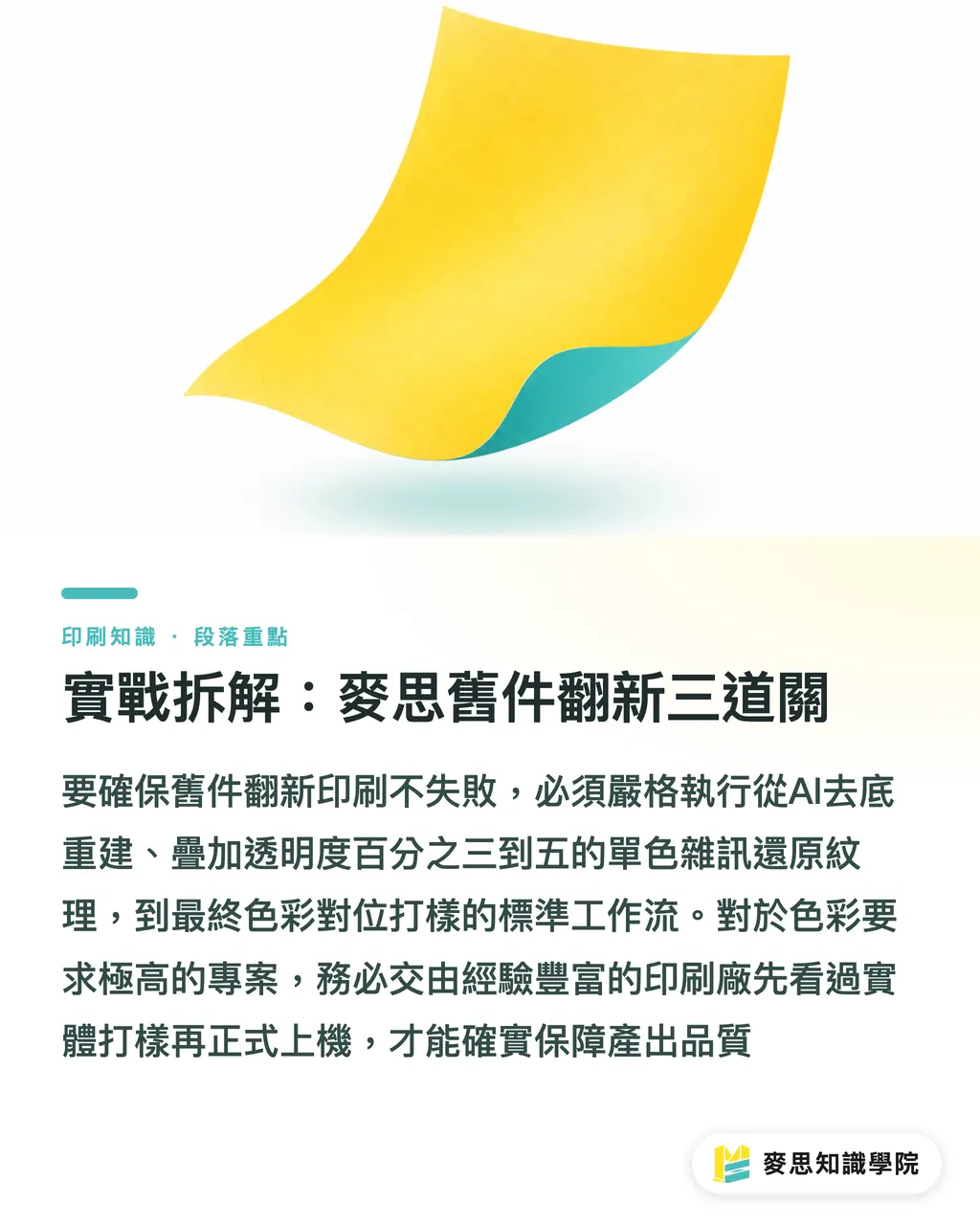
・Gate One, "AI Destructive Rebuild": drop the image into restoration software to strip the underlying dot pattern and obvious scratches first. Some smoothness in this stage is fine. The point is to get the base layer clean
・Gate Two, "Manual Texture Implantation": in Photoshop, overlay a monochrome noise layer, opacity somewhere between 3% and 5%, then run an Unsharp Mask to pull the object outlines back out
・Gate Three, "Color Alignment and Proofing": old prints usually carry a yellow paper cast that needs the black point and white point redefined. If the budget allows and color matters, I'd strongly recommend going with an experienced shop like MINDS Print (MS) for mid-to-high-end custom commercial printing, and always insisting on a physical proof before going on press. If you're not confident about the file prep, the Mai Strategy Knowledge Academy consulting team can also do a prepress file audit first
Key Takeaways
・Scanning printed material creates a double-dot conflict, reprinting straight from the scan is a guaranteed moiré disaster
・AI moiré removers strip dots fast, but they push the image into cheap-looking oil-painting territory from over-smoothing
・Offset printing needs surface detail. After dot removal you have to manually add noise and an Unsharp Mask to rebuild the tonal depth
・Handling old-piece reprints requires a standard prepress workflow that destroys first, then rebuilds
Further Thoughts
Printing isn't just file output, it's a translation into a physical medium. AI tools can take maybe eighty percent of the grunt work out of cleaning up noise, but the remaining twenty percent, the physics of how ink actually sits on paper, still needs a human's eye to keep in check. When designers are bringing tools like this in, run a few local proofs and grab a loupe to inspect how the dots land. That's when you really start to understand what this tech can and can't do
FAQ
- If I use a high-end scanner on an old catalog, will that avoid moiré?
- Same problem. As long as the original was printed with halftone dots, no matter how high the hardware resolution is, you're still scanning dots. You'll still need to run it through moiré removal and texture rebuild
- Can I use an AI upscaling tool directly on an old photo?
- If the original is a developed photo, fine. But if it's a halftone image clipped from a magazine or old catalog, upscaling blows the dots up and blurs them. You have to remove the moiré first, then upscale
- After moiré removal, what noise values should I use?
- Usually monochrome noise, total around 3% to 5%. Calibrate it so that at 100% on screen you can see a faint grain that doesn't get in the way of the subject. Too little and you get banding, too much and the image looks dirty
Related articles




The Print × AI weekly
The print and AI know-how designers, brands and enterprises can use before they commit — one email, every week
MINDS Free Tools
AI background removal, brand stamping, and a LINE sticker maker — free design tools, right in your browser, no upload.
MINDS Group
Need actual printing or gifting services?
From premium printing to online ordering and festive gifts — the MINDS Group sister brands take it from here.