

Can I just hand a scanned old catalog straight to the printer?
Short answer: no, you can't print it as-is
Plenty of longtime clients show up with the only surviving copy of an out-of-print catalog, thinking a quick pass through a scanner gives them a PDF ready for the press
In reality, what comes out is usually a low-resolution bitmap, and any attempt to print it hard leaves you with fuzzy, ragged type edges
If you want a painless path to a modern-looking printed piece, we at Mai Strategy Knowledge Academy typically recommend bringing AI OCR and image restoration into the workflow, breaking the dead image apart and reassembling it into a live file

How does AI OCR make sense of tricky old layouts?
AI OCR (Optical Character Recognition) is the use of deep learning and image recognition to pull text out of a scan and turn it into editable copy, saving you from retyping the whole thing by hand
Lately I've noticed the tech has moved well past plain character recognition
・It reads the whole page's visual hierarchy, automatically sorting out headlines, body copy, and captions
・It keeps the original paragraph structure intact, so a two-column spread doesn't get jammed into a single run-on sentence
In this early reconstruction phase, the AI works like an assistant that never tires, pulling the paper content out as clean, editable text
What do you do with yellowed paper and old halftone dots?
The hardest part of an out-of-print book isn't the words, it's the paper and images after decades of wear
The pictures in old print jobs are actually made up of tiny ink dots in a halftone pattern; send them straight to a second printing and the new dots layered over the old ones produce nasty moiré patterns
These days we can use AI image restoration to filter out that interference
The AI reads the image and fills in missing detail, smoothing the halftone dots into a continuous-tone picture
For that yellowed, water-stained paper background, the system can knock it out and brighten things up in one pass, bringing back a clean white base
MINDS Press (MS) Pre-Press Checklist: Three Gates Every Restored File Has to Pass
Once the text and images are pulled apart, the last step is reassembling the layout
This is where you can't lean on automation alone, you have to go back to printing fundamentals
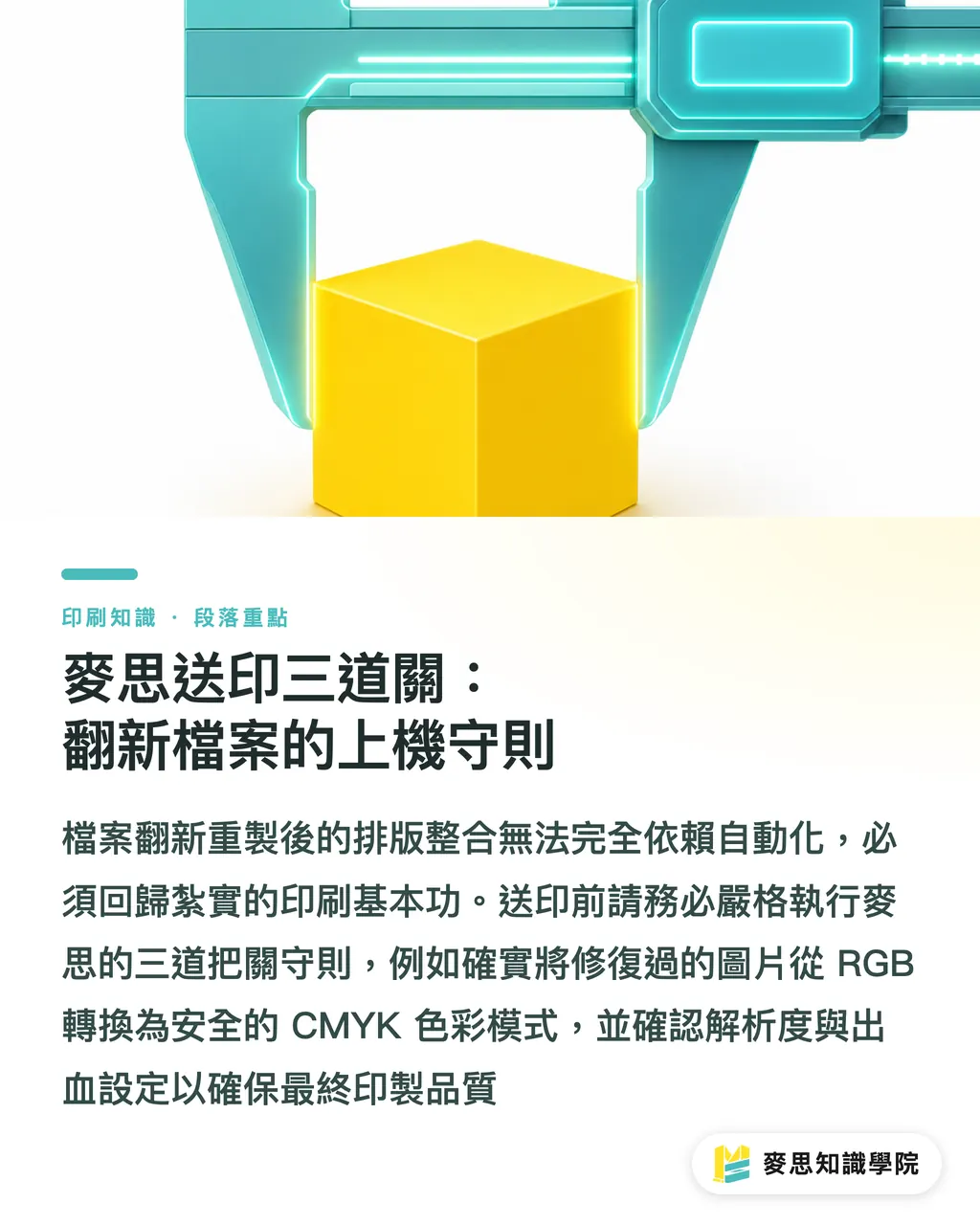
I always remind new project managers and designers: every restored file has to clear the three MINDS Press (MS) pre-press gates before going to the machine
・Gate one, resolution check: any image the AI touched has to hit the 300 dpi physical print standard
・Gate two, color mode check: every restored image needs to be converted from RGB into safe CMYK values
・Gate three, bleed setup: old layouts were usually trimmed right to the edge, so when you re-layout the file you have to manually add back the 3mm bleed
For really complex re-make jobs, my advice is to bring in the MINDS Press consulting team from the start and lock down the right stock and print specs at the file source
Key Takeaways
・A scan is just a low-res bitmap and can't go straight to press, text and images have to be separated and rebuilt
・Modern AI OCR reads and preserves complex layouts, including two-column spreads and captions, replacing manual retyping
・Using AI to strip halftone dots and yellowed backgrounds from old prints is the key to avoiding moiré on a second printing
・Even a restored file still has to clear the basics: 300 dpi resolution, CMYK color, and 3mm bleed
Further Thoughts
Digitizing out-of-print pieces isn't just about solving the reprint in front of you, it's a chance for a company to build a real knowledge asset. From the print shop's side, folding AI tools into pre-press can cut a multi-week restoration down to a few days. That's not just an efficiency bump; it frees designers to put their energy into paper selection and finishing design, where the real value sits
FAQ
- Why can't I just scan an out-of-print book and print it?
- You can't. A scan is essentially a bitmap still carrying the paper's background color and the original halftone dots. Sending it straight to a second print run produces heavy moiré patterns, and the type edges come out soft and fuzzy
- Will AI OCR scramble the layout when it pulls the text out?
- Current OCR reads page layout logic. It automatically distinguishes headlines from body copy and captions, keeps the original paragraph and column structure, and won't merge left- and right-column text by mistake
- Can restored yellowed images actually meet print standards?
- Yes. AI can effectively strip halftone dots and patch damage, but the file still needs to pass the MINDS Press (MS) three pre-press gates to confirm it hits 300 dpi and is converted to CMYK
Related articles




The Print × AI weekly
The print and AI know-how designers, brands and enterprises can use before they commit — one email, every week
MINDS Free Tools
AI background removal, brand stamping, and a LINE sticker maker — free design tools, right in your browser, no upload.
MINDS Group
Need actual printing or gifting services?
From premium printing to online ordering and festive gifts — the MINDS Group sister brands take it from here.