

Overview
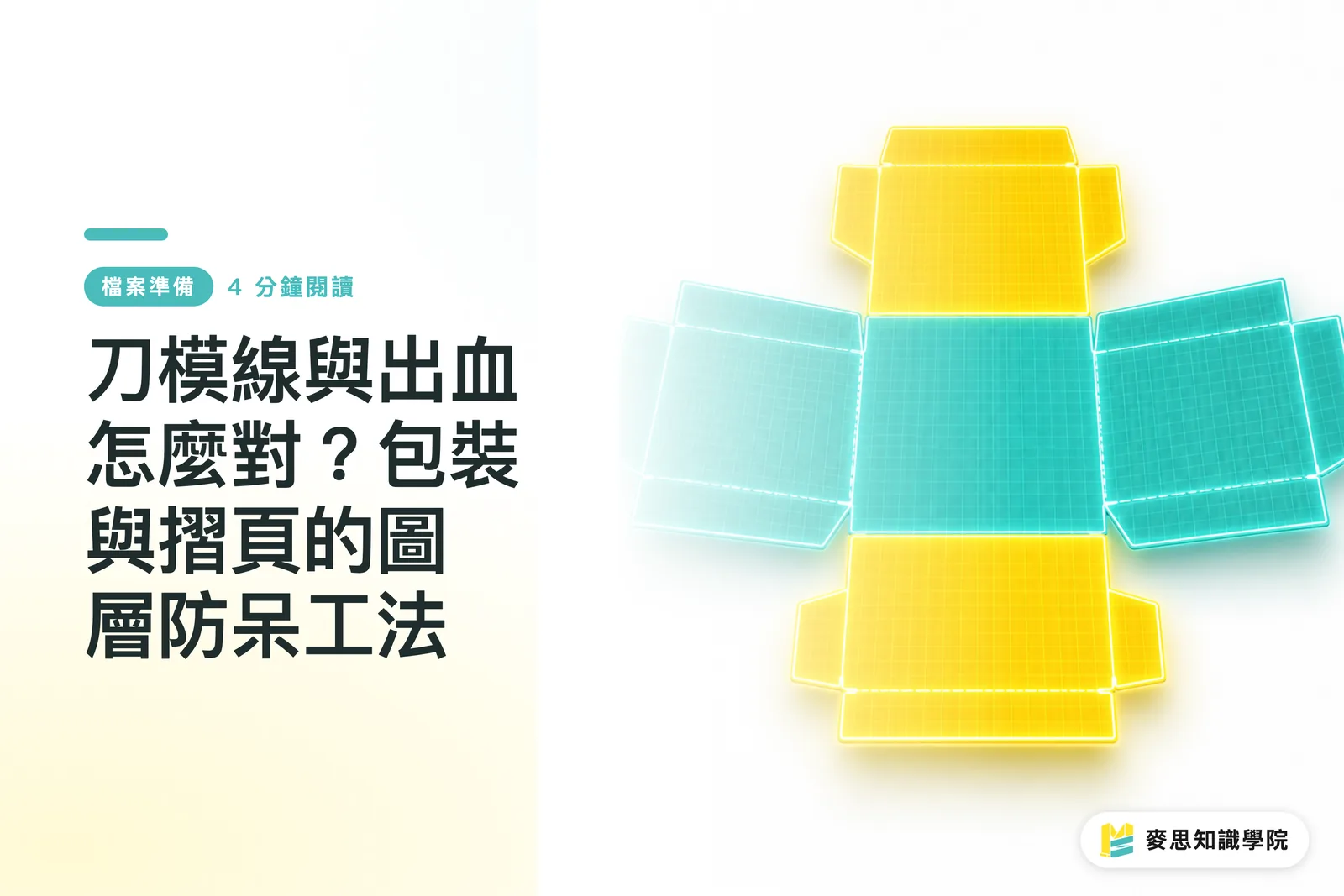
Got a die-line and no idea where to start? The fastest move is to drop the image straight into ChatGPT or Gemini's vision model and ask it to mark out the bleed, die-cut and fold areas. That's exactly the core step behind "AI-assisted preflight checking" promoted by Mai Strategy Knowledge Academy. It instantly translates stiff engineering jargon into plain language, saving you hours of back-and-forth with the print shop

Why do design newbies keep getting stuck on die-lines?
A die-line is basically the architectural blueprint of a physical printed piece. From working through over a thousand print jobs, I've seen that most designers without a print-production background look at a tangle of solid, dashed and red-and-green lines and have no clue what matters
The fallout is all too common: design elements drift into the glue flap, or critical graphics sit too close to the cut line, and the moment the die-cut has even minor machine tolerance, those bits get sliced off. Blind spots that go unnoticed at preflight turn straight into rejection-and-redo time costs
Core terminology: the lines print shops won't explain but you must understand
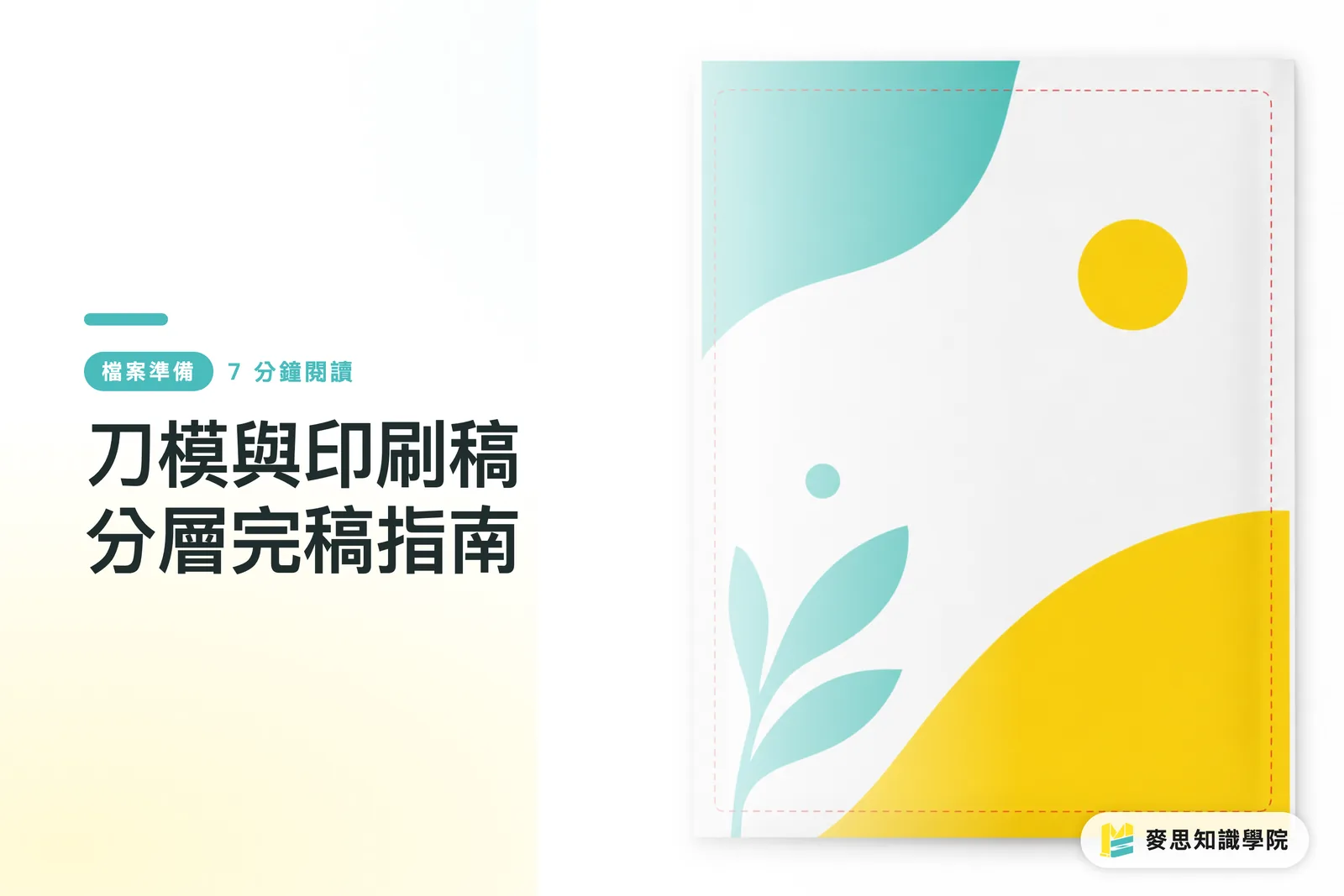
・Bleed Line: the outward extension beyond the trim edge, built in to absorb machine tolerance during cutting. Usually set at 3mm, it makes sure no white slivers show after trimming, the most basic safety net in finished files
・Die-cut Line: the solid line marking the final cut shape of the printed piece, the actual edge of the finished product. Anything you don't want cut must stay at least 2–3mm clear of this line
・Mountain / Valley Fold: the dashed or dot-dash lines on the die indicating which way the paper bends when formed. Mountain folds pop outward, valley folds push inward, and together they decide the 3D structure's behavior
How do you turn AI into your pocket print-production translator?
Back in the day, figuring this out meant steeling yourself to call the printer and ask. Now you can just take a screenshot and feed it to a vision-capable AI model. My go-to prompt is dead simple: "This is a die-line from a print supplier. In bullet form, tell me which lines are cut lines, which are fold lines, and mark out the glue positions."
AI maps those baffling red and green strokes straight to concrete structural descriptions. You can even overlay your design draft on top of the die-line and throw the combined image back at AI, asking it to run a first-pass safety check, confirming key assets keep their distance from the danger zones
If your team keeps hitting the same preflight walls, or you need a standardized review checklist, talk to the consultant crew at Mai Strategy Knowledge Academy. We can help you work out the smoothest internal collaboration setup
How accurate is AI at reading imposition specs? What should you watch for?
AI is genuinely handy at picking up basic lines, but imposition instructions (how multi-page designs get laid out onto a parent sheet) sometimes hinge on paper grain and finishing sequence. When you get a complex layout brief, AI can help you grasp the general cutting logic, but it can't replace a human's final sign-off
Case in point: for a thick paperboard box, fold lines need slight tweaks to account for paper thickness, the trade calls it "compensation." Judgments like that, plus paper grain direction, AI still can't nail at 100%
For high-end custom work or jobs with unusual die structures, hand it to a shop with solid mid-to-high-end full-custom experience like MINDS (MS). Confirming the structure with a physical sample is the most reliable way to go

Key takeaways
・Screenshot the die-line and feed it to a vision AI, it instantly translates engineering lines into plain-language bleed, die-cut and glue-area instructions
・Knowing bleed lines, die-cut lines and mountain/valley folds is the basic hygiene that keeps your design elements from getting sliced off or glued shut
・AI is great as the first line of defense for checking safe distances between graphics and cut lines, but complex paper thickness and grain direction still need a seasoned print shop's call
Further thinking
Bringing in AI vision isn't just about decoding unreadable diagrams, it's a chance to standardize your file-submission workflow. Design teams can fold this approach into their internal SOP: run every job through AI before sending it to the printer and filter out 80% of rookie mistakes upfront. Designers get to spend their energy on creativity, and the print side sees a big drop in rejection-and-redo friction
FAQ
- After I overlay my design on the die-line, how do I ask AI to check it?
- Upload the combined image and just ask the model: "Please check whether all text and logos sit at least 3mm clear of the die-cut line and don't fall inside the glue area." It'll point out the risky spots
- Will AI mix up mountain folds and valley folds?
- Sometimes, because every print shop has its own convention for dashed lines. I'd suggest pasting in the shop's legend in your prompt, or asking AI to flag "all areas that need folding" and then manually confirming the direction
- Does this method work for every kind of printed product?
- It works great for flat die-lines on cartons, bags, sleeves and similar standard jobs. But for highly complex 3D structures or specialty substrates, you'll still need to deal directly with the printer's prepress team
Related articles



The Print × AI weekly
The print and AI know-how designers, brands and enterprises can use before they commit — one email, every week
MINDS Free Tools
AI background removal, brand stamping, and a LINE sticker maker — free design tools, right in your browser, no upload.
MINDS Group
Need actual printing or gifting services?
From premium printing to online ordering and festive gifts — the MINDS Group sister brands take it from here.