
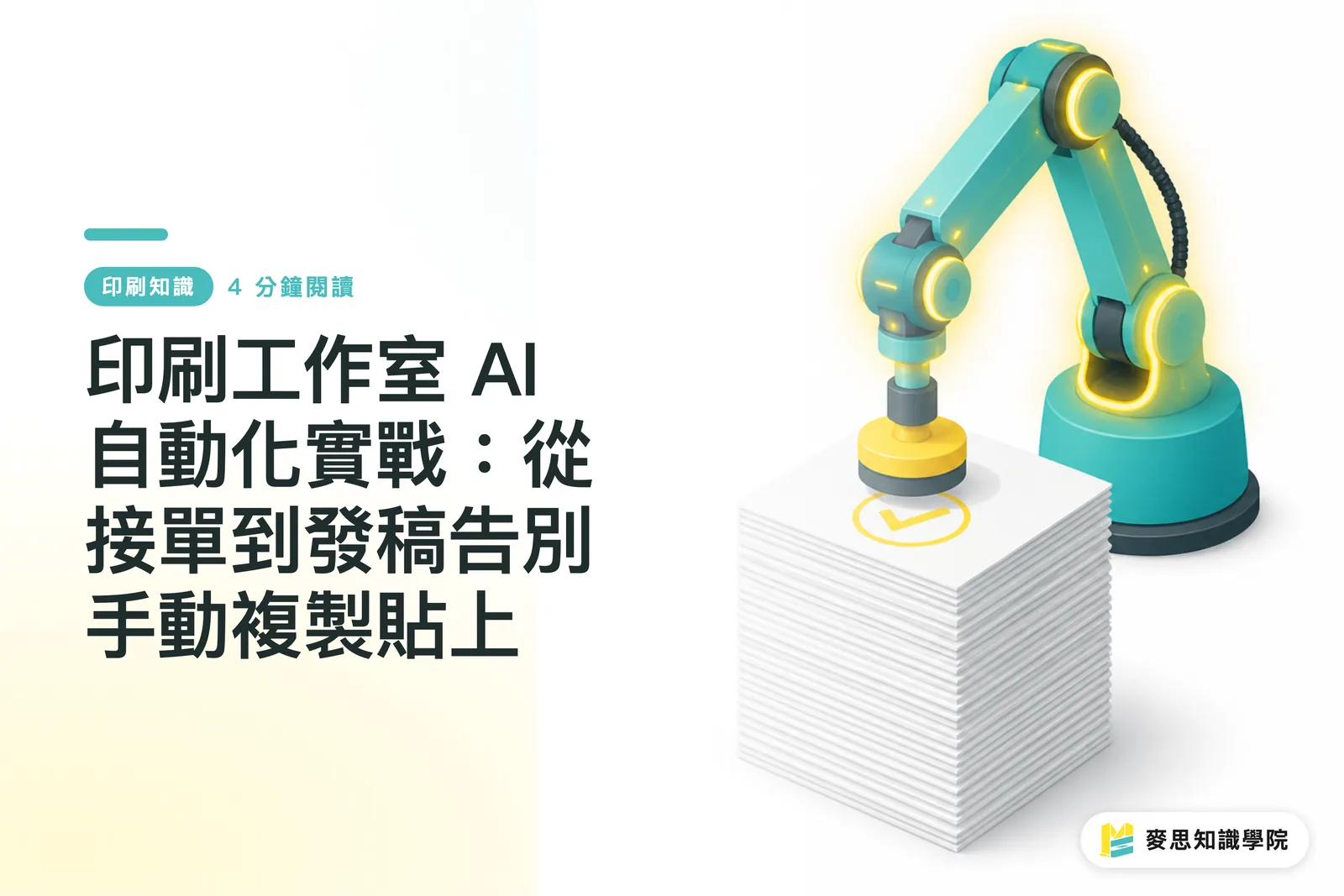
Why are small and medium-sized printing houses still copy-pasting every day?
In the past six months of visiting clients, I've found that for both design studios and printing houses, the biggest headache is often not technical barriers, but staggering administrative overhead
The energy spent by designers daily, manually copying fragmented specs from LINE or Email into Excel to calculate costs and generating quotes, is immense
In reality, digital transformation doesn't have to mean spending a fortune on a complete ERP system overnight
Many agile studios overseas are now using no-code tools like Make.com, n8n, or Zapier
By simply connecting daily inquiry forms to Google Sheets, you can build your first automated production line at a minimal cost

How to build a smooth automated workflow from inquiry to quotation?
To make the workflow run smoothly, the core lies in front-end 'data structuring' and back-end 'connection nodes'
Take a basic scenario I often suggest: when a customer fills out an inquiry form on the website including paper stock, dimensions, and quantity, the system immediately imports the standardized data into Google Sheets
Next, Make.com automatically triggers the workflow, cross-referencing the specifications from the form with the pricing database in the cloud
This mechanism can usually generate a PDF quotation in minutes and send the quote along with a confirmation email accurately to the client
If you subsequently connect to platforms like MINDS MINDS Printing that provide professional production lines, standardized order formats can significantly reduce communication costs, aligning files and specifications directly with the printer's requirements
Can AI help automatically check pre-press files?
Many peers think AI is only for generating images or finding inspiration, but it is actually changing the heart of printing houses, including the most tedious task: initial pre-press inspection
In practice, we can use scripts to automatically trigger the first round of detection as soon as a client uploads a file to a designated cloud folder
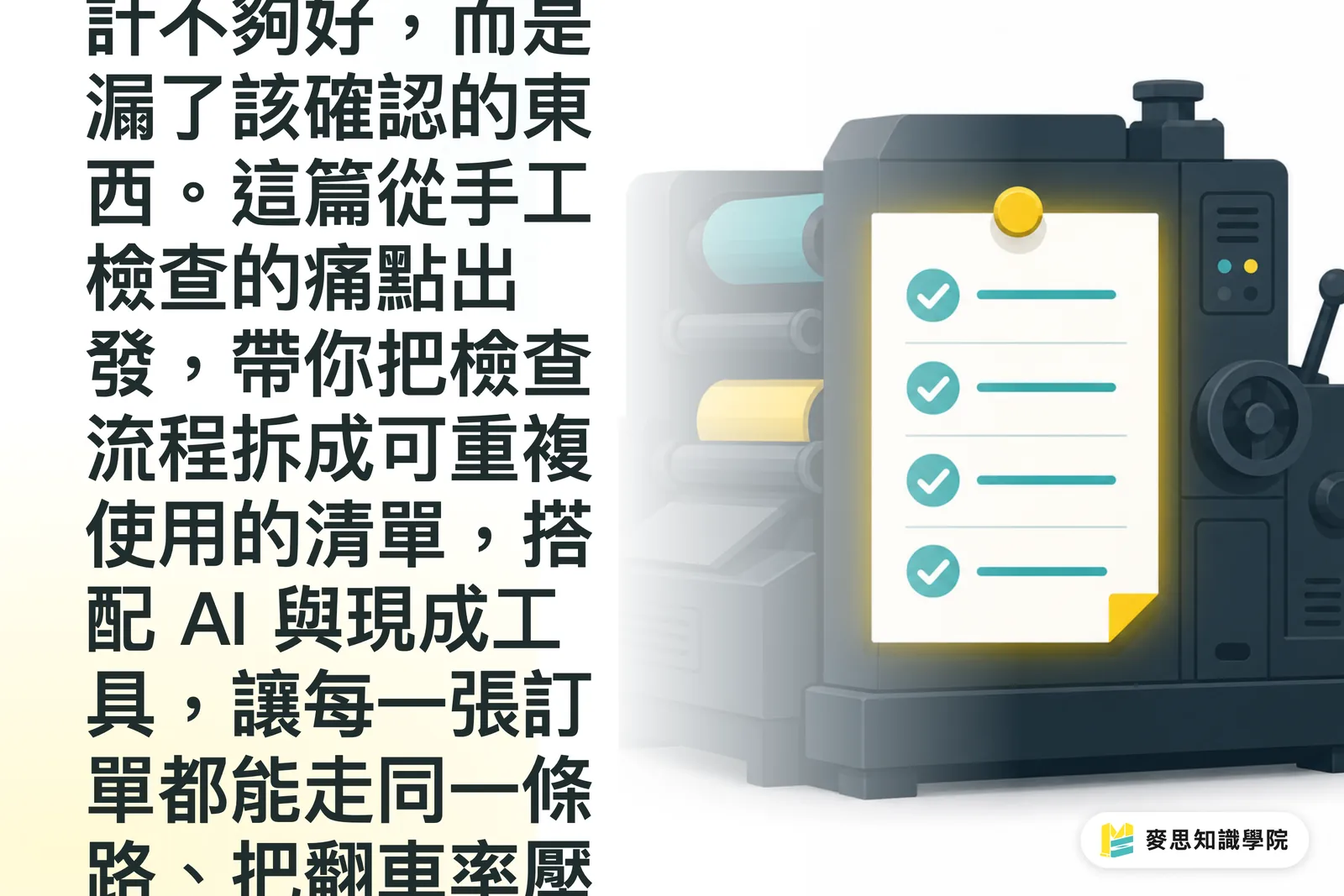
・Check Color Mode: Automatically determine if the file is in CMYK format; if RGB images are mixed in, flag them as abnormal
・Detect Bleed and Dimensions: Compare against the finished dimensions provided by the client to check if a 3mm bleed is reserved on all four sides
・Scan Resolution: Grab the DPI value of embedded images; if it is below 300, issue an immediate warning and pause the workflow
This logic is not intended to replace the jobs of pre-press staff, but to let machines block 'obvious low-level mistakes,' allowing professionals to focus their energy on handling complex issues like overprinting or special color settings
What are the common pitfalls when implementing automation?
I have seen many printing house owners get excited when they first introduce Zapier, connecting all their processes together, only to suffer huge losses due to a lack of monitoring mechanisms
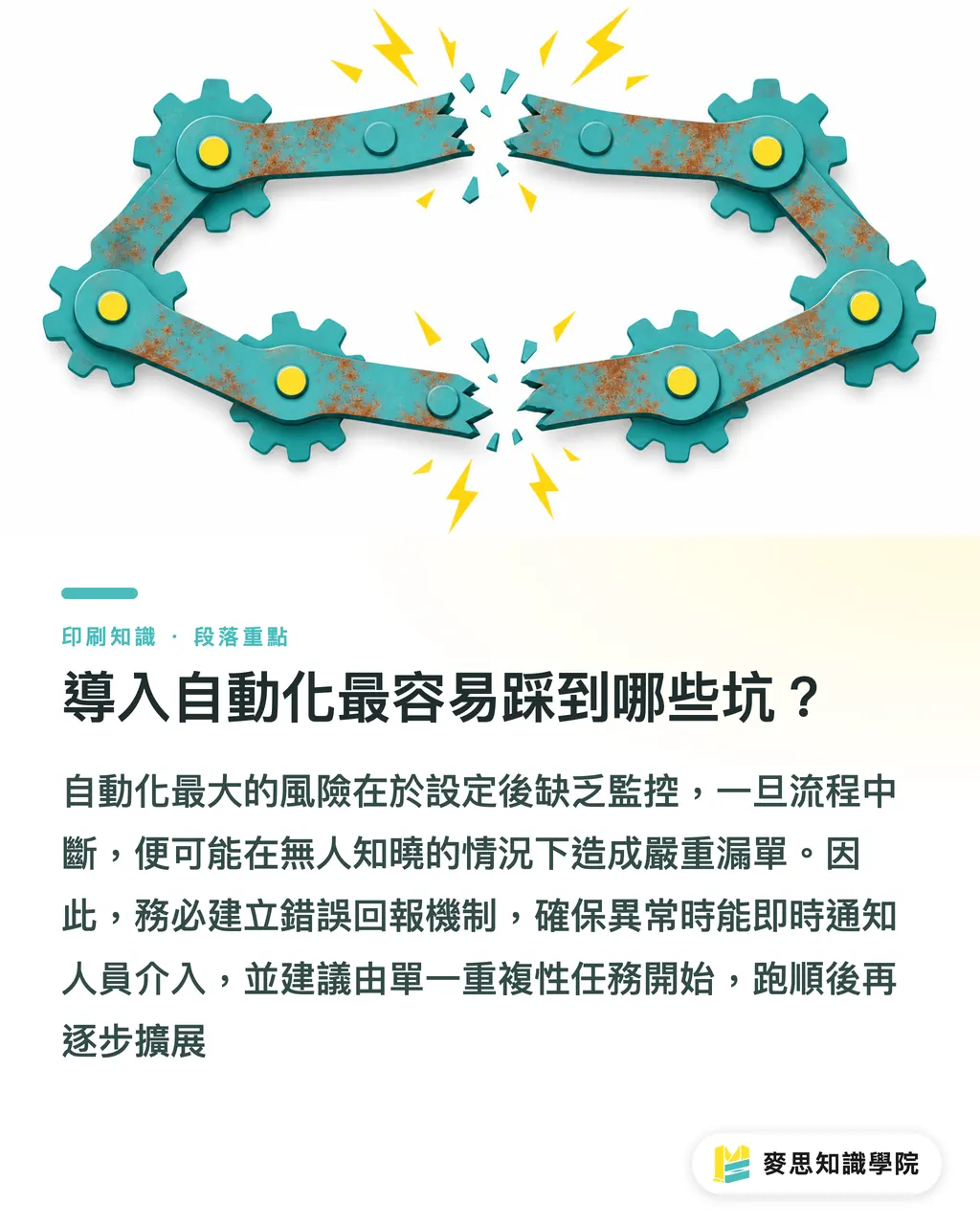
The biggest trap is 'set it and forget it.' Once an API breaks or a form field mapping changes, nobody notices that quotes aren't being sent, silently causing serious missed orders
I strongly suggest adding an 'Error Reporting Node' at the end of every automation script. If the workflow gets stuck, send an immediate Slack or LINE notification so a supervisor can intervene
Also, be clear about the boundaries of automation. Tasks like handling customer complaints or extreme custom finishing (such as embossing or foil stamping) definitely still require human confirmation; don't dream of doing everything with one click
The best strategy for beginners is to start by improving a single, repetitive, and boring task that your team does every day. Once that runs successfully, slowly expand to other parts
Key Takeaways
・No-code tools are the best use for small and medium-sized printing house transformation; use Make or Zapier to connect forms and quotations at a low cost
・Automated initial pre-press inspection can accurately intercept basic errors like RGB colors and insufficient resolution, freeing up professional personnel
・Automation does not mean 'hands-off.' You must establish an exception notification mechanism within the process to prevent missed orders caused by system interruptions
・Custom specification confirmation and complaint handling remain the boundaries of automation; human-machine collaboration is currently the most stable solution
Extended Reflections
Over the past few years, printing houses and design teams that know how to use automation tools have long shifted their focus from 'moving data' to 'optimizing customer experience'
When you simplify the infrastructure of inquiries, quotations, and pre-press inspection, you not only reduce internal administrative anxiety, but you can also transform delivery forecasting from a gut feeling into a science
Find the one task your team spent the most time copy-pasting on yesterday, and try to eliminate it with automation today
FAQ
- Our company doesn't have anyone who knows how to code; can we really do automation ourselves?
- Absolutely. Modern tools like Make.com or Zapier feature graphical interfaces. As long as you understand the logic of the process, you can connect Google Sheets and forms just like assembling building blocks
- Will automated pre-press inspection cause errors and lead to bad prints due to misjudgment?
- Automated initial inspection acts as a filter, not the final decision-maker. It only identifies obvious anomalies like insufficient resolution or missing bleeds. Files with doubts will still be flagged as 'red lights' for final judgment by pre-press staff
- Which part should we start automating to minimize the chance of failure?
- I suggest starting with simple administrative nodes, such as automatically transferring inquiry forms into spreadsheets or sending automatic receipt confirmation emails. Since these don't involve cost calculations or outsourcing, the testing cost and risk are the lowest
Related articles



The Print × AI weekly
The print and AI know-how designers, brands and enterprises can use before they commit — one email, every week
MINDS Free Tools
AI background removal, brand stamping, and a LINE sticker maker — free design tools, right in your browser, no upload.
MINDS Group
Need actual printing or gifting services?
From premium printing to online ordering and festive gifts — the MINDS Group sister brands take it from here.