
Overview
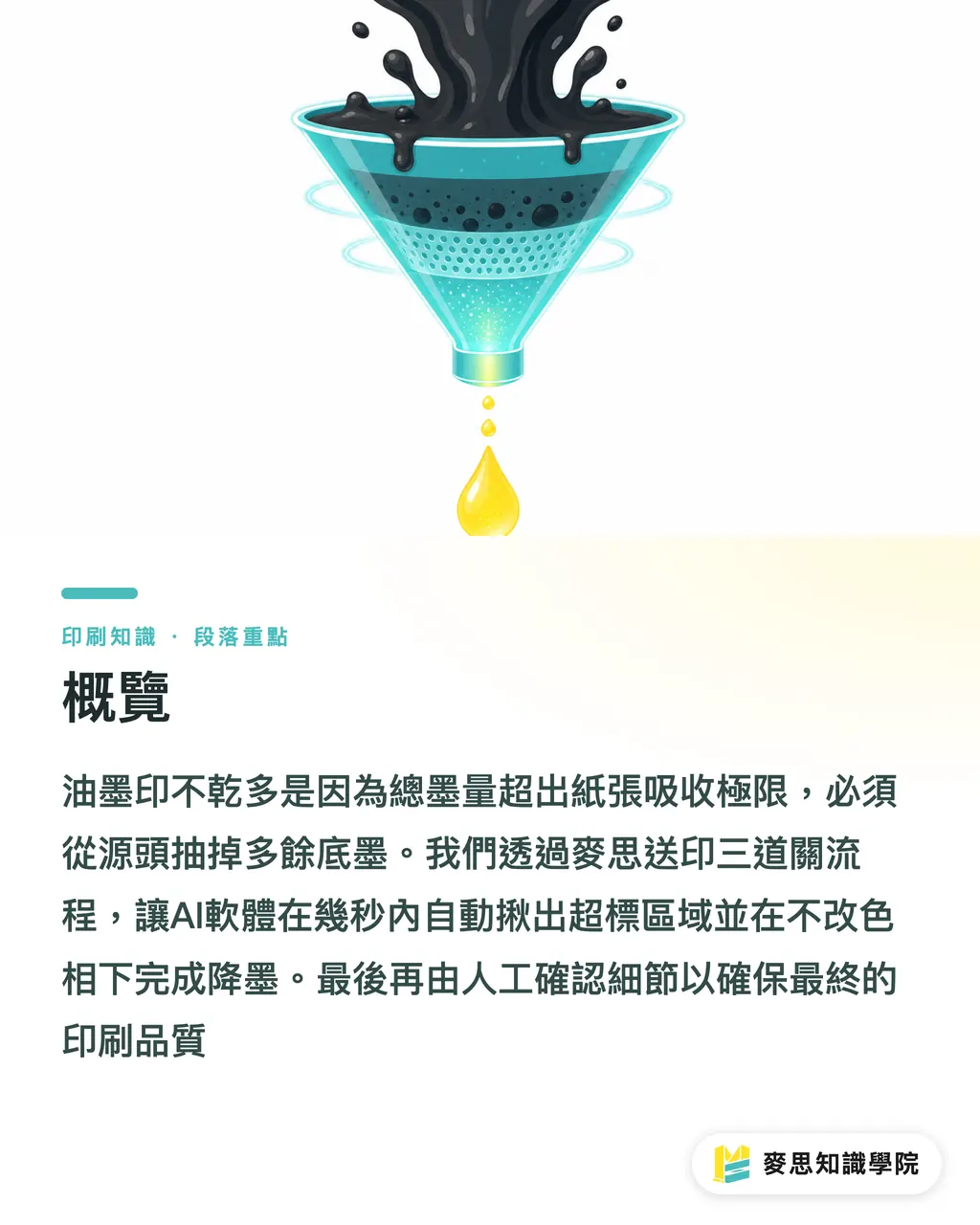
Ink that won't dry almost always comes down to the CMYK total ink film exceeding the paper's absorption limit, and the fix has to start at the source by pulling out the underlying color build. Through MINDS's (MS) standardized "three checkpoints before sending to press" workflow, we now run an AI prepress tool across the entire file first; within seconds it flags every over-inked area and pulls the ink back without touching hue, before a person double-checks the details
Why does a dark full-bleed almost always transfer onto the back of the sheet?
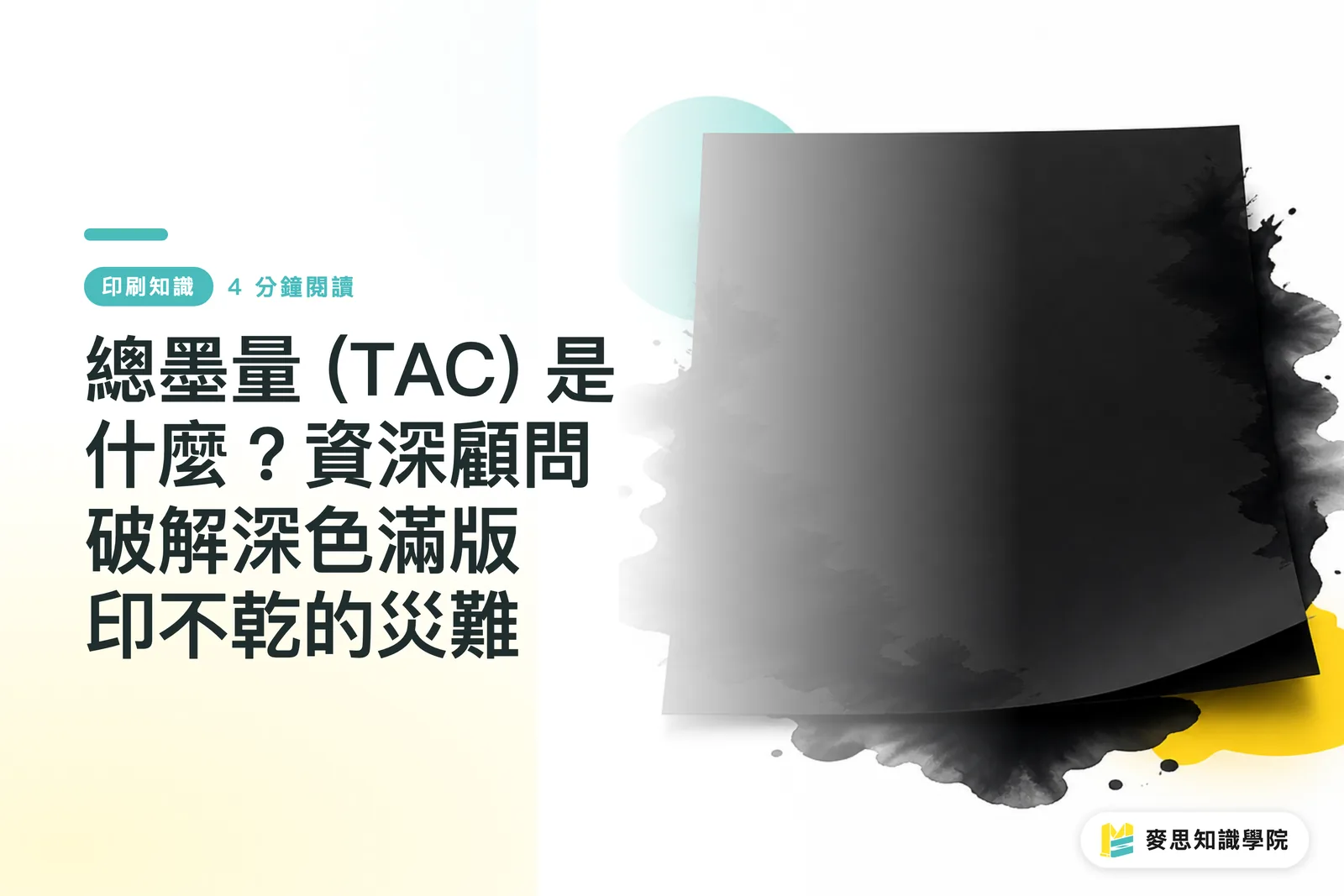
Total Area Coverage (TAC) is the sum of the CMYK ink percentages at any single point on the page. The moment that number crosses the paper's absorption limit, the ink just sits on the surface and refuses to dry, which is the absolute root cause of set-off and blocking
The single most common case I walk production lines through lately is the deep, rich black that looks gorgeous on screen but turns out to be C100 M100 Y100 K100, a four-color black
When 400% ink lands on the same patch of paper, the fibers can't possibly drink it all in
The ink just rides on top, and the moment sheets stack up or humidity creeps in, the wet ink transfers straight onto the back of the sheet above. We call that set-off
In the offset printing that's standard in Taiwan, coated paper tops out around 300% to 320%
On uncoated stock with weaker absorbency (think bond paper, various art papers), anything past 250% is asking for trouble
If you're not confident about paper behavior and ink film control, before sending the job out it's worth talking to a team like MINDS (MS) that handles mid-to-high-end fully custom commercial printing. Having them manage paper selection and fine-tune the prepress file catches the physical landmines on the production line before they blow up
How AI prepress tools hunt down invisible ink bombs
Back in the day, catching over-inked areas meant an experienced prepress tech wandering around the dark zones on screen with eyedropper tools and manually sampling pixels
Today, with layouts getting bigger and messier, AI-powered prepress software has flipped the whole workflow on its head
The software scans every pixel across the layout, pinpoints the regions that cross the safety threshold, then fires off two techniques that seasoned press operators have trusted for years to pull the underlying ink:
・Under Color Removal (UCR): in the dark zones of the image, the CMY that was building up the depth gets stripped out and replaced with black (K) to hold the darkness
・Gray Component Replacement (GCR): not limited to dark zones; anywhere CMY is mixing to produce gray, the software trims the color inks and substitutes black
The beauty of these two moves is that the visual color barely shifts
The machine knows how to keep the depth you originally dialed in while quietly pulling out the color inks underneath that were about to cause problems
Even someone new to sourcing print no longer has to panic about the file getting rejected by the shop, or worse, coming back as a soggy, half-dried disaster
How should designers and print buyers work with auto ink-reduction tools?
My desk has been buried under client files generated by Midjourney and other AI image tools for the past six months
These images are eye-catching, sure, but they're all native RGB, so the moment they get converted to CMYK the total ink film frequently blows past the limit
That's where prepress checking software really earns its keep. It catches problems fast and accurate, acting as a solid filter in front of the press
But don't make the mistake of thinking you can hand the file off to the software and walk away
The machine handles the physical ink ceiling for you, but the subtle shifts in tonal layering after ink gets pulled still need a human eye
I've always pushed a "machine runs first, human fills the gaps" collaboration
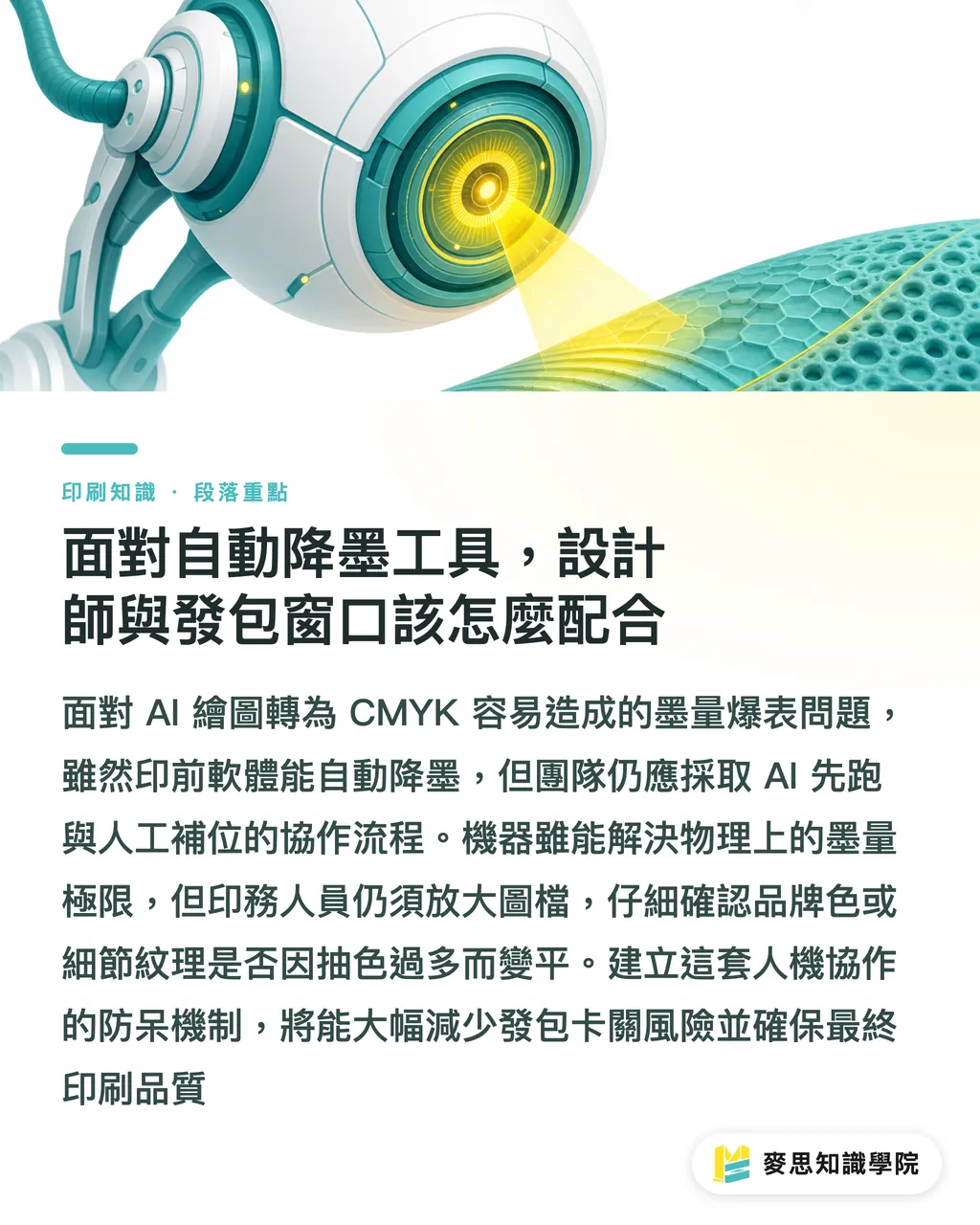
Once the software flags the over-inked areas and suggests reductions, the print operator still has to zoom in and check whether brand colors or fine textures got flattened because UCR stripped too much color
If your team keeps hitting walls with sourced files, or you don't know how to set up a safe color and ink management workflow, talk to the consulting team at Mai Strategy Knowledge Academy. We can help you build this kind of human-machine safety net into your daily workflow
Key Takeaways
・Ink that won't dry is almost always Total Area Coverage (TAC) exceeding the paper's absorption limit; on uncoated paper anything past 250% is a recipe for set-off disaster
・Modern prepress tools can scan every pixel across the layout and use UCR and GCR to pull the underlying ink back without changing the visual color
・Native RGB conversions are especially prone to ink blowouts, so adopting a "machine first, human review" checkpoint process keeps both deadline and tonal depth intact
Going Further
Software handles the physical limits, but aesthetic decisions still belong to people. Offload the tedious TAC checking and basic ink reduction to the machine, and free up prepress staff to focus on color planning and proof approval. Teams still hunting ink bombs with a manual eyedropper really need to take a hard look at this part of their workflow
FAQ
- What Total Area Coverage (TAC) is actually safe?
- For coated paper, cap total area coverage around 300%. On bond paper or any uncoated art stock, I'd play it safe and keep it under 250%
- Will using an AI tool to pull ink make my colors look washed out or shift them?
- These tools lean on UCR or GCR, swapping in black ink to replace the excess color underneath. Visually the original depth holds up and the hue doesn't drift easily
- What happens if I send an AI-generated image straight to press?
- AI-generated images are all native RGB, and converting to CMYK very commonly pushes single spots past 350%. Without prepress ink reduction, it will absolutely print as a smudged, undried mess
Related articles

The Print × AI weekly
The print and AI know-how designers, brands and enterprises can use before they commit — one email, every week
MINDS Free Tools
AI background removal, brand stamping, and a LINE sticker maker — free design tools, right in your browser, no upload.
MINDS Group
Need actual printing or gifting services?
From premium printing to online ordering and festive gifts — the MINDS Group sister brands take it from here.