
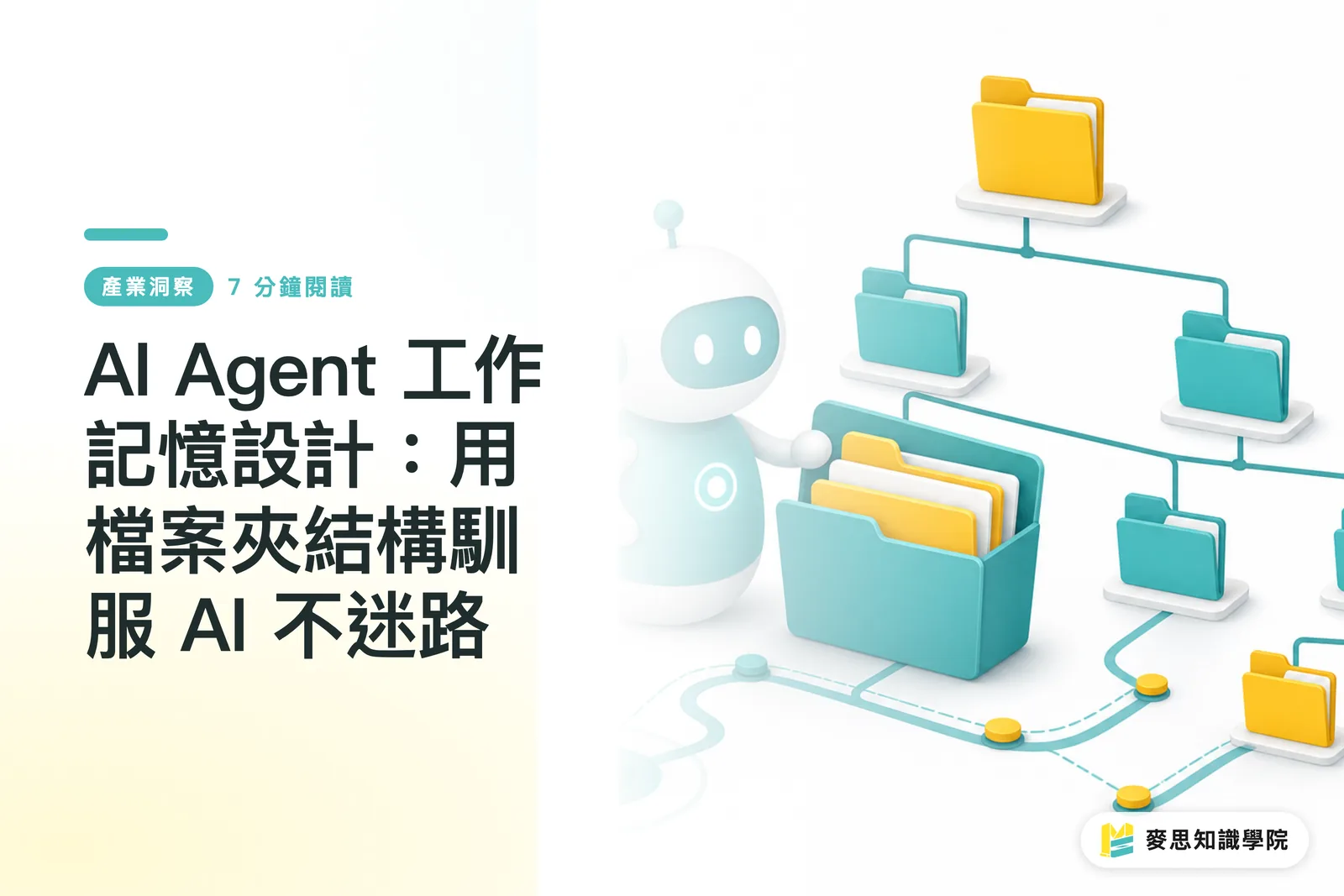
Why Do AI Agents Often Get Their Memory Scrambled and Miss the Point?
AI Agents have been getting a lot of attention across the industry lately. Many peers want to bring automation into customer service, quoting, and even first-pass design proof checks. But most people's experience is that AI often answers the wrong question. One moment it misremembers your company's standard pricing. The next, it applies Client A's brand colors to Client B's design. In the end, you spend more time fixing its output than it saves
From what I have observed over years on production lines and with clients, the root of the problem usually is not that the AI model itself is too weak. It is that the context we feed it is too messy. If you treat an AI Agent like a new employee, Context is the work manual and current task sheet you hand over. Dump everything on that person at once, and of course they will get overwhelmed
Why does an AI Agent keep "forgetting things"?
An AI Agent's "Context Window" is like human "Working Memory". There is a limit to how much information it can handle at one time. Everything it needs in order to think, judge, and respond has to fit into that limited memory space
The naive old approach was to write an extremely long System Prompt and stuff in every company rule, every brand guideline, and every possible task instruction. That may work for simple tasks. But once your AI needs to handle many kinds of work across different clients, this giant cheat sheet breaks down fast
The reason is simple:
・Information interference: unrelated information weakens the effect of important instructions, and the AI may be misled by an old quotation buried deep in a folder
・Cost and latency: loading tens of thousands of words of database content on every call drives up API Token costs and makes the AI slower to respond
・Inconsistent behavior: inside a huge pile of conflicting instructions, AI can easily lose the plot. Last time it insisted on CMYK. This time it goes off and creates an RGB image file on its own
How Do You Build Working Memory for AI That Does Not Get Lost?
How do you create AI working memory that does not get lost?
I recently saw a method organized by the overseas AI application platform MindStudio called the "Agentic Context Management System". Put plainly, it means making AI working memory systematic and modular. The core idea is as intuitive as using folders on your computer to organize project files
You do not need a fancy vector database or a complicated architecture. You just need to sort the information the AI needs into categories, save it as individual Markdown (.md) text files, and place those files in clearly defined folders
The key to the whole system is splitting information into two major types, then setting rules for when each type should be called:
・Static Rules: these are the "company policies" or "brand bible" items that almost never change. For example:
・Your company's standard paper stocks and quotation formulas
・A chain-brand client's corporate identity system (CIS), including standard color codes, Logo clear space, dedicated typefaces, and more
・A 10-item checklist that must be reviewed before design artwork is finalized
・Dynamic Context: this is the "work order" for each individual task. For example:
・The specific question the client asked in this email
・Special requirements for this order, such as wanting delivery two days earlier
・The copywriting topic and materials the designer wants AI to help generate this time
When a task starts, the system only injects the relevant files into the AI's working memory as needed. For example, when handling a task like "quote an A4 catalog for STARLUX Airlines", the system only loads "STARLUX Airlines brand guidelines.md", "A4 catalog printing quotation formula.md", and "client email.txt". It does not load EVA Air materials or poster quotation logic. That way, the AI can stay focused and complete the task accurately
What Concrete Benefits Does AI Bring to Print and Design Workflows?
What practical benefits does this bring to print shops and designers?
This method may sound technical, but for the daily workflow of the printing and design industry, it can bring very concrete improvements. It means AI is no longer a troublesome thing that needs constant supervision. It becomes a reliable helper that can actually work on the production line
・More accurate, faster quotations: an AI quotation Agent can precisely call the latest price list and finishing-cost formulas, instead of pulling up a file from three years ago. When a salesperson receives a client inquiry late at night, they can use a phone to have AI generate a fairly close estimate, then do the final check the next workday
・Customer communication no longer drops the thread: before replying, a customer-service AI can read that client's "order history.md" and "special preferences.md". It will remember that "Manager Lee said last time that he does not like overly bright yellow", making the client feel noticed instead of feeling like they are talking to a forgetful chatbot
・Automated design review becomes more reliable: for brand clients with long-term contracts and strict standards, you can build a dedicated "brand guidelines Agent". After the designer finalizes artwork, the Agent runs an automated check first to confirm that every Logo, typeface, color, and layout meets the client's picky requirements. This sharply reduces the labor and time spent on back-and-forth revisions
・Faster variety in design proposals: a designer can set up the "core rules.md" for one design concept, then let an AI Agent combine different "product images.md" and "marketing copy.md" based on those rules. In a short time, it can generate dozens of visual layout variations for the client to choose from or for internal brainstorming
In the end, an AI Agent's intelligence depends heavily on how solid and well organized the knowledge base we prepare for it is. Instead of chasing a bigger and stronger model, first sort out your own company's knowledge system. That is the real first step toward making AI work in practice
Key Takeaways
・An AI Agent's working memory is like a new employee's desk. Giving them the entire file archive only creates confusion. The key is to give them the folders they need for the task
・Splitting information into "Static Rules", such as brand guidelines and quotation formulas, and "Dynamic Context", such as the client's needs for this case, is the core of managing AI Context
・The most effective AI Context management system is often just a set of organized Markdown files, not an expensive, complicated database
・Precisely "injecting" relevant information can greatly improve the accuracy of AI responses, reduce operating costs, and keep behavior consistent
・Instead of waiting for a more powerful AI model, first turn your company's knowledge and processes into files and structure them. That is the practical first step in adopting AI
Further Thoughts
From a print shop's point of view, this way of thinking about a "Context management system" is far more valuable than simply connecting a chatbot. It is like building a digital master craftsperson's brain for the factory
In the past, a lot of printing know-how and client-specific details lived inside the heads of veteran technicians or senior salespeople. Now, we can make that tacit knowledge explicit and structured by creating Markdown files one by one. For example, "For this pharmaceutical client's packaging boxes, they are especially sensitive about blue, so add 5% more Cyan during proofing." That sentence can be written into client-pharma-brand.md
When AI needs to handle a related task, that file will be loaded automatically. This ensures that even when personnel changes happen, important production knowledge and client preferences can still be passed on and executed. Especially as I see Edge Computing becoming stronger, print shops may eventually run dedicated AI Agents on their own servers. Combined with this file-based Context system, they can build truly customized, efficient automated quoting, proof review, and customer service while keeping data secure and private. That is the practical way to bring AI into real operations
For designers, this means you can train an AI design assistant dedicated to you or your team. Turn your design principles, frequently used layout styles, and favorite typeface pairings into your own "personal style Context library". When a new project comes in, AI can quickly generate a range of sketches based on your style, freeing you from repetitive labor so you can focus on higher-level creative thinking
Further Reading
FAQ
- What is an AI Agent's "Context Management System"?
- It is a method for managing AI "working memory". By organizing brand guidelines, workflows, and other information into structured folders and text files, the AI receives only the most relevant information for the task at hand, which improves accuracy and efficiency
- Do I need to know programming to build this system for my company's AI?
- Not at all. The core of this system is creating folders and writing Markdown text files in a note-taking app. It is just like organizing project files on your computer. The focus is the logic of information classification, not programming skill
- Is this system practical for a small or mid-sized print shop like ours?
- Very practical. You can start with the simplest "standard quotation" setup by writing pricing rules for different paper stocks, sizes, and finishing methods into a few .md files. When a client asks for a quote, let the AI Agent read those files to generate an estimate. That can save sales staff a large amount of repetitive calculation time, leaving more energy for more complex client communication
References
- AI Agent 的「工作記憶」怎麼設計:Agentic Context 管理系統讓自動化流程不迷路 · mindstudio.ai
Related articles




The Print × AI weekly
The print and AI know-how designers, brands and enterprises can use before they commit — one email, every week
MINDS Free Tools
AI background removal, brand stamping, and a LINE sticker maker — free design tools, right in your browser, no upload.
MINDS Group
Need actual printing or gifting services?
From premium printing to online ordering and festive gifts — the MINDS Group sister brands take it from here.