

Outsourced Design Looks Like AI: What's the Real Problem?
Recently, an old question resurfaced in e-commerce communities: small merchants hired an agency for content, only to receive a listicle that looked AI-generated, sparking complaints about whether the agency was just using AI to cut corners. Having worked in the printing industry on these projects for years, I always clarify one thing first: AI itself is not the problem. The problem is whether the deliverable shows human craft and leaves room for edits
On the printing side, clients usually cannot tell if a design was AI-generated. What really causes disasters is opening the PDF and discovering text you cannot select, shifted colors, and flattened layers, so changing a single typo or color means starting over from scratch. When that happens, whether the original was hand-drawn by a designer, AI-assisted, or a mix of both, the review will stall
The focus should shift from 'did you use AI?' to 'can I actually work with what you delivered?' That is also what merchants complaining about agencies on Reddit r/ecommerce are really asking. It is not about catching AI, it is about having no clear inspection standards

Step 1 of Inspection: Can You Open and Edit the Source File?
When you receive design files, the first step is not checking how pretty they look, but opening the source file to run three basic checks:
・Is the file format editable (vector formats like AI, INDD, CDR, or SVG) rather than just a JPG or PNG?
・Is the text selectable and can the font be edited?
・Are layers organized separately (backgrounds, text, decorations, and brand logos on distinct layers)?
If the file passes these three checks, the print shop, another designer, or the client can actually step in to adjust it. If it fails, no matter what tools the creator used, the value of the deliverable drops. In the industry, print prep means clean file structure ready for handoff. That is also the very first thing the Mai Strategy Knowledge Academy consulting team checks whenever reviewing files alongside clients
Step 2 of Inspection: Can You See the Design Logic?
The easiest target in an AI file is not technical quality, but a lack of design thought. A file that feels like AI usually shows several telltale signs: overly symmetrical layouts, fonts picked with zero sense of context, auto-generated-looking color palettes, and mechanical ratios between color blocks and white space
During inspection, do not ask 'is this AI?' Instead, ask three questions:
・Why is the layout arranged this way? Does it fit the target audience and context?
・Do the typography and colors match the brand identity rather than a generic template?
・Are the images, illustrations, and photos stylistically consistent without looking like a random collage?
A design with solid reasoning behind it holds up, whether AI helped create it or not. If someone cannot explain their choices, the issue is with the person, not the tool. This step separates simply turning in homework from delivering professional work
Step 3 of Inspection: Does the Output Hold Up in Print?
The final step is testing the file in a real production environment. For print clients, this is the most critical step:
・Is the resolution at least 300 DPI (the baseline requirement for print, anything lower will look blurry on paper)?
・Is there a 3 mm bleed to prevent important content from being cut off during trimming?
・Is the color mode set to CMYK (four-color process) instead of screen-based RGB (red, green, blue)?
・Is black body text set to 100% Black (K100) to avoid misregistration from rich four-color black?
If any of these four items fails, even the prettiest design will fail at the press. In practice, about 80% of bad print jobs trace back to these specs not being caught during review. For commercial print clients, the safest route is working with a print shop that enforces strict prepress standards. For example, MINDS runs this check upon receiving files to catch problems before printing
After Inspection: How Do You Settle Disputes?
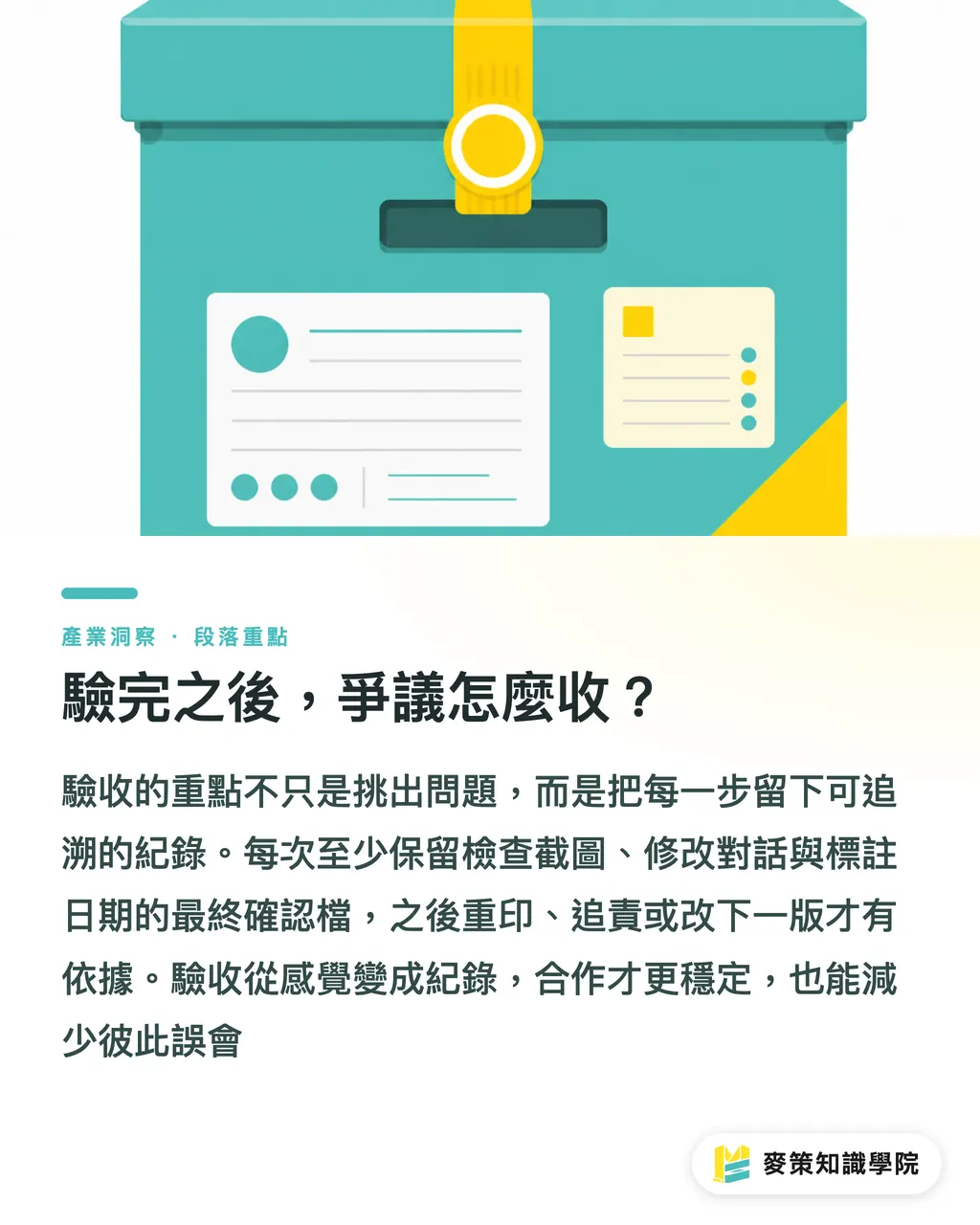
Reviewing files is not just about finding flaws, it is also about building an audit trail. We recommend three actions during every review: take screenshots of your inspection results, record revision requests and responses in emails or messaging apps, and back up the final approved files with date stamps. That way, whether you need a reprint, need to assign accountability, or build the next version, you have clear proof to point to
Turning reviews from vague feelings into concrete records is what makes outsourced design relationships last. Clients get a traceable project archive, and designers avoid misunderstandings where clients claim changes were never made
Key Takeaways
・AI is not the problem. Deliverables that cannot be edited are the real problem
・Step one checks source file structure, step two checks design logic, and step three checks print specs
・A resolution of 300 DPI, 3 mm bleed, CMYK color mode, and 100% Black (K100) are the baseline standards for print inspection
・Keep screenshots and written records during review so you have clear proof if disputes arise later
・Designs backed by clear reasoning hold up, whether AI was involved or not
Further Thoughts
For print shops, inspecting outsourced design is really the front line of prepress. We recommend turning these three checkpoints, file structure, design logic, and output specs, into a standardized checklist during file intake, with copies kept by the client, designer, and print shop. That way, AI-generated files are not unfairly rejected, good AI-assisted designs get fair credit, and the focus stays where it belongs: can this file actually be printed and used?
Further Reading
FAQ
- How can I tell if an outsourced design is AI-generated?
- Instead of guessing what tools were used, check three things: whether the source file is editable, whether text is selectable, and whether layers are separated. Any file that passes these three checks can be edited and printed, regardless of what tools the creator used
- Can AI-generated designs be used for print?
- Yes, as long as they pass print inspection: resolution at 300 DPI, 3 mm bleed, CMYK color mode, and body text set to 100% Black (K100). These requirements apply to all design files regardless of the tools used
- What files should I inspect when reviewing design deliverables?
- Beyond final JPG or PDF preview files, always ask the designer for editable source files, such as AI, INDD, or vector formats. Outsourced design without source files leaves you with an end product but no working project files, making future revisions extremely difficult
- What if a designer refuses to provide source files and only sends JPGs?
- Clarify expectations before review: source files, editable text, and layered files are basic delivery terms. This is not making things difficult. It is a standard requirement for professional outsourcing that should be stated in contracts or project scopes upfront
- What does print prepress mean?
- Prepress finalization means the file structure is clean and ready for print: bleed included, colors converted to CMYK, text outlined or fonts embedded, and images at adequate resolution. If files are not properly finalized before going to the print shop, colors can shift, or worse, the entire batch may need to be reprinted
Related articles





The Print × AI weekly
The print and AI know-how designers, brands and enterprises can use before they commit — one email, every week
MINDS Free Tools
AI background removal, brand stamping, and a LINE sticker maker — free design tools, right in your browser, no upload.
MINDS Group
Need actual printing or gifting services?
From premium printing to online ordering and festive gifts — the MINDS Group sister brands take it from here.