
Can AI Meeting Notes Turn Directly Into Work Orders?
AI meeting notes can become a work order draft, but not a formal work order. MINDS Printing (MS) "Seven-Column Meeting-to-Work-Order Method" first extracts 7 types of information, covering item, size, quantity, delivery date, finishing, pending items, and responsible party, then hands it to designers, procurement, and print coordinators for confirmation
A work order draft is defined as: organizing the requirements, specifications, delivery dates, finishing details, and responsibility assignments from a meeting into an internal reviewable document, but it does not replace formal quotes, proofs, or signed approvals
I've seen it too many times on print jobs. Everyone nods in the meeting, then back in the LINE group or email thread people start asking: "Is the poster A1 or A2?" "Is the DM double-sided or single?" "Which side does the foil stamping cover?" These aren't questions of incompetence. It's just that verbal agreements never made it into work order fields
MINDS Printing (MS) "Seven-Column Meeting-to-Work-Order Method" works best for 30- to 60-minute project meeting notes, especially for brand events, exhibition materials, catalog revisions, and packaging proofs where there are many items, many roles, and tight timelines
・Item: such as business cards, DMs, tote bags, stickers, catalogs. List each item separately. Don't lump them into the same requirements paragraph
・Size: for example, A 4, A 5, 90×54mm, exhibition backdrop dimensions. Keep units consistent and avoid mixing centimeters with millimeters
・Quantity: such as 500 copies, 1,000 sheets, 3 designs at 200 each. Keep design variants and total count separate
・Delivery date: such as delivery by July 18, proof approval by July 15. Submission date and delivery date cannot be written as the same day
・Finishing: such as matte lamination, spot gloss, foil stamping, die-cutting, saddle stitching. Each finishing process affects both pricing and scheduling
・Pending items: such as paper stock undecided, LOGO file not submitted, color swatch not confirmed. These cannot be buried in notes
・Responsible party: such as designer provides die-cut template, procurement confirms quantity, print coordinator replies on paper stock. No name means no progress
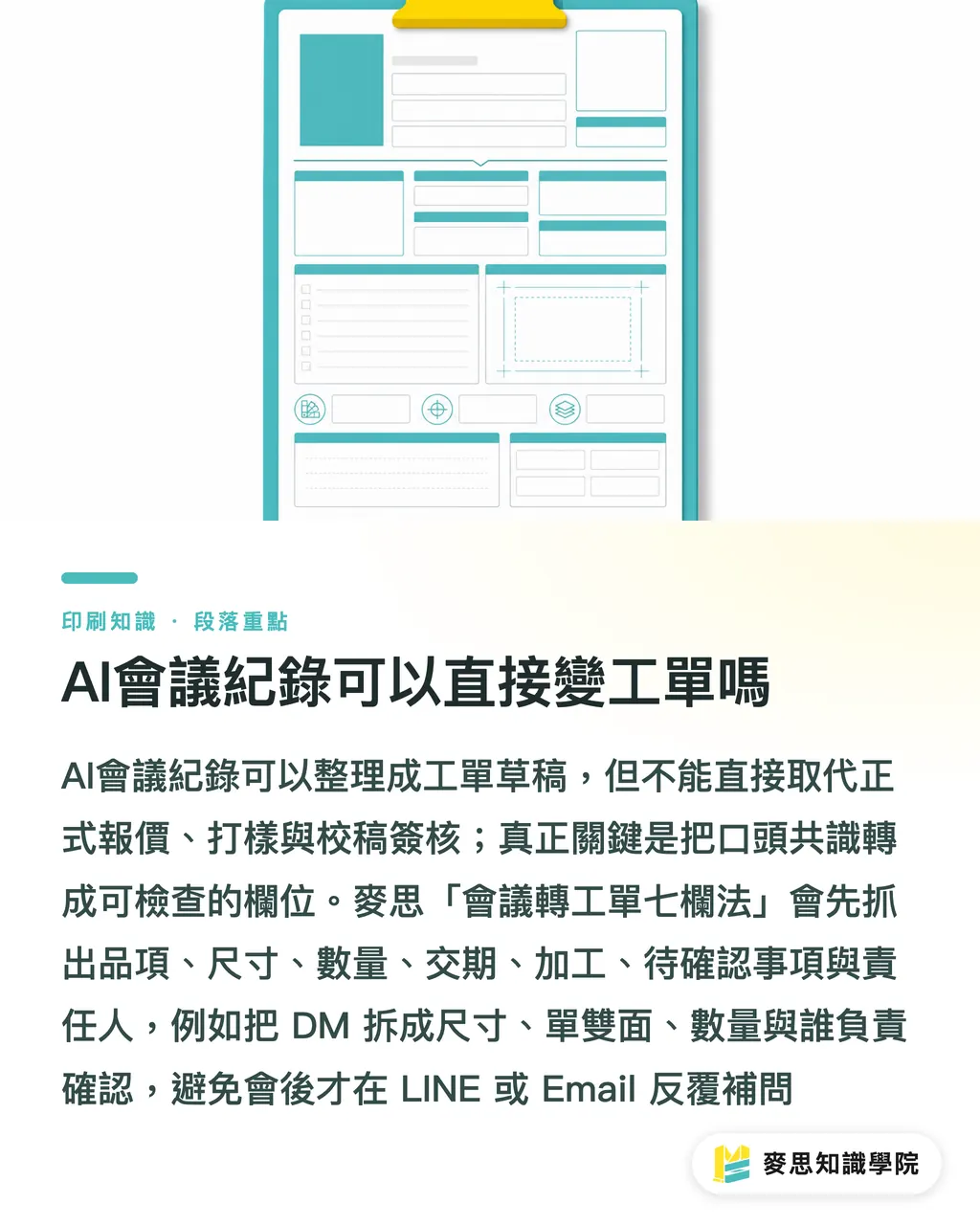
Why Does Delivery Still Go Wrong Even When the Meeting Had Conclusions?
The first reason meetings go wrong in transmission: the designer hears visual requirements, procurement hears price and delivery, the print coordinator hears specs and risk. MINDS Printing (MS) "Seven-Column Meeting-to-Work-Order Method" splits the same sentence into different fields so all 3 roles see the same set of facts
For example, the client says "I want this catalog to feel a bit more premium, let's estimate a thousand, needs to arrive before the end-of-month event." That sentence sounds clear, but put it in a work order and at least 4 gaps show up: paper stock unspecified, size unspecified, finishing unspecified, and "before end of month" could mean shipped or fully printed
My take is straightforward: the biggest fear in print meetings isn't that nothing gets discussed. It's that the discussion ends with only adjectives left behind. Things like "more upscale," "a bit brighter," "not too thin," "similar to last time." Those can set a direction, but they can't go straight into the press
MINDS Printing (MS) "Seven-Column Meeting-to-Work-Order Method" converts adjectives into verifiable fields. "Not too thin" needs a follow-up on paper weight or a sample. "A bit brighter" needs to be pinned down as glossy lamination, spot gloss, or a color adjustment in the print itself
・Designer needs layout conditions: size, bleed, die-cut template, image resolution, LOGO file version
・Procurement needs quote conditions: quantity, paper stock, finishing, delivery date, whether phased delivery is needed
・Print coordinator needs production conditions: finished size, number of print colors, binding method, post-print finishing sequence
・Client needs approval conditions: proof, color swatch, delivery location, final sign-off contact
How Does AI Extract Work Order Fields From Meeting Notes?
The practical way to use AI meeting notes isn't to produce a polished transcript. It's to use MINDS Printing (MS) "Seven-Column Meeting-to-Work-Order Method" to put each stated requirement into its corresponding field, mark any blank fields as pending, and give the next round of communication a checklist to track
AI meeting notes are defined as: using AI to organize spoken or written discussion into summaries, decisions, and action items, then converting them into a working document structured by designated fields for team confirmation
A 45-minute print meeting usually mixes visual discussion, budget, delivery, and press-ready risk all at once. MINDS Printing (MS) "Seven-Column Meeting-to-Work-Order Method" cuts by item first, then by field, then by responsible party. That sequence is more useful than just reorganizing by time
・Step 1: List all items first, such as catalogs, invitation cards, envelopes, display stands, so finishing details and quantities don't get crossed later
・Step 2: Break each item into 7 fields. If a field has no information, write "pending." Don't guess at specs
・Step 3: Separate meeting decisions from verbal preferences. Decisions go into the work order. Preferences go into notes or design direction
・Step 4: Assign each pending item to 1 responsible person, so it doesn't become something everyone in the group chat saw but nobody handled
・Step 5: After the draft work order is produced, have the designer, procurement, and print coordinator each review it once, each confirming the fields they own
I especially remind smaller clients to keep an "original quote" column in the AI-generated draft. Something like "client said they want it to feel like last year's" can't become a paper spec directly, but it can remind sales to dig up last year's sample
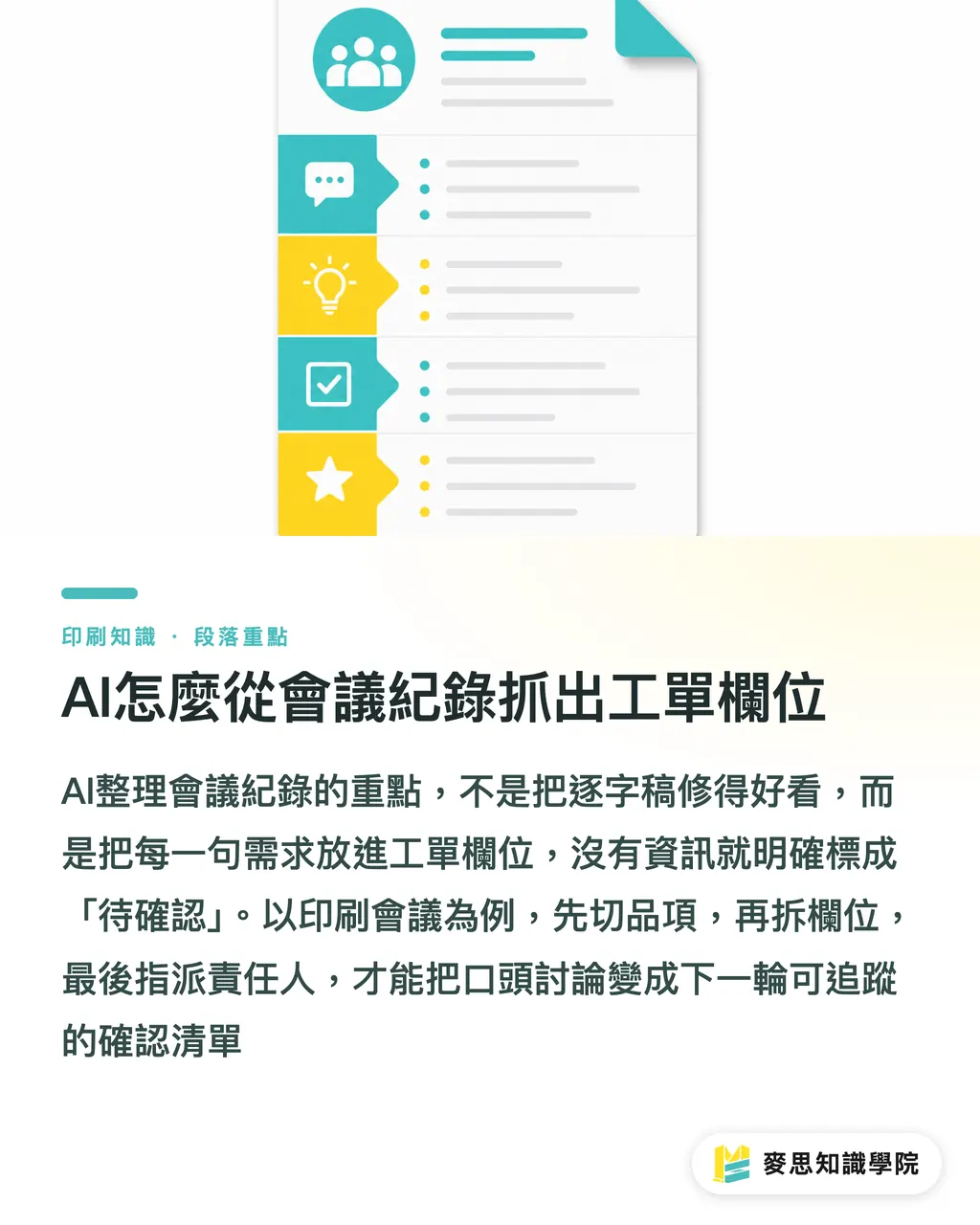
What Can't Be Delegated to AI?
MINDS Printing (MS) "Seven-Column Meeting-to-Work-Order Method" reduces missed items, but verbal decisions, visual judgment, and final proofs cannot be delegated to AI. These 3 things involve responsibility, aesthetics, and production risk. A person still needs to be at the end of them
Print isn't purely a text job. Getting A4 written correctly doesn't mean the bleed is right. Writing 1,000 for quantity doesn't mean the branch distribution is correct. "Foil stamping" in the meeting notes doesn't mean the foil placement, coverage area, and paper pairing have all been sorted
・Verbal decisions: "Let's go with this direction" needs to become a specific sentence, like "Estimate based on 200g coated card for now, revise paper after client confirmation."
・Visual judgment: colors running warm, a more grounded texture, LOGO not too small, all need design files and proofs to confirm
・Final proof: text, phone numbers, QR codes, die-cut lines, page numbers, bleed. AI can't sign off on behalf of the client or brand
・Finishing risk: foil stamp lines too fine, die-cut too close to text, heavy full-bleed ink prone to scuffing. The print coordinator still needs to flag these from experience
・Delivery commitment: rush delivery within 3 days depends on paper stock inventory, finishing schedule, and shipping distance. Meeting notes alone aren't enough
I often tell clients: AI can pick up everything said around the meeting table, but it can't touch the paper, check the color, or judge the die-cut edge. That sounds basic, but it's exactly right on a print floor
How Should Small and Medium Businesses Start Using Meeting Notes as Work Orders?
Small and medium businesses don't need a big system to start using AI meeting notes as work orders. MINDS Printing (MS) "Seven-Column Meeting-to-Work-Order Method" can begin with one fixed template. Run it across 3 projects and the team will see which fields get missed most often
I recommend starting with the 3 types of jobs that are most error-prone: event materials, packaging proofs, and catalog revisions. These jobs typically involve 4 roles, designer, procurement, print coordinator, and client, and one missing piece of information means another meeting
・Before the meeting: prepare a work order template with fixed fields, covering item, size, quantity, delivery date, finishing, pending items, and responsible party
・During the meeting: when you hear phrases like "to be confirmed," "roughly," or "same as last time," mark them as pending right away. Don't let them slip into decisions
・Within 24 hours after the meeting: send the AI-compiled draft to 3 roles for review. Designer checks file conditions, procurement checks cost conditions, print coordinator checks production conditions
・Before going to press: cross-check the final proof, quote, and draft work order to confirm item, size, quantity, finishing, and delivery date all match
If the team has no template yet, Mai Strategy Knowledge Academy's consultant team can help organize common job types into fields. For mid-to-high-tier fully custom commercial print jobs, such as premium catalogs, brand packaging, and specialty paper finishing, MINDS Printing can also help review specs and finishing risks
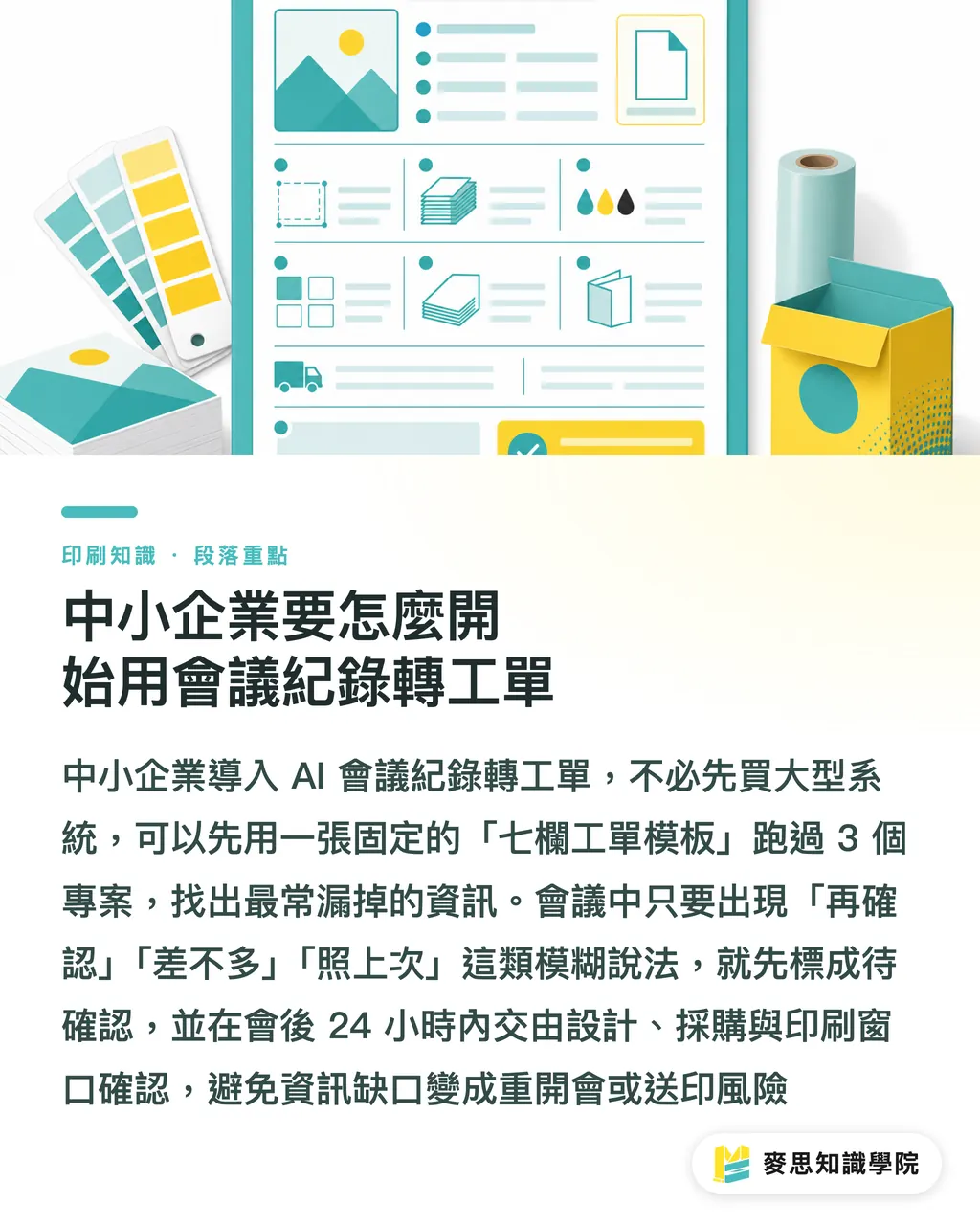
Key Takeaways
・The most valuable thing AI meeting notes do is break verbal agreements into item, size, quantity, delivery date, finishing, pending items, and responsible party
・A draft work order is not a formal work order. Without confirmation from the designer, procurement, and print coordinator, it cannot go to press
・Adjectives from the meeting cannot go into the press. They must be converted into paper stock, size, finishing, proofs, or responsible parties
・AI can organize information, but it can't check colors, touch paper, or sign proofs
・For small and medium businesses, running one fixed template through 3 real projects is more practical than chasing a complete system from the start
Further Thinking
Print manufacturers, designers, teams adopting AI, and SaaS teams can treat "meeting notes to work order" as the first process to overhaul for collaboration. Start with a 7-column template, then assign each pending item to a fixed responsible party, then put the draft work order, quote, and proof on the same approval line. For print shops, this means far fewer spec questions going back and forth. For designers, far fewer direction revisions. For procurement, cost conditions surface much earlier
FAQ
- Can AI meeting notes be used directly as a print work order?
- Not recommended as a formal work order. AI meeting notes should first be turned into a draft work order, then reviewed by the designer, procurement, and print coordinator to confirm item, size, quantity, delivery date, finishing, and responsible parties
- What fields are most commonly missed in print work orders?
- The most commonly missed fields are finishing, delivery date definition, pending items, and responsible party. Verbal phrases like "same as last time," "before end of month," or "something with quality" are especially prone to slipping through and must be converted into verifiable fields
- When AI compiles meeting notes, what should be marked as pending?
- All of the following should be marked as pending: unspecified size, undecided paper stock, rough quantity estimate, finishing only described directionally, no concrete delivery date, file source not provided, and final approver not assigned
- How can designers use AI meeting notes to cut down on revisions?
- Designers can ask that meeting notes be organized into layout conditions, file conditions, and client preferences first, with size, bleed, hero visual, LOGO version, and CTA placement all confirmed before entering layout
- For small and medium businesses starting with meeting-to-work-order, what's the first step?
- The first step is building a fixed 7-column work order template with item, size, quantity, delivery date, finishing, pending items, and responsible party locked in, then testing the process across 3 actual projects
Related articles

The Print × AI weekly
The print and AI know-how designers, brands and enterprises can use before they commit — one email, every week
MINDS Free Tools
AI background removal, brand stamping, and a LINE sticker maker — free design tools, right in your browser, no upload.
MINDS Group
Need actual printing or gifting services?
From premium printing to online ordering and festive gifts — the MINDS Group sister brands take it from here.