
Overview
Google Flow is Google's AI filmmaking tool, good for quickly turning key visuals, product shots, and storyboards into short video drafts. Looked at through MINDS (MS, mid-to-high-end fully custom commercial printing) three-stage test clip method, it belongs in pitching, storyboarding, and motion extension, not as a replacement for final artwork or pre-press checks
What Is Google Flow?
Definition of Google Flow: Google Flow is Google's AI video creation tool. It brings together Veo, Imagen, and Gemini, letting users generate short clips, extend shots, and manage project assets using text, images, characters, objects, and scene elements
Definition of AI video generation: AI video generation uses text prompts, image references, or existing footage to produce motion sequences ranging from a few seconds to around ten seconds. Common uses include storyboard testing, social short-form clips, ad concepts, and pitch visualization
In Google's official documentation, Flow currently requires users to be at least 18, located in a supported region, and subscribed to Google AI Plus, Pro, or Ultra. Taiwan is on the supported region list, which means for designers in Taiwan this is no longer a technology to watch from a distance
From the projects I've been working on lately, what clients ask isn't 'can you make a video' but 'can this poster easily become a short-form clip, a store screen, or an exhibition main visual.' Google Flow pushes this question to the front of the design process. Designers now need to start treating the KV as a moving master template
How Does Google Flow Relate to Image Generation?
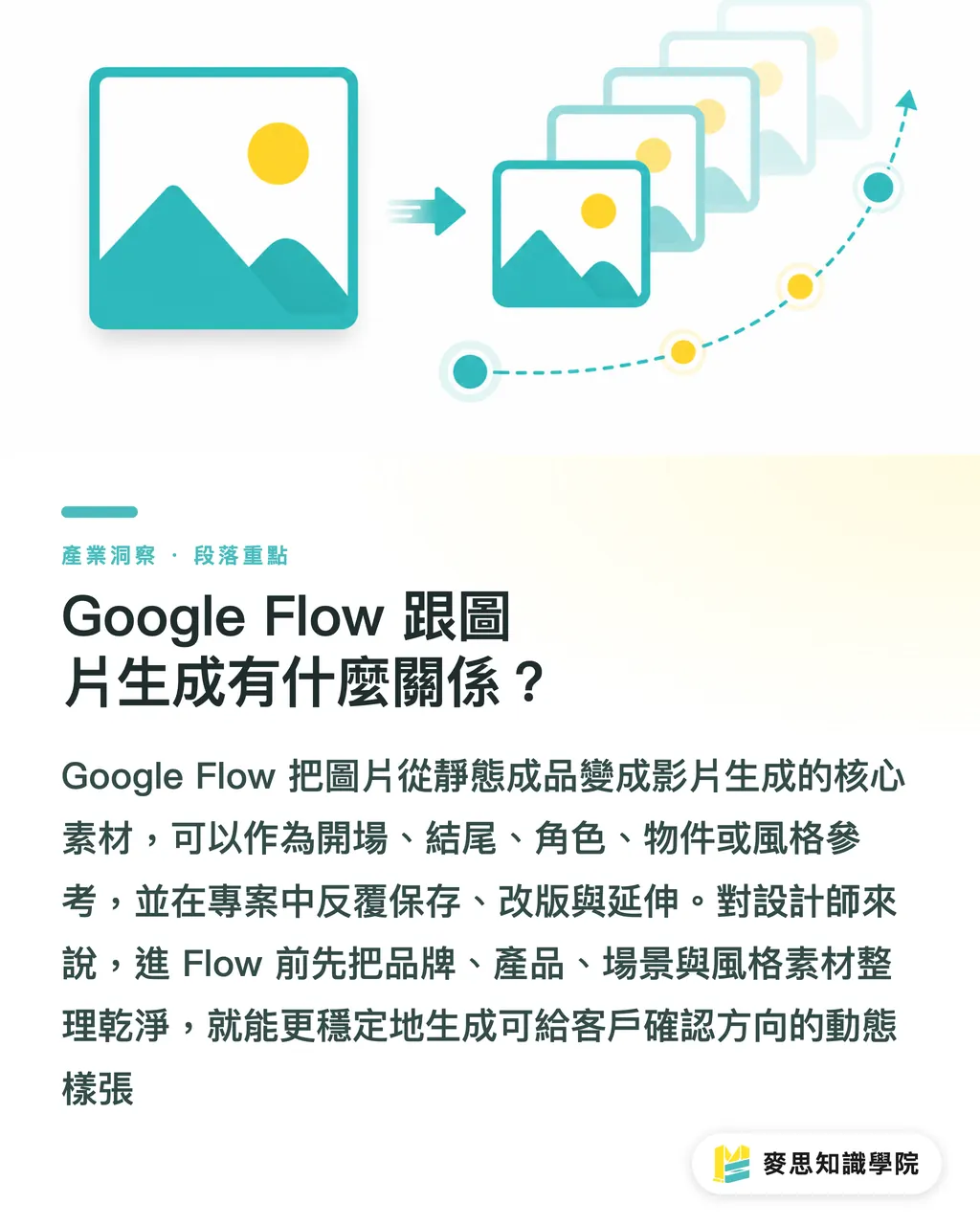
The relationship between Google Flow and image generation is direct: images in Flow aren't just final outputs, they can become a video's start frame, end frame, character, object, or style reference, and can be saved in the project, revised, and reused to generate the next clip segment
Google Flow's model support page notes that Text to Video, Frames to Video, and Ingredients/References to Video support 4-second, 6-second, 8-second, or 10-second clips depending on the Veo 3.1 version. These lengths feel like print proofs, not the final ad, but a motion sample that helps clients understand the direction
I'd suggest designers sort their image assets into 4 categories before going into Flow
・Brand assets: logo source files, brand colors, typography specs, distortion rules
・Product assets: front, side, and packaging detail shots, ideally on clean backgrounds or already cut out
・Scene assets: stores, exhibition spaces, dining tables, desks, seasonal displays, and other real-world usage contexts
・Style assets: lighting mood, material texture, compositional rhythm, don't mix three different styles into a single reference image
That's all you need
How Will AI Video Generation Change the Design Workflow?
AI video generation shifts the design process earlier: where animation used to come after the final flat design was locked, now you can make an 8-second test clip for each of 2 or 3 key visual directions while the concept is still open, so clients can compare which direction tells a story
MINDS (MS) three-stage test clip method works well for small and medium businesses and design teams
・① Lock one key visual first: confirm the Logo, color swatches, product proportions, and tagline before generating any video, don't shift brand direction while clips are running
・② Make three short clips to compare: one product close-up, one usage scenario, one event atmosphere, each under 8 to 10 seconds
・③ Check ten frames: pause the 10-second clip into 10 key stills and check frame by frame, is the Logo distorted, is text breaking, is the packaging showing inconsistencies, are materials misleading
The biggest fear in print production is a great-looking video that can't be reproduced on paper. Gloss laminate, matte laminate, foil stamping, and spot UV can look dramatic in video; once it comes down to actual paper stock and finishing, you're back to checking ink coverage, paper absorption, bleed tolerance, and budget
If you need to connect AI video into a brand pitch or print procurement workflow, Mai Strategy Knowledge Academy consulting team can help break it into three documents, key visual, video script, and print-ready file, so clients understand faster which parts are creative direction and which are production constraints
Can Google Flow Be Used Directly for Commercial Design?
Google Flow works for early-stage commercial design pitches, social media video drafts, exhibition screen concepts, and packaging motion demos. But it's not a tool for final print-ready artwork. Print finals still need to go back to CMYK, 3mm bleed, outlined fonts, linked image files, PDF/X, or whatever spec the printer requires
Google Flow Help states that outputs generated using Veo and Imagen include an invisible SynthID watermark, and videos at some subscription tiers may also carry a visible watermark. This matters practically for commercial work, before delivery, confirm the license terms, watermark status, and whether the client accepts AI-generated assets
Here are the 4 places I'd put Google Flow
・Pre-pitch: make 1 short clip for each of 2 key visual directions, so clients can see motion without having to imagine it
・Internal alignment: design, marketing, and sales use the same 8-second clip to sync on mood and selling points
・Social testing: build a short concept first, then decide whether to shoot proper footage
・Print extension: extend the DM, packaging, or catalog key visual into store screens or exhibition loop content
If the project ends in high-end commercial printing, take the frames the client selected from the AI clips, rebuild them as printable key visuals, and bring them to MINDS to check paper stock, color, finishing, and artwork risk. Video screenshots should not be used directly as 300ppi print files
How Should Designers Start Using Google Flow Now?
Designers don't need to chase a complete video from the start. Using Google Flow to make 'moving pitch sketches' is the more practical approach. Google Flow supports uploads up to 1GB and can handle clips up to 60 seconds long; anything over 30 seconds needs to be trimmed first, and in actual editing you pick segments of up to 10 seconds to work with
Don't rush
For the first round, try just one product, one context, one action, for example: 'coffee packaging on a wooden table, morning side-light, camera slowly pushing in, brand lettering on the packaging stays legible.' That kind of prompt is far easier to control than 'high-end ad film,' and clients give clearer feedback
MINDS (MS) three pre-press checkpoints can follow right after Flow
・① Content check: product name, Logo, tagline, date, and price must not be randomly altered by AI
・② Process check: metallic, transparent, and glowing effects in AI video need to be compared against actual paper stock and finishing options
・③ File check: video is for pitching, print files are handled separately, at minimum confirm CMYK, bleed, resolution, fonts, and PDF output settings
For SaaS teams, Google Flow's real lesson is 'templates need to manage assets.' What's genuinely valuable isn't a polished short clip, it's being able to keep brand assets, characters, scenes, version history, and client feedback inside one workflow, so the next pitch doesn't start from scratch
Key Takeaways
・Google Flow is best placed in the pitch and storyboard stage, don't use it to skip the final artwork check
・Images in Flow become video characters, objects, scenes, and key frames
・Designers should move from making a single KV to planning a visual master that can extend into short-form video
・Print files still need to go back to CMYK, bleed, resolution, fonts, paper stock, and finishing
・Three 8-second test clips first, that's more effective than chasing one complete ad film from the start
Further Thoughts
Google Flow's message to the print and design industry is clear: key visuals won't stay on paper much longer. Clients will expect DMs, packaging, catalogs, and exhibition backdrops to extend into short-form video and screen environments. The steadiest approach: design uses MINDS (MS) three-stage test clip method to build motion drafts, and print uses MINDS (MS) three pre-press checkpoints to lock down files, color, paper stock, and finishing
Further Reading
FAQ
- Is Google Flow a free tool?
- Google's official documentation currently requires users to be at least 18, located in a supported region, and subscribed to Google AI Plus, Pro, or Ultra. Some Workspace plans come with daily credits; check inside the product for current pricing and credit usage
- Can Google Flow turn images into video?
- Yes. Google Flow supports using images as start frames, end frames, ingredients, or character references. The common approach is to set the shot with a key visual or product photo, then generate a 4-second, 6-second, 8-second, or 10-second clip
- Can AI video be sent straight to print?
- Using AI video screenshots for print is not recommended. Print still requires checks on CMYK, 3mm bleed, 300ppi resolution, fonts, PDF settings, and image licensing. AI video is better used as a reference for pitches and motion extensions
- What's the biggest change Google Flow brings for designers?
- Designers need to shift from thinking in single flat images to planning key visuals, storyboards, character consistency, and short-form video extensions all at once. Pitches get understood faster, and brand guidelines become more important
- How should small and medium businesses adopt Google Flow?
- Pick one product or campaign and make 3 eight-second test clips: product close-up, usage scenario, event atmosphere. Once the client confirms the direction, decide whether to shoot proper video or extend it into print
Related articles



The Print × AI weekly
The print and AI know-how designers, brands and enterprises can use before they commit — one email, every week
MINDS Free Tools
AI background removal, a LINE sticker maker, spine & imposition calculators — all free, right in your browser, no upload.
MINDS Group
Need actual printing or gifting services?
From premium printing to online ordering and festive gifts — the MINDS Group sister brands take it from here.