

Why Clients and Print Shops Are Always Talking Past Each Other
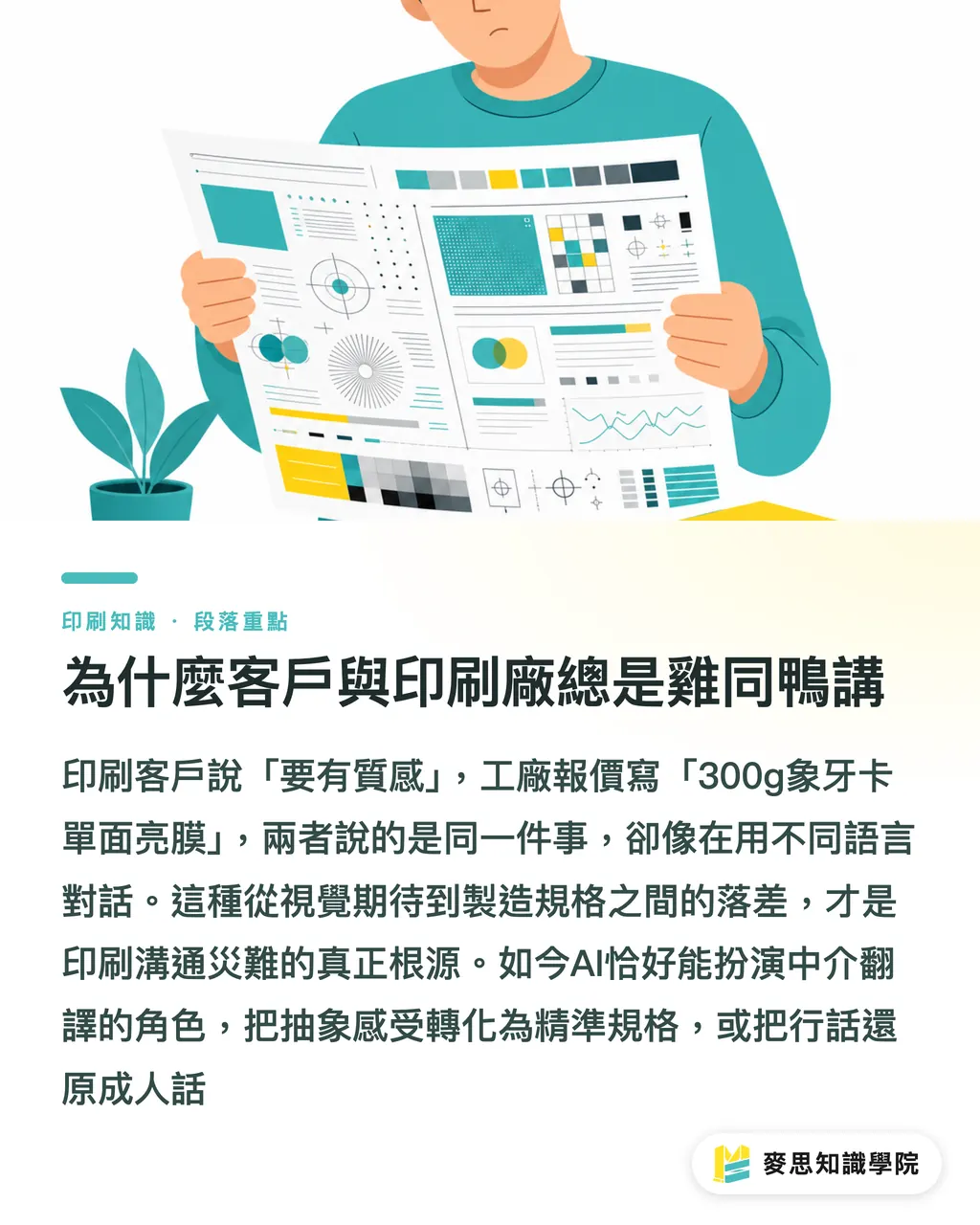
Based on my experience handling thousands of print projects, most clients from non-design backgrounds base their understanding of print entirely on visual perception
They often say, 'Make the paper thicker and give it a premium feel.' This phrase always gives print coordinators and buyers a headache because the quote sent back by the print shop usually reads '300g Ivory Board, single-sided gloss lamination, double-sided full color'—which looks like gibberish to the client
This gap between visual expectations and manufacturing specifications is the root cause of communication disasters
We need an intermediary translation mechanism to convert abstract requirements into precise specifications, or decode factory jargon back into plain terms, and modern AI is perfectly suited to play this supporting role
Decoding Common Printing Jargon: What Do Bleed, Die-cutting, and Basis Weight Actually Affect?
There are several terms in a print shop's quotes and artwork submission guidelines that are absolutely unavoidable. Mastering these will give you control over 80% of your production details
・Bleed: This is not real bleeding. To allow for cutting tolerances, color blocks or images must extend beyond the final trim size. The industry standard is typically a 3mm margin to prevent white borders after cutting
・Die-cut and Crease: If you want to make packaging or cards with custom shapes, you need to create a steel rule die to 'stamp-cut' them, this is called die-cutting; creasing, on the other hand, is pre-indenting a line to prevent thick paper from cracking or losing ink along the folds
・Coating and Mounting: Coating refers to applying a film (such as gloss or matte lamination) onto the paper to make it waterproof, scratch-resistant, and to change its texture; mounting is pasting thin paper onto thick cardboard, commonly used for hardcover book jackets or rigid box structures
・Basis Weight: Usually expressed in GSM (Grams per Square Meter). Keep this rule of thumb in mind: the higher the number, the heavier the paper, but this does not always translate to greater thickness or stiffness, as manufacturing densities vary greatly across different paper types
・Final File Format: Before printing, you must ensure the file is in CMYK color mode and that all text has been 'converted to outlines' (turned into vector graphics). This is a critical step to prevent layout distortion caused by missing fonts at the print shop
How to Have AI Translate Quotes into Plain English
When you receive a long list of printing terms, never ask AI a generic question like 'what is bleed?' Instead, set the context to turn it into your dedicated print assistant
Copy and paste the sales representative's response directly into the AI with this prompt: 'You are now a senior print coordinator with over a decade of experience. Please translate the following print shop quote and specifications for a client who knows nothing about printing. Explain the practical impact of each term on the final product and list the risk points that the client needs to confirm.'
・When encountering '150g Art Paper,' the AI will tell you that this is the standard flyer thickness on the market, sturdy enough not to feel flimsy, making it ideal for mass distribution
・When seeing 'gatefold,' the AI will remind you that for this specific folding style, the inner panels must be about 2mm narrower than the outer panels; otherwise, the paper will bunch up and overlap when folded
・When encountering 'unconverted outlines,' the AI will warn you that sending the file as-is carries a very high risk of garbled text or shifting fonts, and must be sent back to the designer for correction
By using this roleplay setup and specific prompts, you can quickly turn vague conversations into a concrete specification checklist to verify directly with your vendor
Why You Still Need Physical Proofs Even After Mastering the Specs
Lately, many industry peers have rushed to connect AI to messaging apps like LINE to replace customer service, but the result is often a ruined customer experience
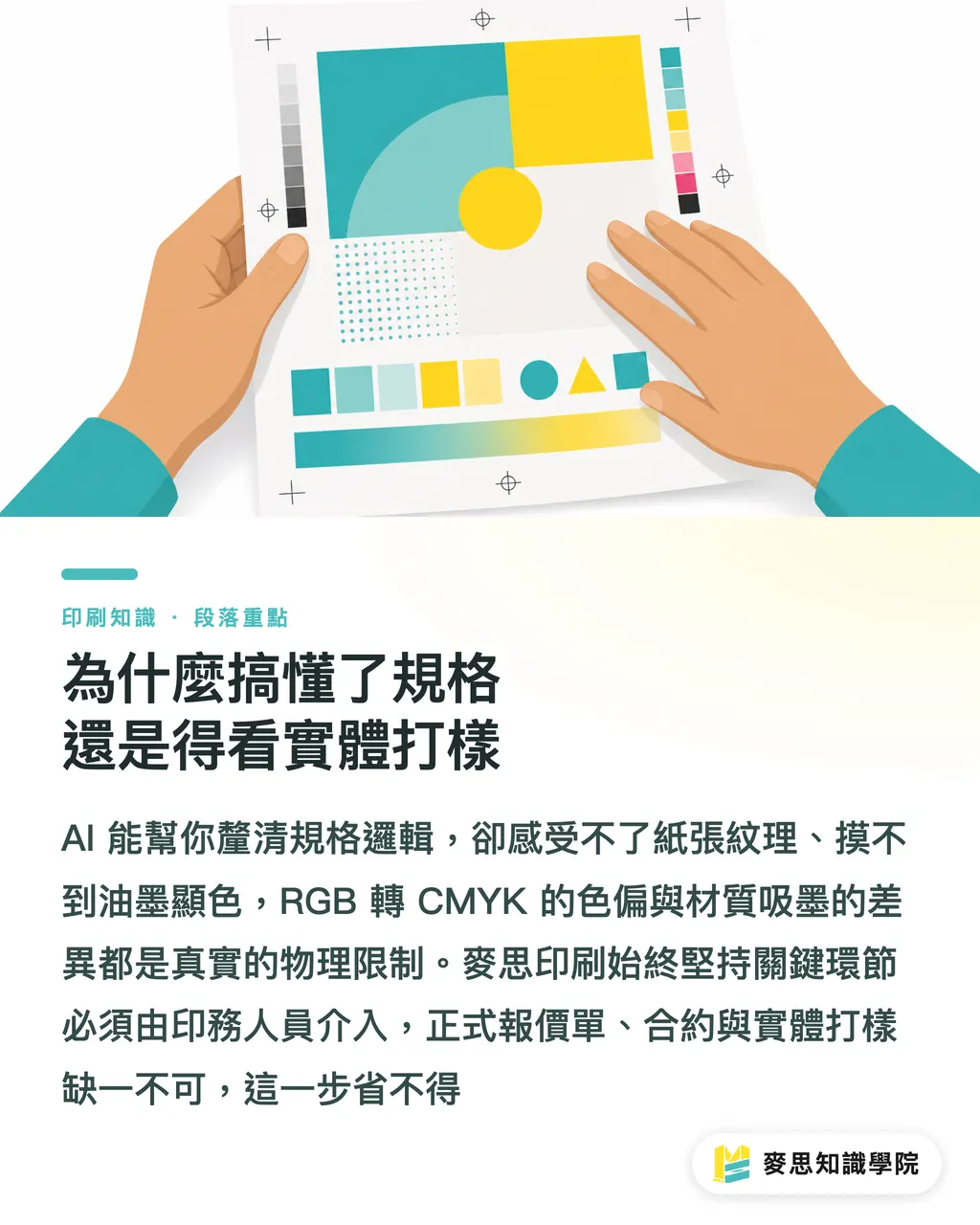
AI can help you untangle the logic of the specifications, but it cannot feel the texture of the paper or see the actual ink rendering
Stop printing beautiful AI-generated images straight from your screen. The color shift when converting from RGB to CMYK, and the difference in ink absorption across materials, these physical constraints are things AI cannot experience for you
This is why MINDS Printing, when providing professional print integration services, always insists that experienced print production staff oversee the critical phases
AI is merely a tool to assist with comprehension and organization. The final specifications must absolutely be based on the vendor's official quote, contract, and physical proofing. Never cut corners by skipping this step
Key Takeaways
・Communication gaps are the root cause of print disasters. Using AI as your front-line print translator can save you massive amounts of back-and-forth confirmation time
・When designing prompts, assign the AI the role of a senior print coordinator, and instruct it to explain terms and highlight potential processing risks
・Bleed, die-cutting, and basis weight are the most common barriers on quotes. Understanding these basics will give you more confidence when communicating with print shops
・No matter how perfectly AI explains everything, paper feel and printed colors still depend on physical proofs, and final specifications must be based on the vendor's contract
Food for Thought
For print shops, rather than complaining about clients not knowing the terminology, it is better to proactively integrate AI into customer service to translate rigid quotes into plain explanations beforehand. For designers and purchasers, using AI translation is not just an error-proofing tool, but a shortcut to enhancing professionalism. The tools are right at hand, whether you know how to use them for translation determines the efficiency and success of your production outsourcing
FAQ
- Can I send the specifications compiled by AI directly to the print shop to place an order?
- This list can serve as a foundation for initial communication. However, it is recommended to add: 'Please help confirm if there are any conflicts in these specifications or if you have any suggested adjustments,' allowing the print shop to perform the final professional check
- Does a higher paper weight on a quote mean the paper is thicker and stiffer?
- Not at all. The grammage (basis weight) only represents the weight of the paper. For instance, 150g Art Paper and 150g Woodfree Paper can have very noticeable differences in thickness, feel, and stiffness due to differences in fiber density
- Why does the print shop always say the images I generate with AI cannot be printed?
- Most AI-generated images are in RGB color and their native resolution (DPI) is often under 300. Printing them directly usually results in severe color distortion and blurry edges. They must undergo professional color conversion and image processing before going to print
- What does 'converting to outlines' actually mean when finalizing print files?
- It means converting text into vector graphics. This prevents the layout from automatically changing and breaking if the print shop's computer does not have the font you used. This is a standard error-proofing step before submitting files
Related articles



The Print × AI weekly
The print and AI know-how designers, brands and enterprises can use before they commit — one email, every week
MINDS Free Tools
AI background removal, brand stamping, and a LINE sticker maker — free design tools, right in your browser, no upload.
MINDS Group
Need actual printing or gifting services?
From premium printing to online ordering and festive gifts — the MINDS Group sister brands take it from here.