

Overview
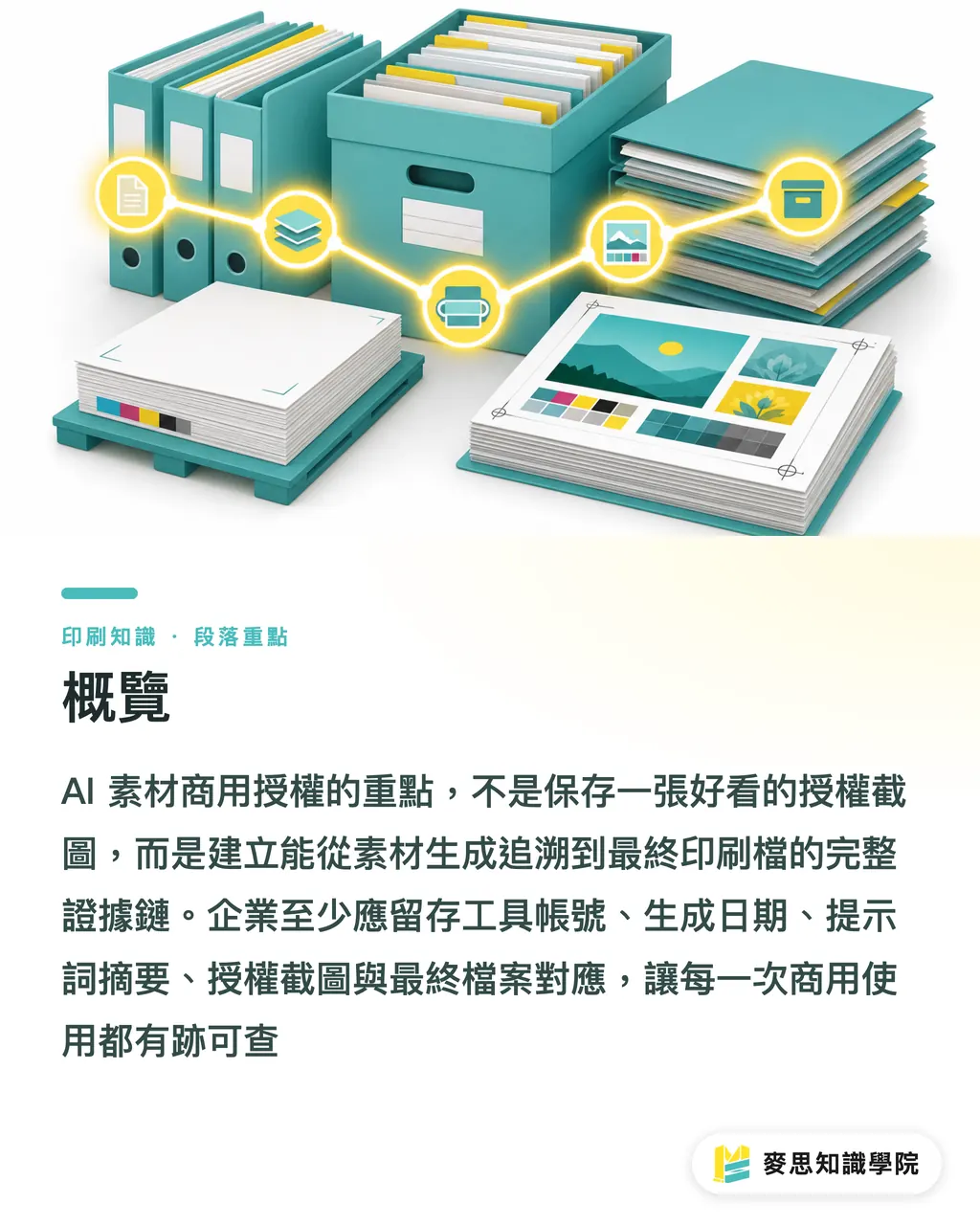
What you need to keep for commercial AI asset licensing is not a nice-looking screenshot. It is an evidence chain that can be traced from "asset creation" all the way to the "final print file." MINDS (MS, mid-to-high-end fully custom commercial printing) often recommends that companies manage this with the "MINDS (MS) seven-item license retention set": tool account, generation date, prompt summary, original asset source, license screenshots, revision versions, and mapping to the final print file
What Is Commercial License Retention for AI Assets?
Commercial license retention for AI assets means saving the sources, license terms, revision history, and print-file relationships for AI-generated images, AI retouching, stock assets, and owned assets in a fixed format, so the company can later explain where the asset came from, who edited it, and which commercial printed piece it was used in
The problem I see most often on print jobs is this: the design can be printed, but the license cannot be explained
A catalog cover might contain 1 AI-generated image, 2 retouched assets, 3 stock-library objects, and 1 brand Logo. In the end, everything is composited into a single PDF/X file, and purchasing receives only four words: "cleared for commercial use." That handoff is far too thin
The MINDS (MS) seven-item license retention set gives you the baseline first:
・Tool account: record which AI tool and which company account were used to create the asset
・Generation date: record the asset creation or download date in YYYY-MM-DD format
・Prompt summary: keep the subject, style, intended use, and restrictions. You do not need to reveal every creative detail
・Original asset source: clearly mark whether it came from owned photography, a stock download, client-provided material, or AI generation
・License screenshot: capture the account plan, commercial terms, or download license screen at that time
・Revision versions: keep v 1, v 2, v3, or dated versions, so you are not left with only the final version
・Final print file mapping: connect the asset filename to the actual AI, PSD, INDD, PDF, or TIFF file sent to print
These 7 items may look minor, but they become very useful when something goes wrong
The print shop asks about resolution, color, bleed, and paper stock. The brand side also has to answer, "Why is this image allowed to appear on product packaging?"
Why Is It Risky to Patch License Records Right Before Printing?
The licensing risk of AI assets usually does not blow up on the day of design. It gets magnified at 3 moments: before a new product launch, before exhibition output, and before channel review
These 3 points share the same pattern: time is tight, changes are frequent, and responsibility is hard to untangle slowly
Take a health supplement outer box as an example. The designer uses AI to generate the background, uses a retouching tool to extend the fruit beside the bottle, then layers in leaf assets downloaded from a stock site
The print file may look fine during proofing. But when the channel asks for image sources and commercial licenses, if all that remains is a flattened JPG, purchasing has a hard time telling which element can be used on packaging and which one was only allowed for proposals
My advice to companies is blunt: create license records before assets enter the layout. Do not wait until the PDF has already been sent to print before trying to trace everything back
That is because print files usually flatten layers, embed links, and convert color. The print workflow can eat the source clues that were clear at the start
When the consulting team at Mai Strategy Knowledge Academy helps companies build asset handoff rules, we usually separate "usable for design" from "printable for commercial use."
Usable for design means the visual works. Printable for commercial use means the source, license, usage, and version can all be accounted for. The difference is one record sheet
How Should Companies Build an AI Print Asset Retention Workflow?
Companies can break AI print asset retention into 4 checkpoints that purchasing, design, and print vendors can all understand
The workflow does not need to be complex. The point is to use the same fields for every project instead of relying on someone's memory during handoff
・Checkpoint 1, asset intake: when each image enters the design folder, label the source type, such as AI-generated image, AI retouching, stock library, owned photography, or client-provided material
・Checkpoint 2, license confirmation: on the day of download or generation, save the license screenshot, account plan, usage conditions, and date. A filename can look like license_2026-07-08_toolname_projectname
・Checkpoint 3, version control: save a new version every time there is a major edit, such as cover_ai-bg_v03.psd. Do not use filenames like "final" or "really final"
・Checkpoint 4, print mapping: place an asset reference list beside the print PDF, listing which source file and license file correspond to each main visual element
The prompt summary can be short, but it needs to identify the intended use clearly enough
For example, "Generate: Taiwan tea gift box background, matte paper box look, no brand text, for commercial packaging proposal" is much clearer than "tea image."
Original asset sources also need to be recorded in layers
If AI retouching extends the background of a product photo supplied by the client, the source should say both "client-provided product photo" and "AI background extension." Do not write only "AI image."
The column print vendors need most is the last one: final print file mapping
A DM may have 8 images. The print shop will not check every license one by one. But if the brand is later asked about the source of the main visual on page 3, the reference list can point straight back to the license screenshot and the original file
Should AI-Generated Images, AI Retouching, and Mixed Assets Be Recorded Separately?
Yes. Record them separately, and divide them into at least 3 categories, because the responsibility sits in a different place for each one
For AI-generated images, look at the generation tool and account terms. For AI retouching, look at the original image source. For mixed assets, check whether each element's license allows commercial use after compositing
・AI-generated images: record the tool account, generation date, prompt summary, output image file, and commercial license screenshot
・AI retouching: record the original image source, retouching tool, scope of changes, and before-and-after versions
・Mixed assets: record each external asset source, license screenshot, and where it is used after compositing
Here is a very practical judgment from the print floor
If the main visual on a poster takes up 70% of the layout, its license record needs to be more complete than that of a small decorative image in the corner, because disputes usually start with the most visible commercial identifier and main visual
Purchasing can ask design suppliers to deliver 2 folders
One is called print_final, containing the final print files, outlined files, linked images, color samples, or proofing records
The other is called license_record, containing license screenshots, asset source lists, version records, and prompt summaries
When MINDS handles mid-to-high-end custom commercial printing, I would much rather clients clarify the source of the main visual before placing the order
Paper, finishing, and color can all be adjusted during proofing. If license records are missing, every later reprint, revision, or channel change gets stuck again
How Long Should License Records Be Kept, and Who Is Responsible?
License records should be kept for at least the same lifecycle as the print files. In practice, I suggest companies treat them as part of their brand assets and manage them under the same rules as the Logo, standard colors, font files, and packaging dielines
If a package will be sold for 3 years, its asset license records should not live only on a designer's desktop for 3 months
Responsibility can be simplified into 3 roles
Design is responsible for recording how the asset was created and edited. Purchasing is responsible for confirming license screenshots and delivery documents. Brand is responsible for preserving the final version and the scope of later use
I often remind clients that license retention is not meant to slow down design. It is meant to stop everyone from asking the same questions again at every revision
Business cards, catalogs, exhibition boards, outer boxes, stickers, and social ads often share the same pool of visual assets. Once the records are set up the first time, changing size, paper stock, or printing method becomes much easier later
A steadier way to store everything is to keep 1 PDF reference table and 1 license folder for each project
The PDF reference table lets purchasing, legal, and managers review things quickly. The license folder keeps screenshots, original files, edited versions, and final files, so onboarding a new person does not break the chain
Key Takeaways
・AI asset license retention must trace all the way to the final print file. It cannot stop at the words "cleared for commercial use"
・For generated images, check the tool account. For retouching, check the original asset. For mixed use, check the license boundaries of every element
・License screenshots should be kept with the generation date, because commercial terms often depend on the account plan and timing
・Print files flatten layers and embed links, so source records need to be completed before assets enter the layout
・A good asset reference table is the cheapest risk insurance between purchasing, design, and the print shop
Further Thinking
For print manufacturing, design teams, AI adoption teams, and SaaS providers, AI asset license retention can start with a standard field sheet: project name, asset ID, source type, tool account, generation date, prompt summary, license screenshot filename, revision version, and final print file page number or layer name. If a small or midsize business has no internal rules yet, the consulting team at Mai Strategy Knowledge Academy can first help inventory commonly used brand assets and print categories, then turn this sheet into a fixed handoff document. For SaaS teams, this is also a very real product opportunity, because companies do not need yet another cloud drive. They need a way to keep assets, licenses, versions, and print files inside the same project context
FAQ
- Can AI-generated images be used directly for commercial printing?
- I do not recommend looking only at whether the image can be output. First confirm the AI tool account used, generation date, commercial terms, and usage restrictions. Companies should at least keep license screenshots, prompt summaries, and final print file mapping, so they are not unable to explain the source later
- Do images edited with AI also need license records?
- Yes. For AI retouching, you need to record not only the tool but also the source of the original image. If the original was client-provided, shot by a photographer, or downloaded from a stock library, those sources and the AI-edited versions should be kept together
- Does the full prompt have to be disclosed to the print shop?
- Not necessarily. Prompts can be retained as summaries. A company only needs to record the subject, use, restrictions, and generation context clearly enough for purchasing and brand teams to identify the asset source later
- Which screens should be captured for license screenshots?
- Capture the tool or asset platform name, login account or plan information, commercial license terms, and download or generation date. It is best to include the date and project name in the filename, which makes later searches much faster
- What does final print file mapping mean?
- Final print file mapping means connecting each AI asset or external asset to the PDF, AI, PSD, or INDD page or layer where it is actually used. If someone later asks about the source of the main visual on page 3, the company can find the license record directly
Related articles




The Print × AI weekly
The print and AI know-how designers, brands and enterprises can use before they commit — one email, every week
MINDS Free Tools
AI background removal, brand stamping, and a LINE sticker maker — free design tools, right in your browser, no upload.
MINDS Group
Need actual printing or gifting services?
From premium printing to online ordering and festive gifts — the MINDS Group sister brands take it from here.