
Tờ rơi nên chọn A4 hay A5?
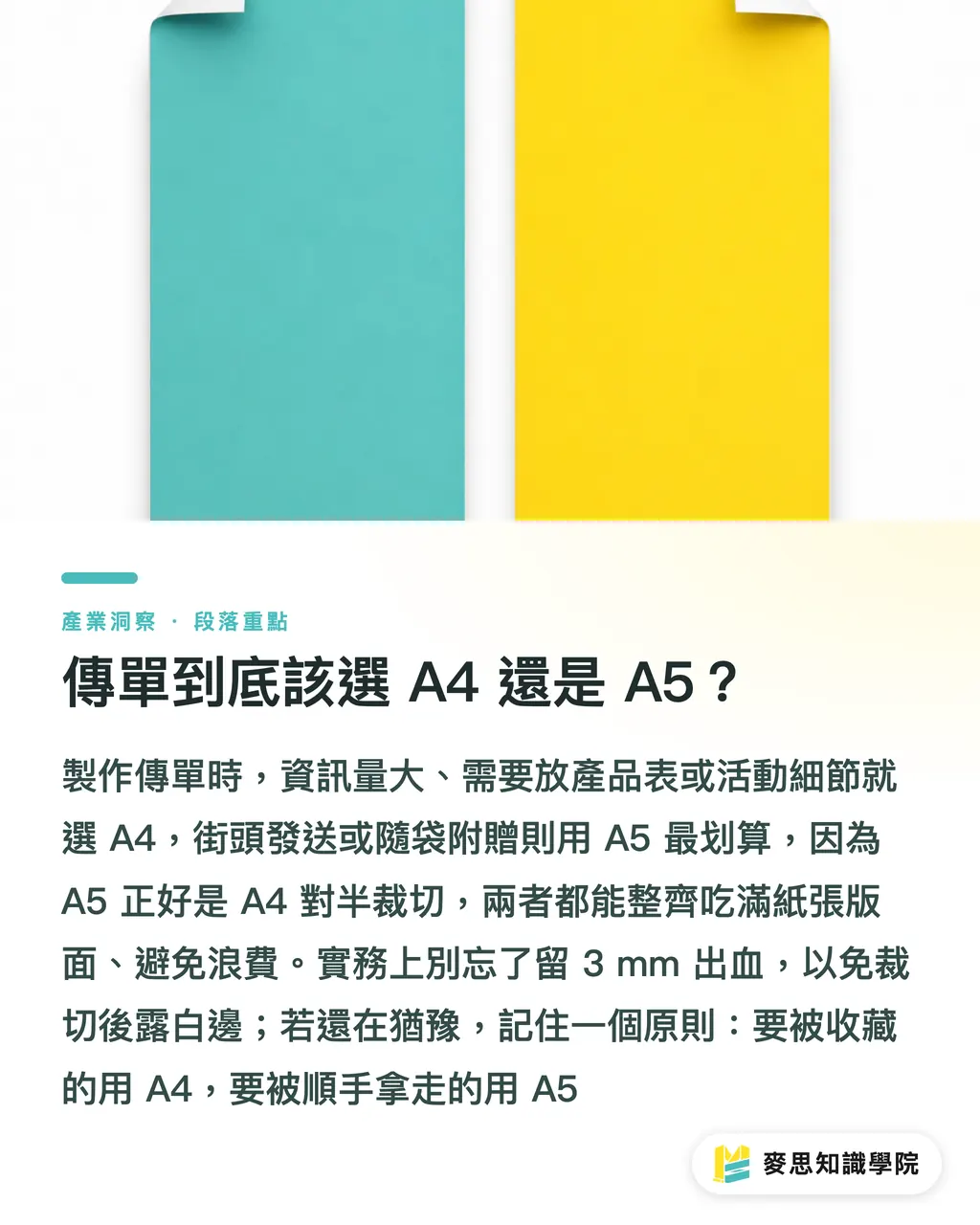
Kết luận trước: nếu lượng thông tin nhiều, cần đặt bảng sản phẩm hoặc chi tiết sự kiện, hãy dùng A4(210 × 297 mm); nếu phát ngoài đường, chèn báo, tặng kèm trong túi mua hàng, A5(148 × 210 mm)là lựa chọn tiết kiệm nhất
A5 vừa đúng bằng một nửa tờ A4 khi cắt đôi, và chuyện này quan trọng hơn bạn tưởng. Khổ giấy trong các xưởng in tại Đài Loan là cố định; khi xả từ khổ toàn tờ hoặc khổ Kiku toàn tờ, A4 và A5 đều có thể dàn trang rất gọn, gần như không hao biên. Trong những năm làm nghề, trường hợp lãng phí nhất tôi từng gặp là khách hàng nhất quyết làm một kích thước phi tiêu chuẩn vì “trông có gu”, kết quả một tờ lớn chỉ dàn được bốn mặt, phần giấy thừa bỏ hết, chi phí giấy tăng thẳng khoảng ba phần, hiệu quả chi phí nhìn rất tệ
Trong thực tế còn hai điểm thường bị bỏ qua
・Bleed: thành phẩm cần chừa bleed 3 mm ở cả bốn cạnh; file hoàn chỉnh cho A4 phải làm thành 216 × 303 mm, nếu không chừa bleed thì sau khi xén rất dễ lộ viền trắng
・Cảm giác cầm: A5 cầm nhẹ, dễ nhét túi; A4 gấp đôi sẽ có cảm giác mở gấp gần giống A5, chứa được nhiều nội dung hơn mà không bị chật
Nếu bạn vẫn phân vân, hãy nhớ một quy tắc đơn giản: thứ muốn người ta “giữ lại” thì dùng A4, thứ muốn người ta “tiện tay lấy đi” thì dùng A5
Chọn giấy in tờ rơi thế nào để không mắc lỗi?
Tờ rơi thường dùng nhất ba loại giấy. Hiểu rõ ba loại này là đã bao phủ được khoảng tám phần nhu cầu
・Giấy couche: bề mặt bóng, màu lên rực và no, phù hợp đặt nhiều hình ảnh, là lựa chọn chủ lực cho DM và tờ khuyến mãi; định lượng thường dùng từ 100P đến 150P
・Giấy couche mờ: in vẫn đẹp nhưng không phản quang, đọc chữ dễ chịu hơn, cảm giác cao cấp hơn; phù hợp menu nhà hàng, tờ rơi thiên về thương hiệu
・Giấy Ford: không tráng phủ, dễ viết lên, có cảm giác tài liệu; phù hợp phiếu đăng ký, tờ hướng dẫn hoặc các loại tờ rơi cần được điền thông tin
Định lượng giấy là một điểm mấu chốt khác. Tờ rơi phổ biến nhất nằm trong khoảng 100P đến 150P: 100P mỏng hơn, chi phí thấp, hợp với phát số lượng lớn ngoài đường; từ 150P trở lên bắt đầu có độ đứng, không mềm rũ, cầm lên giống một ấn phẩm quảng bá nghiêm túc. Dày hơn nữa thì gần với giấy bìa, chi phí mỗi tờ tăng lên; trừ khi bạn cần làm standee để bàn có thể tự đứng, còn tờ rơi không cần lên quá 200P
Một hiểu lầm rất thường gặp tại hiện trường là nhiều người nghĩ “càng dày càng cao cấp”. Thực ra chất cảm của couche mờ 150P thường dễ tạo thiện cảm hơn couche 200P, vì bề mặt mờ giúp ấn phẩm trông trầm và vững hơn. Đừng chỉ nhìn định lượng; hãy nghĩ trước tờ rơi này sẽ được người nhận “đối xử” như thế nào
Số màu và số lượng mới là công tắc chi phí thật sự
Nhiều người cứ nhìn giấy để so giá, nhưng thứ thật sự quyết định tổng giá là hai công tắc: “số màu” và “số lượng”
Logic của số màu trước hết phải xem bạn dùng phương pháp in nào
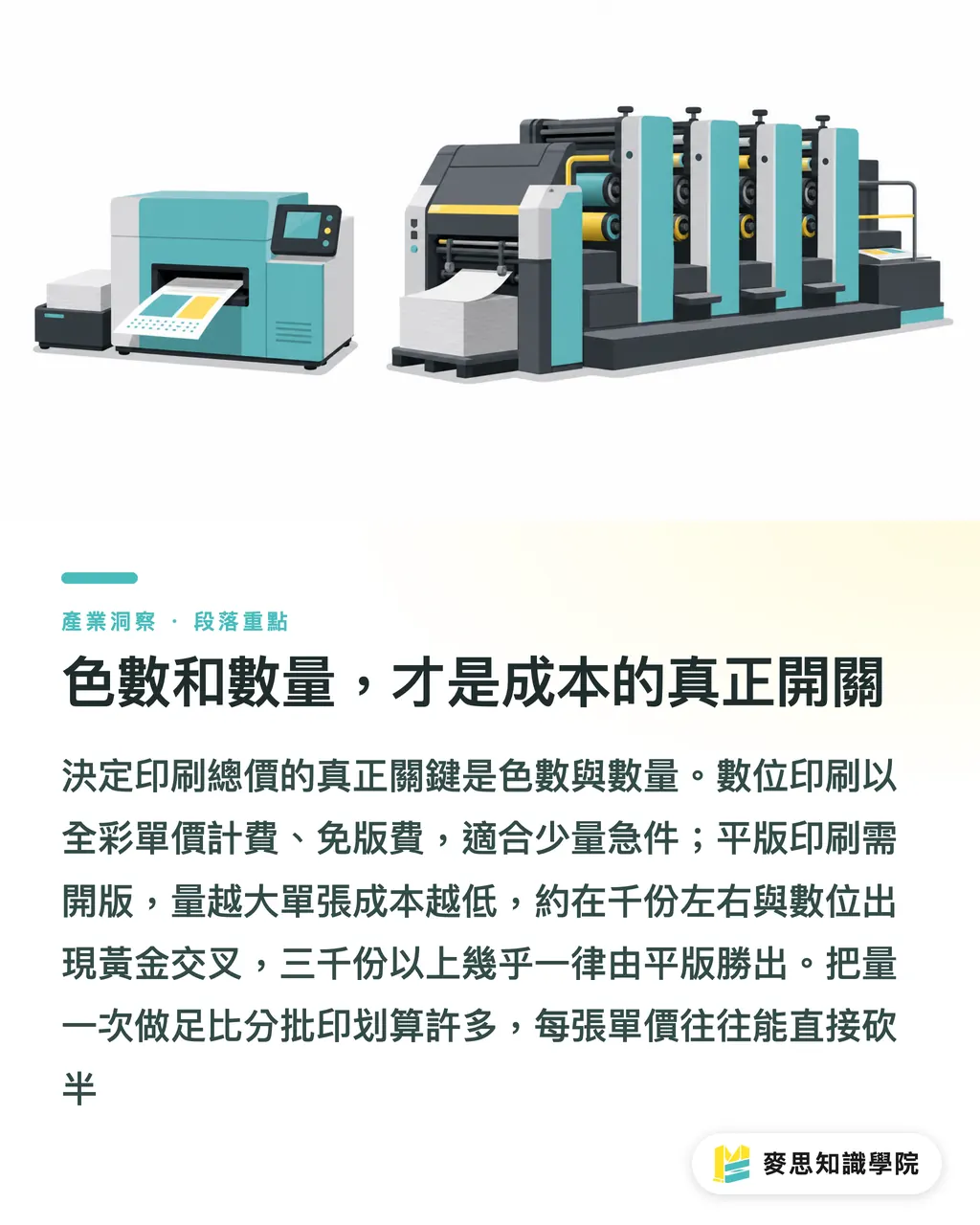
・In kỹ thuật số: dù bao nhiêu màu cũng tính như “in full color” một mức giá, không có phí làm bản, nên chênh lệch giữa in màu một mặt và hai mặt thường không lớn; phù hợp số lượng ít, đơn gấp, hoặc cần in thử để kiểm màu
・In offset truyền thống: cần ra bản kẽm; CMYK bốn màu là bốn bản, nên phí bản cho in bốn màu một mặt hoặc hai mặt bốn màu(4/4)sẽ thể hiện rõ trong báo giá. Nhưng chỉ cần số lượng đủ lớn, chi phí bình quân trên mỗi tờ sẽ rất rẻ
Điều này dẫn tới “hiệu ứng bậc thang” của số lượng. Với in offset, phí làm bản, lên máy cân mực và hao hụt in thử đều là chi phí cố định; khoản này gần như như nhau dù bạn in 500 tờ hay 5000 tờ. Vì vậy khi in 500 tờ, phần chi phí cố định phân bổ lên từng tờ rất nặng; còn khi in 3000 hoặc 5000 tờ, chi phí mỗi tờ sẽ giảm rất nhanh
Mốc tôi thường dùng để tư vấn khách hàng đại khái như sau
・Trong 500 bản và cần gấp: chọn in kỹ thuật số, không tốn phí bản, có thể lấy trong ngày
・Khoảng 1000 bản: in kỹ thuật số và in offset thường gặp điểm “giao nhau vàng” trong khoảng này, nên hỏi báo giá cả hai bên rồi quyết định
・Từ 3000 bản trở lên: in offset gần như chắc chắn thắng, số lượng càng lớn thì mỗi tờ càng rẻ
Ví dụ cụ thể: A5 in full color hai mặt, giấy couche 150P, in 1000 tờ và 3000 tờ có thể tổng giá chênh chưa tới gấp đôi, nhưng số lượng lại gấp ba, tức là đơn giá mỗi tờ gần như giảm một nửa. Nếu bạn vốn đã cần phát liên tục, đừng do dự; in đủ số lượng một lần thường lợi hơn rất nhiều so với chia nhiều đợt
Trước khi đặt in cần chuẩn bị gì để báo giá chính xác?
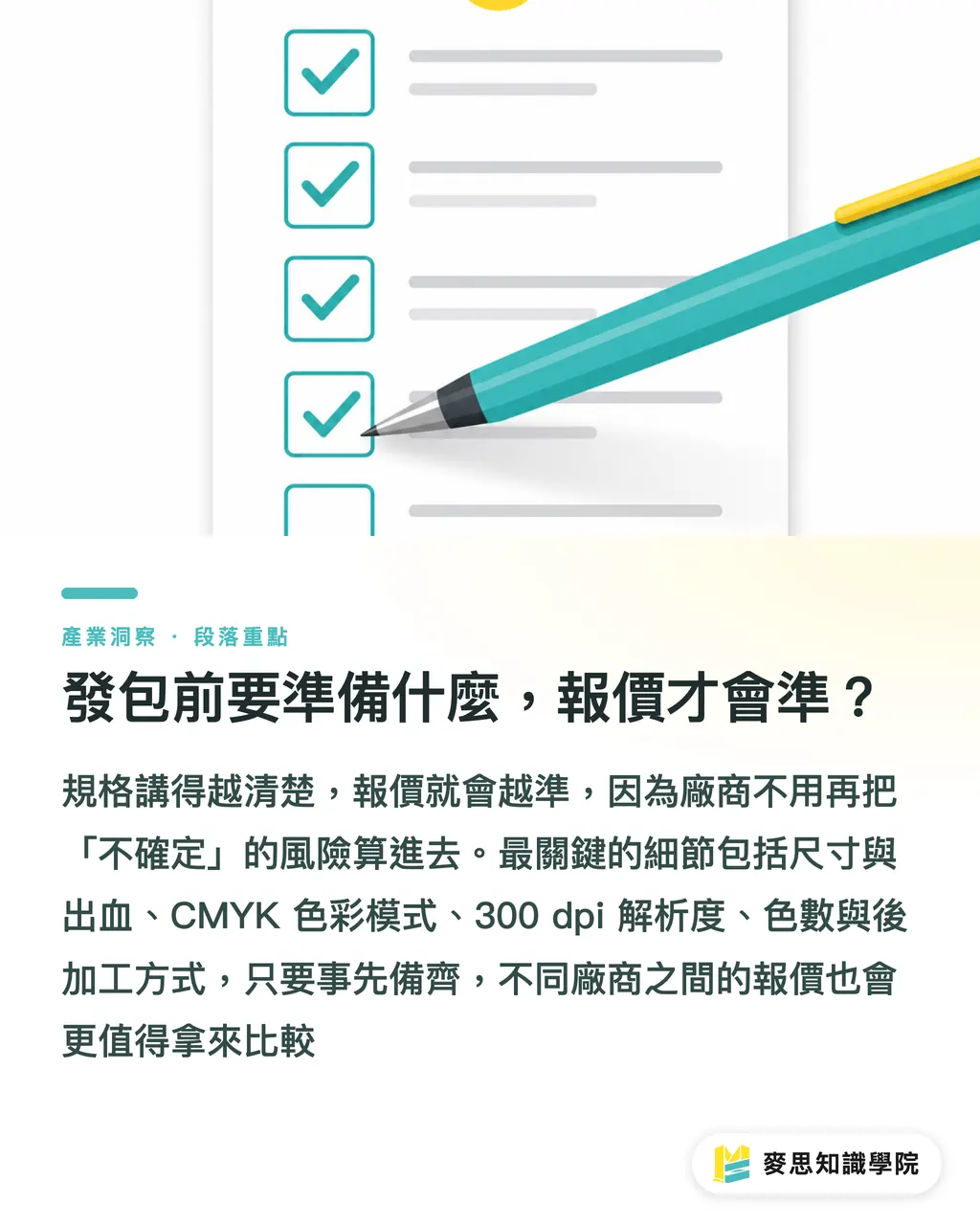
Báo giá chênh lệch lớn, một nửa nguyên nhân là “nhu cầu chưa nói rõ, xưởng in chỉ có thể báo theo tình huống rủi ro nhất”. Chuẩn bị trước danh sách dưới đây, báo giá bạn nhận được sẽ chính xác hơn nhiều và cũng dễ so sánh hơn
・Kích thước và bleed: ghi rõ kích thước thành phẩm(A4 hoặc A5), file chừa bleed 3 mm ở bốn cạnh
・Chế độ màu: luôn dùng CMYK, đừng dùng RGB của màn hình, nếu không bản in lệch màu có thể khiến bạn giật mình
・Độ phân giải: hình ảnh tối thiểu 300 dpi; ảnh lấy trên mạng thường chỉ 72 dpi, phóng lớn lên sẽ bị mờ
・Ghi rõ số màu: in màu một mặt hay hai mặt(4/0 hoặc 4/4), nói sai là giá lệch ngay một đoạn
・Nhu cầu gia công sau in: có cán màng mờ, màng bóng, có cần gấp đôi hay không, các hạng mục này đều tính riêng
・Bậc số lượng: hỏi thẳng xưởng báo giá theo các mốc 1000/3000/5000, rồi tự so chi phí từng tờ
Nhớ chuyển chữ thành outline hoặc đính kèm font. Nền đen diện tích lớn nên dùng “rich black” bốn màu, không dùng màu đen chỉ có một giá trị K; nếu không bản in dễ bị xám và còn dễ gây đọng mực. Những chi tiết chế bản này chính là lý do cùng một file nhưng chất lượng in ở các xưởng khác nhau có thể chênh rất nhiều
Nói rõ quy cách tự thân đã là một cách tiết kiệm tiền. Điều xưởng in sợ nhất là “không chắc chắn”; bạn càng chính xác, họ càng không cần cộng rủi ro vào báo giá
Tóm tắt trọng điểm
・Về kích thước, trước hết hãy hỏi “muốn người nhận giữ lại hay tiện tay lấy đi”: A4 chứa chi tiết tốt, A5 dễ phát ngoài đường; cả hai đều tận dụng tốt khổ giấy tiêu chuẩn, không lãng phí
・Với giấy in tờ rơi, nắm ba loại couche, couche mờ và Ford là đủ dùng; định lượng chủ lực là 100P đến 150P, đừng mê tín rằng càng dày càng tốt
・Thứ thật sự quyết định tổng giá là số màu và số lượng, không phải giấy; đơn ít cần gấp thì in kỹ thuật số, số lượng lớn và quy cách ổn định thì in offset
・Chi phí cố định của in offset được phân bổ lên từng tờ; số lượng càng lớn, đơn giá mỗi tờ càng rẻ. Từ 3000 tờ trở lên gần như chắc chắn lợi hơn in kỹ thuật số
・File hoàn chỉnh dùng CMYK, 300 dpi, chừa bleed 3 mm, ghi rõ số màu; báo giá tự nhiên sẽ vừa chuẩn vừa dễ so
Suy nghĩ mở rộng
Nếu bạn là cửa hàng hoặc thương hiệu thường xuyên phát tờ rơi, nên chuẩn hóa “quy cách”: cố định kích thước, giấy và số màu, rồi làm thành một bảng quy cách đặt in nội bộ; mỗi lần chỉ thay nội dung, không thay quy cách. Như vậy không chỉ giúp báo giá ổn định, dễ kiểm soát ngân sách, mà xưởng in cũng có thể dùng lại thiết lập màu lần trước, độ nhất quán chất lượng sẽ cải thiện rõ rệt. Về phía thiết kế, có thể làm cùng một hệ layout thành hai phiên bản A4 và A5 để chuyển đổi theo kênh phân phối. Điểm tiết kiệm thật sự trong việc đặt in chưa bao giờ là ép xưởng giảm giá, mà là nói rõ nhu cầu đến mức đối phương không cần đoán. Nếu cần một bên tiếp nhận trọn gói từ thiết kế, kiểm file đến in ấn, hãy tìm đối tác có thể tích hợp tiền kỳ in và dây chuyền sản xuất; điều đó thường tiết kiệm nhiều thời gian trao đổi qua lại hơn so với tách từng khâu để đặt riêng
FAQ / Câu hỏi thường gặp
- In tờ rơi A4 hay A5 thì tốt hơn?
- Thông tin nhiều, cần đặt chi tiết sản phẩm thì dùng A4(210 × 297 mm); phát ngoài đường, chèn báo, tặng kèm trong túi thì dùng A5(148 × 210 mm). A5 là một nửa tờ A4 khi cắt đôi; cả hai đều tận dụng tốt khổ giấy tiêu chuẩn tại Đài Loan, gần như không hao biên, nên hiệu quả chi phí cao nhất
- Tờ rơi thường dùng giấy gì, định lượng bao nhiêu?
- Thường dùng nhất là giấy couche, couche mờ và giấy Ford; định lượng chủ lực nằm trong khoảng 100P đến 150P. 100P mỏng hơn, hợp phát số lượng lớn ngoài đường; 150P có độ đứng, cầm chắc tay. Chất cảm mờ của couche mờ thường dễ tạo thiện cảm hơn cả giấy couche dày hơn
- In tờ rơi nên chọn kỹ thuật số hay offset?
- Trong 500 bản và cần gấp thì chọn in kỹ thuật số, không tốn phí làm bản, có thể lấy trong ngày; từ 3000 bản trở lên thì chọn in offset, sau khi phân bổ chi phí cố định, mỗi tờ sẽ rẻ hơn. Khoảng 1000 bản là vùng giao nhau vàng, nên hỏi báo giá cả hai bên rồi quyết định
- Vì sao cùng một mẫu tờ rơi mà mỗi nơi báo giá chênh nhiều như vậy?
- Phần lớn là do quy cách chưa nói rõ, xưởng in chỉ có thể báo theo tình huống rủi ro nhất. Hãy nói rõ một lần về kích thước và bleed, màu CMYK, số màu(một mặt hay hai mặt), bậc số lượng và nhu cầu gia công sau in; báo giá sẽ chính xác hơn nhiều và dễ so sánh hơn
- Cần chuẩn bị file tờ rơi thế nào để không bị in lỗi?
- Dùng chế độ màu CMYK, hình ảnh tối thiểu 300 dpi, bốn cạnh chừa bleed 3 mm, chữ chuyển outline, nền đen diện tích lớn dùng rich black bốn màu. Những chi tiết tiền kỳ in này là mấu chốt khiến cùng một file nhưng chất lượng ở các xưởng khác nhau có thể chênh rất lớn
Bài viết liên quan

Bản tin In ấn × AI hàng tuần
Kiến thức in ấn và AI mà nhà thiết kế, thương hiệu và doanh nghiệp dùng được trước khi bắt tay — một email mỗi tuần
Công cụ miễn phí MINDS
Tính gáy sách và bình bản — khỏi tính tay, miễn phí ngay trên trình duyệt.
Tập đoàn MINDS
Cần dịch vụ in ấn hoặc quà tặng thực tế?
Từ in ấn cao cấp đến đặt hàng online và quà Tết — các thương hiệu thành viên của Tập đoàn MINDS lo phần còn lại.