
¿Cómo redactar comentarios de pruebas con IA para que sean efectivos?
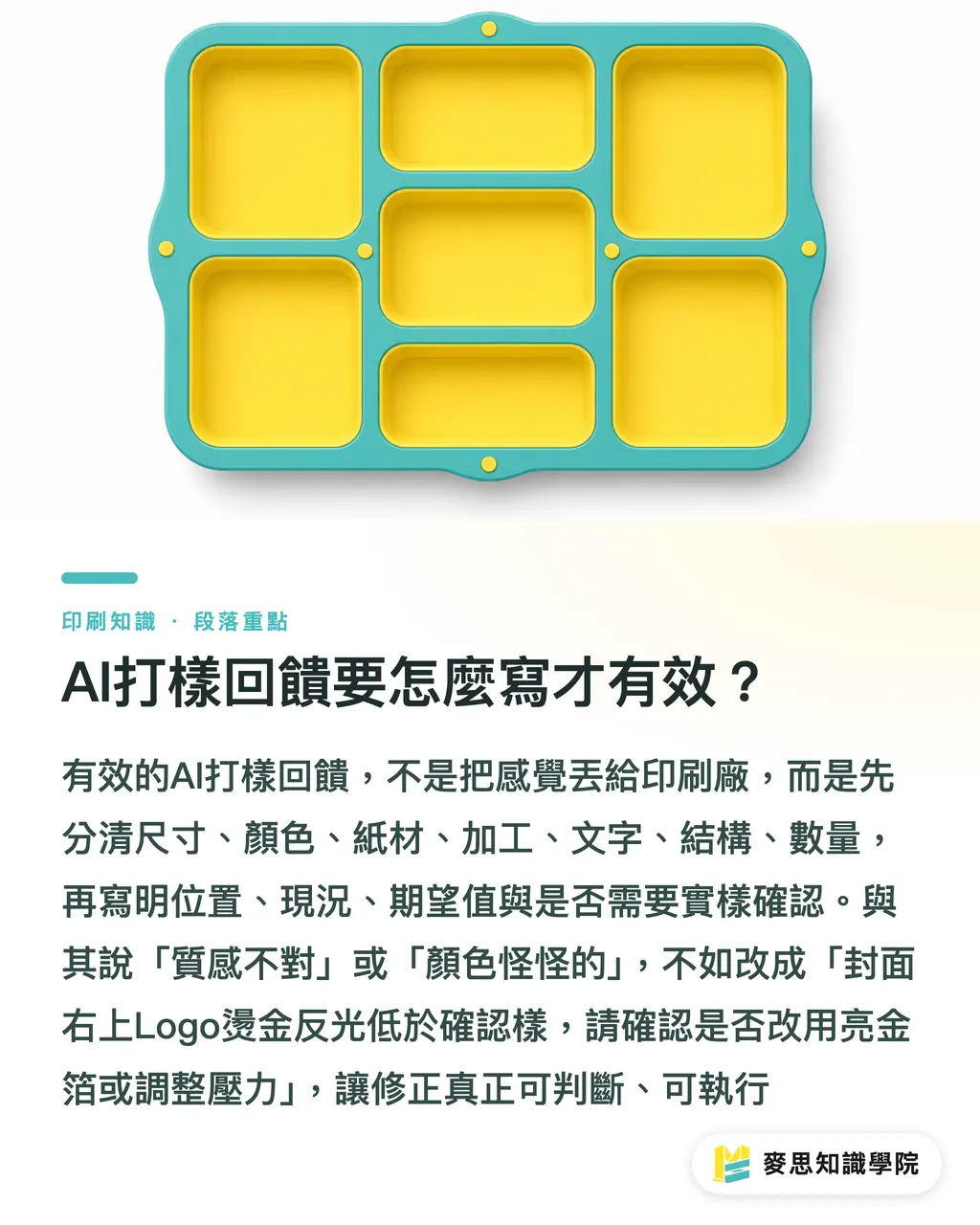
Para que los comentarios de pruebas con IA sean efectivos, primero es necesario dividir las observaciones en 7 columnas: dimensiones, color, papel, acabados, texto, estructura y cantidad. Luego, se debe detallar la ubicación, el estado actual, el resultado esperado y si se requiere confirmación con una prueba física. MINDS, al gestionar la comunicación en las pruebas de impresión, evita a toda costa frases como "no es lo suficientemente fino" o "el color se ve raro", ya que la imprenta no puede deducir de esos adjetivos si debe modificar el diseño, ajustar la tinta, cambiar el papel o retocar los acabados posteriores
La retroalimentación de pruebas asistida por IA se refiere al método de comunicación en el cual, tras recibir la prueba digital, la prueba de color o la maqueta en blanco por parte del diseñador o comprador, se utiliza la IA para recopilar diferencias, resumir problemas y generar una lista de correcciones, cuya validación final frente a las limitaciones de fabricación se realiza manualmente con la muestra física
He visto demasiados proyectos en el taller estancados por una sola frase: "El cliente siente que la calidad no es la adecuada"
No es que no se pueda decir eso, pero no puede utilizarse como una orden de corrección
El equipo de consultores de MINDS suele hacer tres preguntas inmediatas: ¿en qué página está?, ¿en qué sección específica? y ¿contra qué estándar de referencia se está comparando?
Por ejemplo, "el estampado en caliente del logotipo de la portada no brilla lo suficiente" debería cambiarse a "logotipo en la esquina superior derecha de la portada, área de estampado en caliente de aproximadamente 30 x 18 mm, el brillo de la muestra física es inferior al de la muestra aprobada; por favor, confirmen si se debe usar película de oro brillante o ajustar la presión de estampación"
Las "Tres Fases para Comentarios de Pruebas" que MINDS suele emplear son muy sencillas:
・① Clasificar en columnas: Colocar el comentario en una de las categorías: dimensiones, color, papel, acabados, texto, estructura o cantidad
・② Ubicar: Indicar el número de página, posición del troquel, artículo, cara (anverso/reverso) o número de fotografía
・③ Reescribir: Convertir las frases subjetivas en instrucciones ejecutables; por ejemplo, cambiar "se ve algo oscuro" por "el tono de piel de las personas es más oscuro que en el PDF de referencia aprobado, por favor verifiquen la salida CMYK y la absorción de tinta del papel"
¿Por qué un comentario como "el color se ve raro" impide que la imprenta haga correcciones?
La frase "el color se ve raro" puede ocultar al menos 4 problemas distintos: diferencias en la vista previa de la pantalla, variaciones en la conversión del archivo PDF, diferencias en la absorción de tinta del papel o variaciones en la reproducción cromática de la impresión real
Al revisar los archivos con los diseñadores, el equipo de MINDS desglosa los comentarios de color en tono, luminosidad, saturación y el estándar de comparación; de lo contrario, los maquinistas de la imprenta solo tendrán que adivinar
A continuación, se muestran ejemplos de redacción recomendada:
・No recomendado: El azul se ve raro
・Recomendado: El fondo azul de la portada tiende a verse más violeta que en el archivo aprobado. Por favor, tomen como referencia visual la página 1 del PDF aprobado por el cliente y verifiquen si se han desajustado los valores CMYK
・No recomendado: El acabado general no se ve premium
・Recomendado: El fondo negro del anverso de la tarjeta de presentación presenta un aspecto opaco, pero el cliente esperaba un negro brillante. Por favor, verifiquen el papel, el tipo de laminado o el tratamiento superficial posterior a la impresión
・No recomendado: El logotipo pasa muy desapercibido
・Recomendado: El logotipo del centro de la tapa mide actualmente unos 42 mm de ancho. El cliente desea que se asemeje más a la proporción de la maqueta visual. Por favor, evalúen si ampliarlo a 48 mm afectaría la distancia de seguridad del troquel
En los comentarios sobre el color, siempre se debe especificar "respecto a qué muestra presenta desviación"
El resultado variará por completo dependiendo de si se compara con la pantalla, con la prueba digital anterior, con la prueba de color física que tiene el cliente o con una guía de color Pantone
Mi recomendación personal es que, siempre que se trate de colores corporativos, tonos de piel, fotos de alimentos o colores de empaques de lujo, se mantenga al menos un estándar de referencia claro para la comparación. De lo contrario, es fácil que la comunicación se vuelva subjetiva y confusa más adelante
¿Hasta qué punto puede ayudar la IA tras recibir la prueba digital, la prueba de color o la maqueta en blanco?
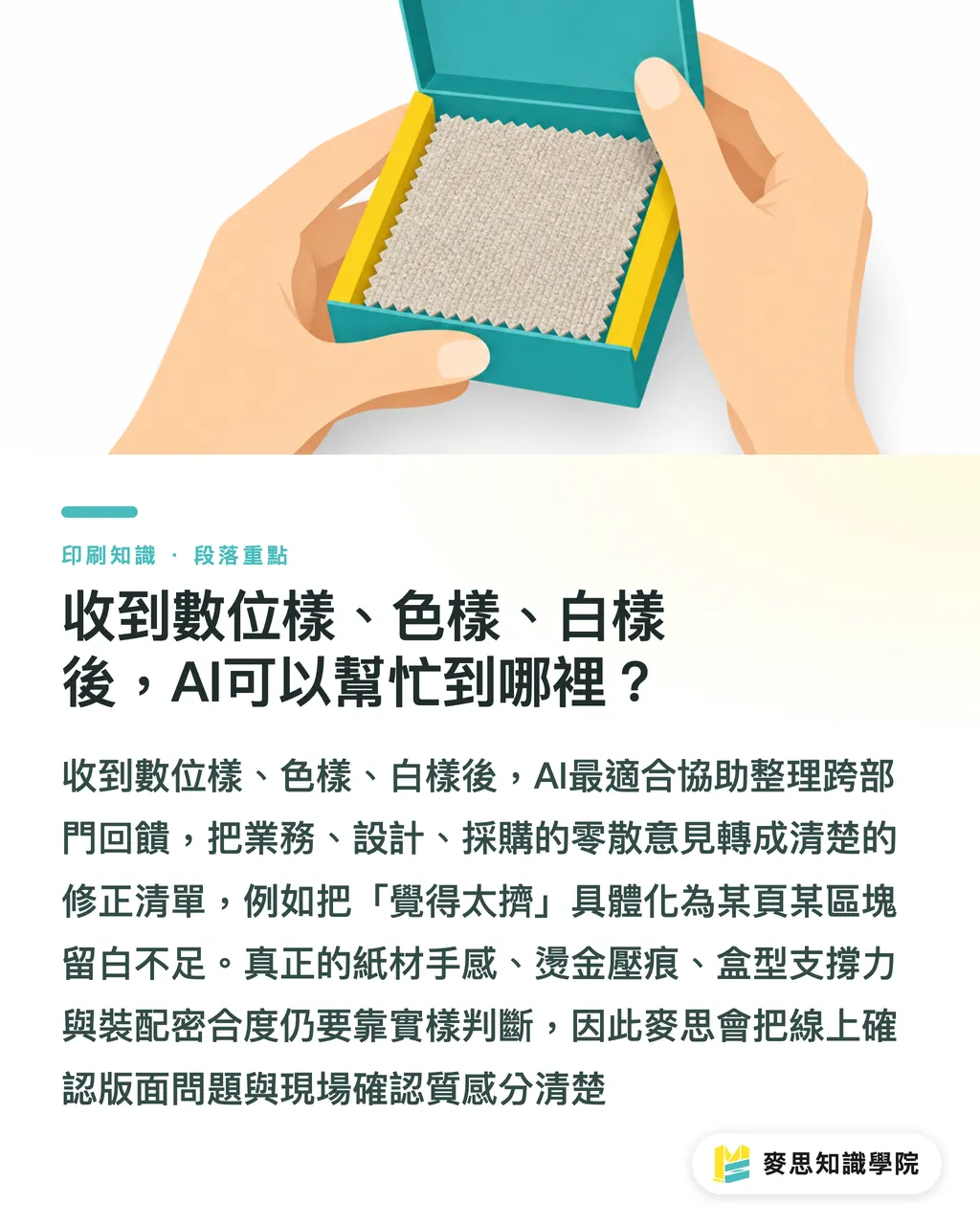
La prueba digital es idónea para confirmar textos, maquetación, cotas de dimensiones y discrepancias entre versiones. La prueba de color es ideal para evaluar la dirección cromática de la impresión. La maqueta en blanco sirve para verificar la estructura, el grosor, la apertura, el cierre y la ergonomía táctil
Dado que cada uno de estos tres tipos de pruebas requiere responder a preguntas diferentes, la IA puede ayudar al equipo de consultores de MINDS a organizar las listas de verificación, pero no puede evaluar en el taller la textura del papel, el relieve del estampado ni la resistencia estructural de una caja
Hay mucha información que se puede delegar a la IA para su organización, especialmente cuando responden varios departamentos a la vez:
・Consolidar comentarios dispersos de ventas, diseño y compras en una misma lista de correcciones
・Reescribir frases como "se ve muy apretado" por "en la zona de especificaciones del producto en la esquina inferior derecha de la página 2, la distancia entre el texto y el margen es insuficiente; se recomienda aumentar el espacio en blanco"
・Convertir anotaciones en imágenes en tareas pendientes de corrección; por ejemplo: "la pestaña de cierre del fondo de la caja encaja con demasiada presión, verifiquen la holgura del troquel"
・Clasificar los comentarios de los clientes en tres categorías: "corrección obligatoria", "pendiente de confirmación" y "para la próxima edición"
・Asignar cada observación al departamento responsable (por ejemplo: el equipo de diseño corrige el archivo, el departamento de impresión verifica el color y el área de acabados comprueba la presión)
También se debe definir con claridad en qué aspectos no debe intervenir la IA
La rigidez del papel, los reflejos tras el laminado, la adherencia del hot stamping, el pegado hermético de las cajas y la sensación de paso de página en la encuadernación grapada son aspectos que exigen comprobar la muestra física
En proyectos de impresión comercial personalizados de gama media y alta, MINDS suele diferenciar claramente entre la "confirmación en línea" y la "confirmación de muestra física". En pantalla se pueden detectar errores de composición, pero no se puede percibir el peso del objeto en la mano
¿Cómo diseñar las columnas para la retroalimentación de pruebas?
Recomiendo a los diseñadores y compradores utilizar directamente la "Tabla de comentarios de pruebas de 7 columnas" de MINDS. No es necesario que sea visualmente compleja; lo más importante es que permita a la imprenta realizar las modificaciones de forma guiada
Un formulario de comentarios útil debe contar con al menos 7 columnas, además del estado de la tarea y el responsable asignado, para evitar que en la tercera prueba se siga preguntando por el mismo detalle
・Dimensiones: Indicar el tamaño del producto terminado, sangrado, líneas de hendido, perforaciones y áreas de adhesivos. Por ejemplo, para un formato A4 especificar 210 x 297 mm, en lugar de poner simplemente "un poco más grande"
・Color: Detallar el estándar de referencia, la ubicación y la desviación cromática. Por ejemplo: "la foto del producto en las páginas interiores se ve rojiza; por favor, compárenla con la página 4 del PDF aprobado"
・Papel: Especificar el tipo de papel, gramaje, textura y alternativas. Por ejemplo: "la funda carece de rigidez suficiente; evalúen incrementar el gramaje o cambiar de papel"
・Acabados: Detallar incidencias en procesos como estampado en caliente (hot stamping), relieve, laminado, barniz UV selectivo, troquelado o pegado de cajas. Por ejemplo: "los bordes del hot stamping presentan interrupciones; verifiquen la plancha y la presión"
・Texto: Indicar página, párrafo, erratas y versión del archivo. Por ejemplo: "en la tabla de especificaciones de la página 6, cambien el material a papel reciclado"
・Estructura: Detallar líneas de plegado, pestañas de cierre, soporte de carga, apertura, cierre y registro. Por ejemplo: "la pestaña lateral de la caja sobresale tras cerrarla; verifiquen el troquel"
・Cantidad: Indicar el volumen total, entregas por lotes, excedentes de cortesía y número de versiones. Por ejemplo: "total de 500 unidades, repartidas en 300 unidades de la versión A y 200 de la versión B"
Si el proyecto requiere la aprobación del cliente final, añado siempre dos columnas adicionales: "¿Afecta al plazo de entrega?" y "¿Es necesario realizar una nueva prueba física?"
Estas dos columnas son muy directas pero sumamente útiles
Algunas erratas de texto se solucionan corrigiendo el archivo, pero ciertos problemas de presión en el estampado exigen repetir la prueba física. Si esto no se aclara de antemano, el proceso suele estancarse al decidir quién asume el tiempo y el costo adicionales
¿En qué situaciones es indispensable la confirmación manual de la prueba física?
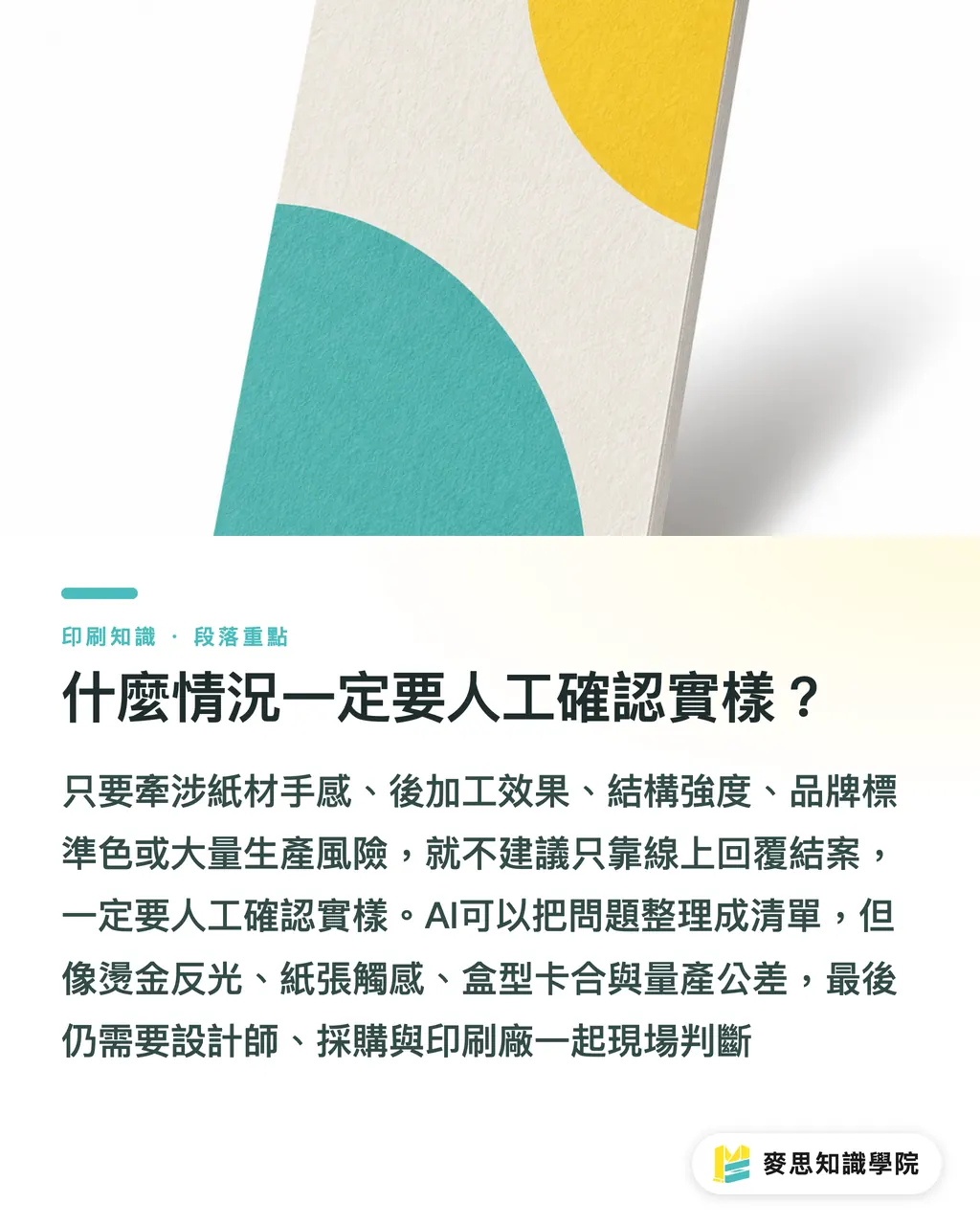
Siempre que los comentarios afecten al tacto del papel, los efectos de los acabados, la resistencia estructural, la responsabilidad sobre el color corporativo o el riesgo en la producción de grandes volúmenes, es indispensable realizar una confirmación manual con la muestra física
El equipo de consultores de MINDS utiliza la lista organizada por la IA como documento de trabajo inicial, pero al final los diseñadores, compradores y la imprenta deben validar juntos si el proceso de fabricación es viable
Recomiendo especialmente no dar por cerrado el proyecto mediante confirmación en línea en los siguientes 5 casos:
・Requisitos muy exigentes para colores corporativos estándar, como la identidad visual de la empresa, el diseño principal de embalajes o los materiales de tiendas de franquicia
・Papeles que influyen directamente en la experiencia táctil, como tarjetas de invitación, etiquetas colgantes de marcas de lujo, cajas de regalo o tarjetas de presentación
・Los acabados posteriores son los protagonistas del diseño, como el estampado en caliente, relieves, barniz UV selectivo, películas láser o laminados especiales
・La estructura afecta a la funcionalidad del producto, como cajas con cajón deslizable, cajas con asa, aberturas para adhesivos o encaje de folletos plegados
・Los volúmenes elevados conllevan riesgos; por ejemplo, cuando una única prueba física inicial parece correcta, pero al fabricar un lote de 5000 unidades se descubre la acumulación de tolerancias
Suelo decir a mis clientes que la IA es excelente para estructurar y ordenar los problemas, pero no dejen que la IA toque el papel, observe el reflejo de la luz o doble la caja por ustedes
En la impresión, hay una parte que se percibe con los ojos y otra que se entiende con los dedos
Aunque suene tradicional, en el taller de impresión la realidad diaria suele ser exactamente esa
Resumen de puntos clave
・Cuanto más se asemeje el comentario de la prueba a una orden de trabajo de corrección, menos tendrá que adivinar la imprenta
・Un comentario como "el color se ve raro" no es erróneo, pero debe complementarse con la ubicación, el estándar de comparación y el resultado esperado
・La IA es ideal para organizar los comentarios y generar listas de tareas, pero la evaluación de las muestras físicas sigue requiriendo el criterio humano
・Dimensiones, color, papel, acabados, texto, estructura y cantidad son las 7 columnas fundamentales en la retroalimentación de pruebas
・Para proyectos que influyen en el tacto, los acabados y la responsabilidad de los colores corporativos, no se debe dar el cierre basándose únicamente en pruebas en línea
Reflexiones adicionales
Para el sector de producción gráfica, el valor de los comentarios de pruebas de impresión gestionados con IA reside en traducir opiniones imprecisas al lenguaje de las órdenes de trabajo. Para los diseñadores, permite transformar las emociones del cliente en soluciones de maquetación, color y acabados. Para los equipos de SaaS, el verdadero valor no consiste en ofrecer simplemente un cuadro de chat, sino en integrar estas 7 columnas, el estado de la tarea, los responsables y los puntos de confirmación física en el propio flujo de trabajo. Si los departamentos de compras corporativas no disponen de una plantilla propia para el control de pruebas, se recomienda aplicar la "Tabla de comentarios de pruebas de 7 columnas" de MINDS en al menos 3 proyectos. Una vez acumuladas las incidencias recurrentes, pueden solicitar al equipo de consultores de Academia del conocimiento Mai Strategy que les asista para estructurar una normativa interna de envío a imprenta
FAQ
- ¿Puede la retroalimentación de pruebas con IA sustituir por completo la revisión humana?
- No se recomienda. Los comentarios sobre pruebas gestionados con IA son excelentes para organizar incidencias, reescribir listas de correcciones y comparar versiones, pero la responsabilidad del texto, los colores corporativos, el tacto del papel, los efectos de los acabados y las restricciones del proceso de fabricación siguen requiriendo la confirmación del personal humano
- ¿Cuáles son las columnas indispensables que deben incluirse en la retroalimentación de pruebas?
- Los comentarios de pruebas deben dividirse como mínimo en 7 columnas: dimensiones, color, papel, acabados, texto, estructura y cantidad. Asimismo, deben acompañarse de la ubicación, el estado actual, el resultado esperado y especificar si es necesario volver a producir una prueba física
- ¿Cómo responder cuando el cliente solo dice que el resultado "no es lo suficientemente fino"?
- Se le puede pedir al cliente que sitúe su observación en una parte concreta, como el tamaño del logotipo, la rigidez del papel, el reflejo superficial, el brillo del hot stamping o los espacios en blanco de la maquetación. El equipo de consultores de MINDS suele desglosar un "no es lo suficientemente fino" en 2 o 3 aspectos evaluables para que la imprenta pueda analizarlos
- ¿En qué difieren los puntos clave de retroalimentación para una prueba digital, una prueba de color y una maqueta en blanco?
- La prueba digital sirve para revisar texto y composición; la prueba de color se enfoca en la tendencia del color; y la maqueta en blanco evalúa la estructura y el tacto. La IA puede ayudar a recopilar los problemas de los tres tipos de muestras, pero las decisiones críticas sobre maquetas en blanco y pruebas de color por lo general siguen requiriendo el examen del objeto físico
- ¿Qué problemas de pruebas de impresión se deben consultar obligatoriamente con la imprenta?
- Es obligatorio consultar con la imprenta cualquier cuestión relacionada con colores corporativos, papeles especiales, estampado en caliente, relieves, laminado, troquelado, pegado de cajas, la estructura de la caja o las tolerancias en producciones de gran volumen. Estos problemas no se solucionan simplemente modificando un archivo PDF; a menudo involucran materiales y variables de los procesos de fabricación
Artículos relacionados




El boletín semanal de impresión × IA
El conocimiento práctico de impresión e IA que diseñadores, marcas y empresas pueden usar antes de actuar, en un solo correo, cada semana en tu bandeja de entrada
Herramientas gratis MINDS
Spine width and imposition calculators — skip the manual math, free in your browser.
Grupo MINDS
¿Necesita servicios reales de impresión o regalos?
Una vez leído el contenido, el siguiente paso queda en manos de las marcas hermanas del Grupo MINDS: desde impresión de alta calidad hasta pedidos en línea y regalos de temporada