
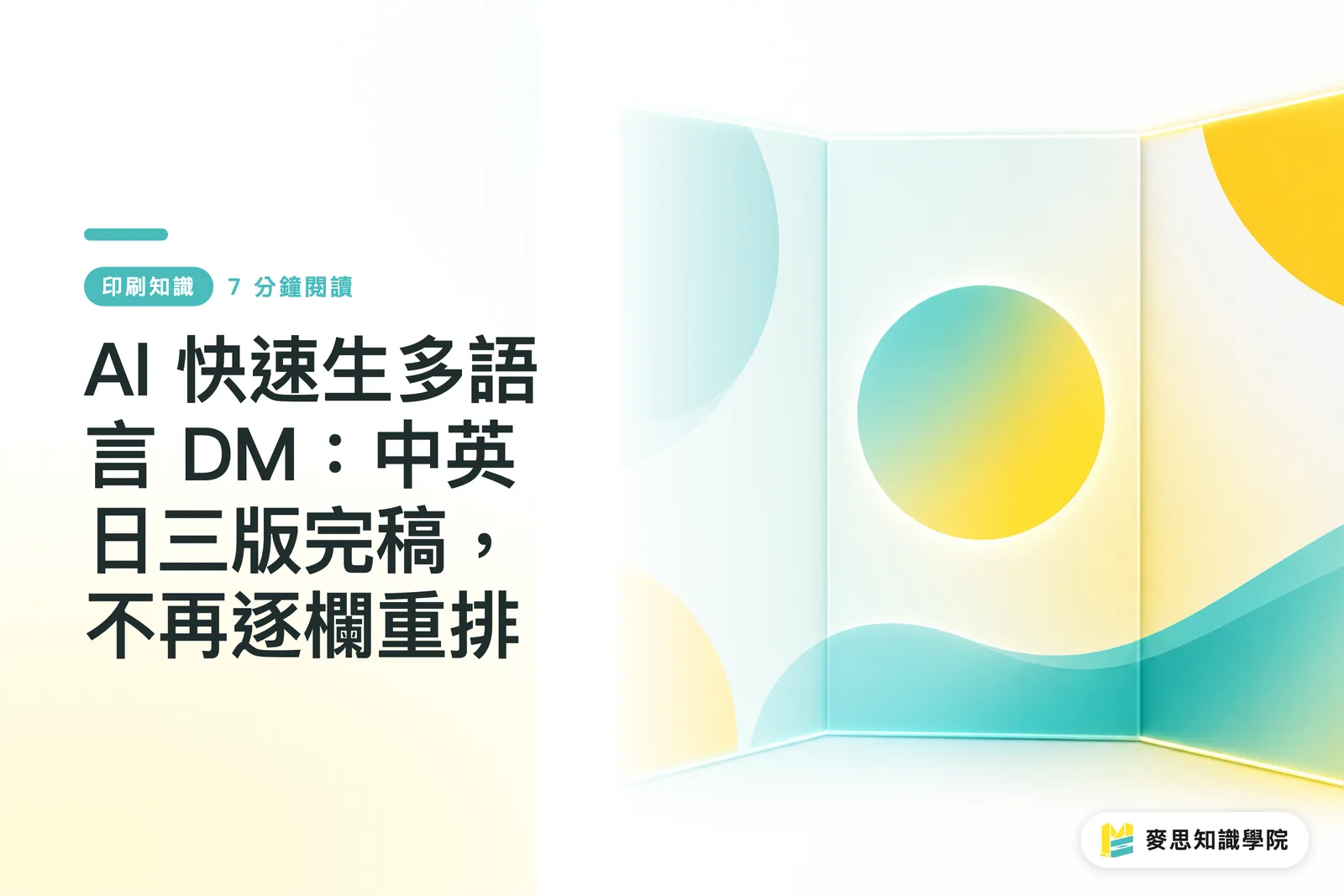
Why are multilingual DMs so hard to produce?
When Taiwanese manufacturers exhibit overseas, they usually need three DM versions: Chinese, English, and Japanese. It sounds like translating the copy three times, but the real trouble on the ground is not translation. It is layout
The traditional process goes like this: the designer finishes the Chinese version, copies the text out, sends it to a translator or Google Translate, receives the translated copy, then pastes it back into the layout. The problem is that each language has different text length, font size needs, and line spacing habits. Once the copy is pasted in, the layout falls apart, and manual column-by-column compression begins. By the time three versions are done, two or three workdays are easily gone
Among the export-oriented SMEs I have worked with, many have only one or two designers. Having to finish a trilingual DM two weeks before an exhibition creates real pressure. AI translation tools have improved a lot over the past two years, and they do make this workflow more workable. But if you use them the wrong way, the problem only shifts from "translation stuck" to "layout overflow."
English versions overflow most often. Remember this number
English sentences are usually 30% to 40% longer in character count than their Chinese equivalents. This is not a rough guess. It is what print production runs into every time a job changes languages
For example, the seven Chinese characters for "high-performance precision grinding machine" become High-Performance Precision Grinding Machine in English. Letters plus spaces already exceed 40 characters, and the visual length is almost twice that of Chinese. Replace the copy across an entire DM with English, and every text frame that used to fit perfectly starts to overflow
There are a few ways to deal with this:
・Leave breathing room from the design stage: do not make the Chinese text frames fit too tightly. Build in 20-30% extra room so the English version has space to sit
・Use a slightly smaller English font size: Chinese body copy often sits at 9-10pt, while English can often go down to 8-8.5pt. It looks visually close but holds many more characters
・Control copy length: when asking AI to produce the English translation, add a word limit to the prompt, such as "keep this under 40 English words." This saves far more effort than squeezing the layout afterward
・Set up GREP styles and paragraph styles in InDesign in advance, so text frames have a fallback mechanism for automatic size reduction
AI translation tools, whether ChatGPT or DeepL, now perform fairly well on short, precise marketing copy. But you have to actively ask for concise output. Otherwise, the tool will give you a complete, fluent version that simply does not fit the layout
Japanese Layout: Not the Same Rulebook as Chinese
Many designers making a Japanese DM for the first time apply the same method they use for Chinese: switch to a Japanese font, paste in the translation, and send it to print. That is almost guaranteed to go wrong
Japanese layout has several habits that do not appear in Chinese versions:
・Vertical and horizontal text conventions: Japanese printed materials often use vertical typesetting, running top to bottom and right to left, especially in books. DMs are usually still set horizontally, but if the client is a major Japanese company, it is best to confirm their preference first
・Punctuation spacing and kerning logic: Japanese full-width punctuation, such as "、", "。", and "()", behaves differently from Chinese punctuation in layout software. Optical spacing settings for Japanese text in Illustrator and InDesign should be adjusted separately. Do not reuse Chinese paragraph settings
・The visual rhythm of kana and kanji mixed together: Japanese copy contains a lot of hiragana and katakana, so the visual density of a paragraph is lower than Chinese. If you keep the Chinese line spacing and character spacing, the Japanese version will look loose and needs fine adjustment
・Katakana brand names: foreign brand names are written in katakana in Japanese. AI can usually handle this, but it must be checked by a person, especially for your own brand name. Sometimes AI chooses a katakana spelling that is not commonly used
For final Japanese files, I usually recommend having someone with a Japanese background review the piece once. Even if they only check punctuation and brand names, this step cannot be skipped
What can AI translation do, and what can it not do?
This question needs a clear answer, because the boundaries of the tool determine where you still need human help
AI translation is now good at:
・General translation of marketing copy such as exhibition theme lines and product selling points
・Producing a first draft quickly for human review, much faster than translating from zero
・Rewriting with synonyms or shorter phrasing when the layout cannot fit the text
・Producing multiple versions in parallel, giving you three language versions side by side
Where AI translation cannot be left alone:
・Technical specification terms: for precision machining terms such as "surface roughness Ra 0.8" and "feed rate," AI may choose a generic translation instead of the term used in the industry. When a Japanese manufacturer sees that, it looks unprofessional
・Brand names and model numbers: if your product is called EcoGrind Pro 3000, AI will not know that the name should not be translated or split across a line break
・Legally required labels: if the DM includes safety certifications, ingredient labels, or warnings, those translations are subject to regulatory requirements. The AI version cannot be used directly
・Tone and hierarchy: Japanese honorific levels are very fine-grained. AI output sometimes gets the tone wrong. For B2B exhibition settings, overly casual Japanese hurts the impression
Overall, "AI first draft, human completion" is the fastest and safest structure right now. AI cuts translation time from four hours to one hour. People then raise the quality of that one-hour output to print-ready level
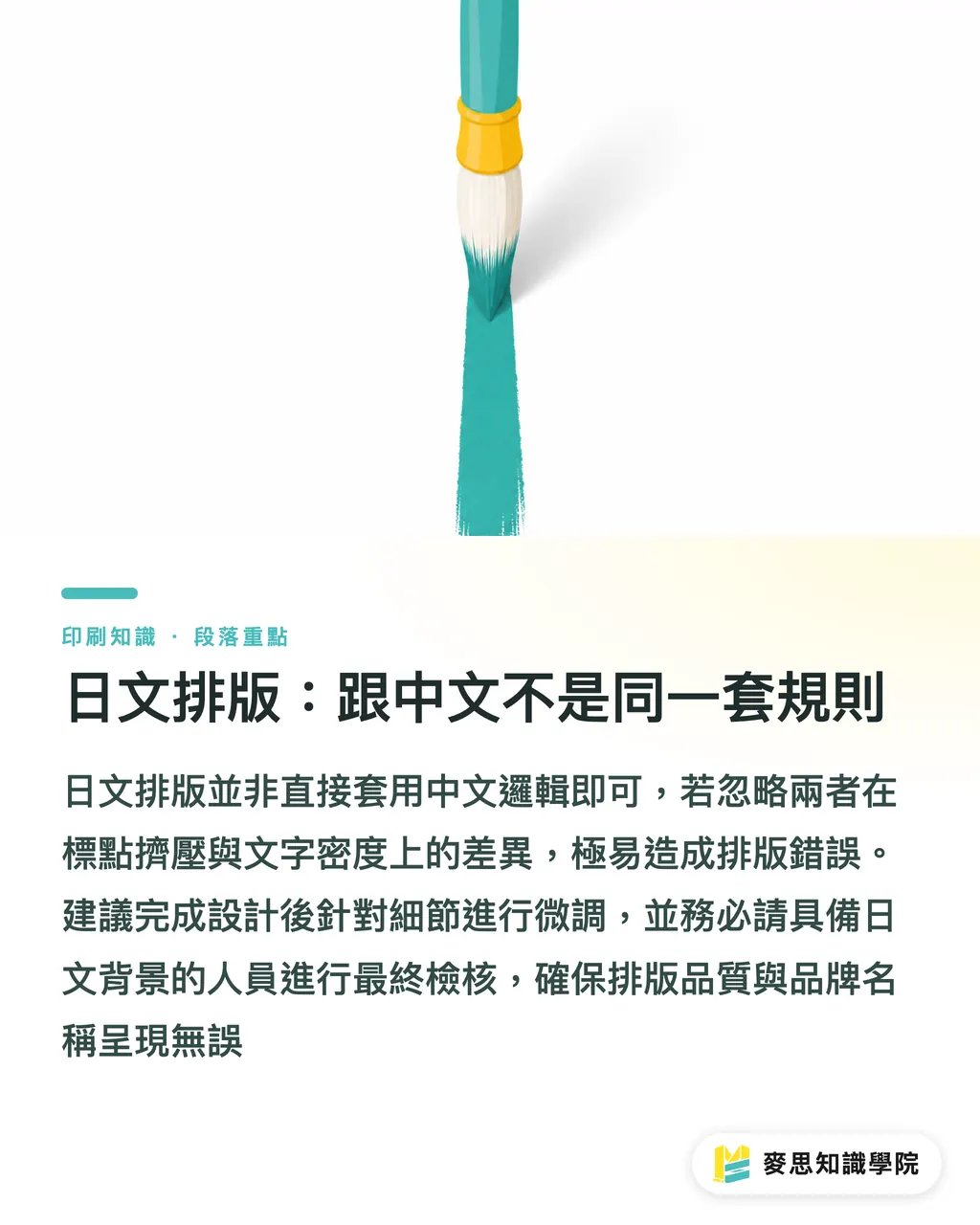
Language Version Checklist Before Print
Before preparing three DM versions for print, I usually go through these points one by one:
Layout:
・No text frame overflows in any language version. InDesign's overset text warnings should be cleared to zero
・Page size and bleed settings are consistent across all three versions and have not shifted because of language changes
・Images, logos, and barcodes have not been quietly covered by text frames
Text:
・Brand names and model numbers are spelled consistently across all three versions
・Katakana brand names in the Japanese version have been checked by a person
・Technical terms have been reviewed by someone with language ability or industry knowledge
・Phone numbers, Email addresses, and URLs are exactly the same across all three versions. These are the places where tiny copy-paste errors most often happen
Fonts:
・Japanese fonts are embedded and are not being forced through a Chinese font. Missing glyph issues are very common in Japanese
・English font weights, such as Bold and Regular, have not changed because of the language switch
Final step:
・After exporting the three PDFs, place them side by side in the same window and review them once to confirm that the visual style is consistent
This checklist cannot catch semantic errors in translation, but it can prevent layout and technical mistakes. Those are the direct causes of large reprint losses
Key Takeaways
・English copy is 30-40% longer than Chinese, so text frames need extra room from the design stage. Do not wait until the layout overflows and then go back to fix it
・AI translation is suitable for quickly producing a first draft, but technical terms, brand names, and regulatory labels must be checked by a person
・Japanese punctuation spacing and paragraph settings cannot reuse the Chinese version's styles. Font embedding also needs a separate check
・"AI first draft, human completion" is currently the fastest and safest workflow for multilingual final artwork
・Before print, language version checking is not only about whether the text is correct. Layout and technical items, such as overflow, bleed, and fonts, must also be cleared one by one
Further Thoughts
If your company has recurring exhibition needs every year, one thing worth building is a multilingual brand glossary. Put product names, core technical terms, and key sentences from the company profile into fixed Chinese, English, and Japanese versions, then start every exhibition copy project from that glossary. The clearer the context AI translation receives, the better the first draft becomes, and the less time human review takes
On the design side, I recommend managing master pages and paragraph styles separately for each language version. Do not make all three languages share the same style set. When switching languages, handle differences in font, character spacing, and line spacing through style changes. That is far more stable than adjusting everything manually each time
MINDS Printing offers final artwork review and print integration services for multilingual DMs. If your team has no experience with Japanese layout, or if you need to make sure all three versions go to print together within a short pre-exhibition window, this part can be handed directly to a professional team that has handled printed materials for export exhibitions before
FAQ
- Can DM copy translated by AI be sent directly to print?
- I do not recommend sending it directly to print. AI translation is useful for quickly producing a first draft, but brand names, technical terms, and regulatory labels must be checked by someone with language ability before printing. Otherwise, one wrong term or inconsistent brand spelling can mean redoing the entire batch
- Why do English DM layouts overflow so often?
- Because English sentences are usually 30-40% longer in character count than the corresponding Chinese. A text frame that fits perfectly in Chinese will almost certainly overflow in English. The solution is to leave extra room in the text frame during the design stage and ask AI to produce a concise English version, instead of compressing the layout afterward
- How is Japanese DM layout different from Chinese layout?
- The main differences are threefold: punctuation spacing logic is different, paragraph density is lower and needs character and line spacing adjustment, and brand names should be written in katakana with the conventional spelling checked by a person. Japanese fonts must also be embedded separately and cannot be replaced with Chinese fonts
- Which part of multilingual DM final artwork is most likely to go wrong?
- Contact information such as phone numbers, Email addresses, and URLs causes the most trouble. When copied and pasted across three versions, tiny differences can easily slip in, such as one extra space or one missing digit. Before print, compare the contact information across all three versions character by character
- How much lead time is needed to print Chinese, English, and Japanese DM versions together?
- If the designer has multilingual layout experience and the translations are ready, it usually takes about two to three workdays from finalized Chinese artwork to completed review of all three versions. If this is your first Japanese version, reserve at least five days so there is room for re-layout and terminology checks
Related articles

The Print × AI weekly
The print and AI know-how designers, brands and enterprises can use before they commit — one email, every week
MINDS Free Tools
Imposition calculator and preflight file check — free prepress tools, right in your browser.
MINDS Group
Need actual printing or gifting services?
From premium printing to online ordering and festive gifts — the MINDS Group sister brands take it from here.