

Por que os arquivos ficam lindos na tela, mas impressos em papel não revestido parecem opacos e sem vida?
Papéis não revestidos, como os papéis especiais, não possuem uma camada protetora lisa em sua superfície; sua característica física se assemelha à de uma esponja que absorve grande quantidade de tinta, gerando a dispersão da luz e deixando as cores turvas
Recentemente, prestei consultoria a algumas agências de design e notei que os iniciantes são os que mais caem na armadilha da "diferença cromática entre a tela e o impresso"
As cores RGB das telas retroiluminadas são naturalmente mais vibrantes do que as do papel físico, mas muitas pessoas costumam usar as mesmas configurações de cores para tudo
No entanto, ao rodar arquivos muito saturados diretamente em papéis especiais de alta absorção, a tinta penetra profundamente nas fibras do papel, resultando inevitavelmente em um visual sujo e borrado
Geralmente, isso não ocorre porque a gráfica reduziu a qualidade do serviço, mas sim devido ao comportamento natural do próprio substrato — algo que já vimos com frequência em projetos realizados pela MINDS
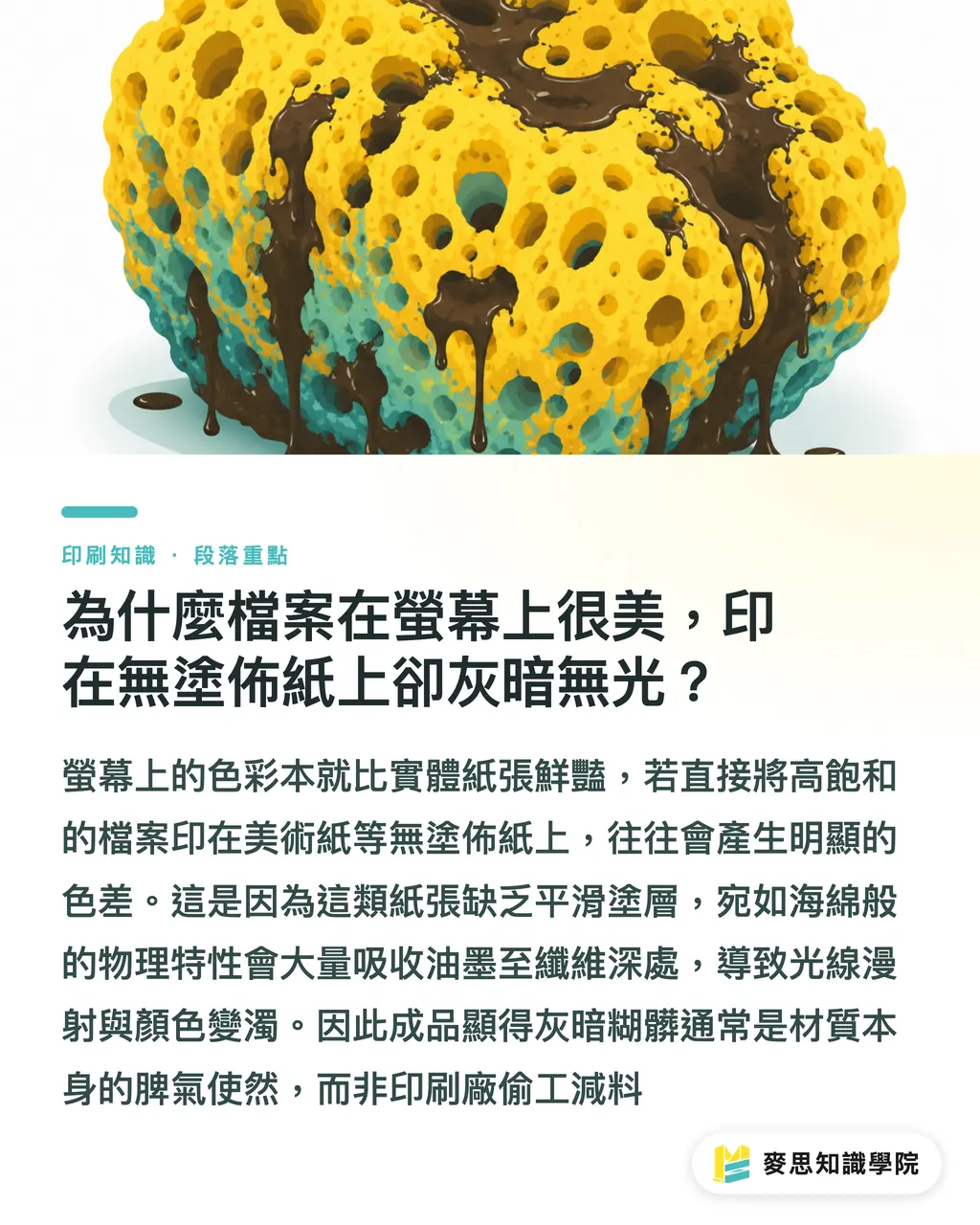
Quais desastres na linha de produção podem ser causados pelo excesso de cobertura total de tinta?
Muitos designers, na busca por um preto profundo, tendem intuitivamente a elevar os valores de CMYK ao máximo
Porém, de acordo com as minhas observações na linha de produção, se a cobertura total de tinta (TIC) das quatro cores somadas ultrapassar 250%, isso será um verdadeiro desastre no papel não revestido
Quando o papel fica saturado de tinta, o excesso se acumula na superfície, o que desencadeia uma reação em cadeia de reclamações dos clientes:
・A tinta não seca, forçando todo o lote a ficar parado na gráfica aguardando a secagem, o que atrasa gravemente o prazo de entrega
・Durante o empilhamento das folhas, a tinta ainda úmida transfere para o verso da folha superior, causando o indesejado decalque, um defeito difícil de corrigir
・Nos processos de acabamento, como corte ou dobra, a tinta da superfície descasca com qualquer atrito, acumulando problemas de perda de cor logo após a impressão
Como proceder sem uma prova de máquina? A aplicação de remoção de sob-cor (UCR) e tintas de secagem rápida
Já que o papel absorve muita tinta, precisamos adotar uma postura preventiva e fazer reduções na preparação dos arquivos de pré-impressão
Para áreas de sombras densas, podemos aplicar a Remoção de Sob-Cor (UCR) ou a Substituição de Componente Cinza (GCR)
Em termos simples, isso significa substituir os tons de cinza gerados pela sobreposição de CMY nas áreas escuras por tinta preta pura (K)
Essa técnica reduz significativamente a cobertura total de tinta, mantendo o detalhamento nas sombras e acelerando o tempo de secagem
Se o prazo de entrega for muito curto, geralmente recomendo que o setor de compras solicite tintas de secagem rápida ao fazer o pedido, ou avalie a possibilidade de optar pela impressão UV
A impressão UV utiliza radiação ultravioleta para a cura instantânea da tinta, mantendo a camada de tinta na superfície e preservando ao máximo a textura rústica e a fidelidade de cor do papel especial
As três etapas de envio da MINDS: procedimentos padrão para transformar a arte em produto físico com segurança
A prevenção na pré-impressão é sempre melhor do que lidar com reclamações pós-entrega
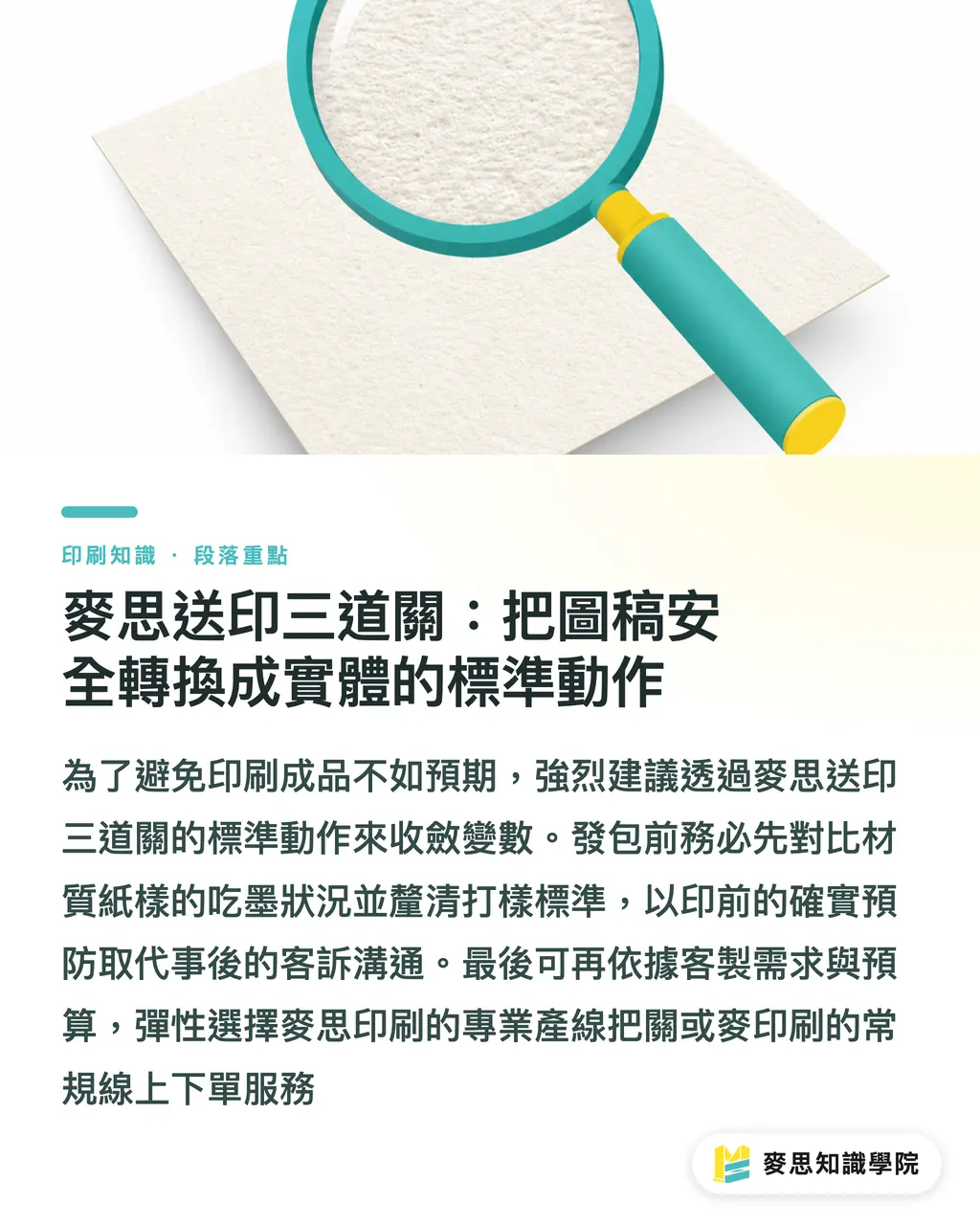
Para evitar decepções ao receber o produto final, recomendo fortemente seguir as três etapas padrão de envio da MINDS para controlar as variáveis:
・① Confirmação prévia do papel: compare a amostra física do papel diretamente com o arquivo original para avaliar o tom de fundo e o comportamento de absorção desse papel especial específico
・② Alinhar os acabamentos primeiro: vernizes ou hot stamping alteram a textura do papel, por isso é fundamental verificar a compatibilidade do acabamento antes de enviar para a produção
・③ Estabelecer critérios de prova e aprovação antes: os padrões de cor para provas digitais e provas de máquina são completamente diferentes; definir isso previamente reduz 80% dos ruídos de comunicação
Para demandas de impressão comercial personalizada de médio a alto padrão, você pode contar diretamente com a MINDS (MS) para supervisionar a linha de produção
Se for apenas para especificações padrão e simples, você também pode fazer pedidos online com melhor custo-benefício através da MYS (MYS), investindo seu orçamento de forma inteligente
Resumo dos Pontos-Chave
・A alta absorção de tinta em papéis não revestidos é a principal causa de cores opacas; evite confiar cegamente no monitor para calibração de cores
・Manter a cobertura total de tinta (TIC) abaixo de 250% previne eficazmente problemas de secagem lenta e defeitos de decalque
・Utilizar a Remoção de Sob-Cor (UCR) para substituir o CMY das áreas escuras por preto (K) é uma ferramenta essencial de pré-impressão para mitigar riscos
・Seguir as três etapas de envio da MINDS, realizando a validação do papel e a aprovação das provas antecipadamente, é a chave para gerenciar custos ocultos
Reflexão Adicional
Do ponto de vista de SaaS para o setor gráfico e automação de fluxos de trabalho, o sistema idealmente deveria detectar o TIC e exibir um alerta no momento em que o usuário envia os arquivos
Isso reduziria drasticamente os custos com verificações manuais na linha de produção e as perdas geradas por reimpressões
Quando os aplicativos puderem sugerir os melhores parâmetros de remoção de sob-cor e compensação de pré-impressão com base no substrato selecionado,
designers e gráficas poderão concentrar seus esforços exclusivamente na criatividade e na qualidade, sem a necessidade de lidar diariamente com ajustes de produção complexos
Leitura Recomendada
・Material: A impressão em papéis especiais parece sempre suja? As armadilhas da absorção de tinta em papéis não revestidos e como resolvê-las
FAQ
- A cor ficou muito escura no papel especial, isso é mesmo um erro da gráfica?
- Geralmente, isso ocorre devido à alta absorção do papel não revestido, que faz com que a tinta penetre nas fibras, e não por falha da máquina. A correção deve ser feita ajustando os valores de cor na etapa de pré-impressão
- Por que a tinta no papel continua borrando ao toque mesmo após vários dias da impressão?
- Isso significa que a cobertura total de tinta definida no arquivo está muito alta, fazendo com que o papel não consiga absorver o excesso. No momento, a única solução é aguardar a secagem natural ou, em projetos futuros, optar pela impressão UV
- Existe alguma forma de prever com precisão a cor final da impressão em papéis especiais?
- O método mais seguro é solicitar uma prova física em máquina. Se o orçamento for limitado, certifique-se de comparar seu arquivo com uma amostra física do papel escolhido, em vez de confiar apenas na exibição do monitor
Artigos relacionados
Boletim semanal Impressão × IA e transformação digital
Reunimos práticas de impressão e IA úteis para designers, marcas e empresas antes de agirem, em um único e-mail, enviado toda semana à sua caixa de entrada
Ferramentas gratuitas MINDS
Remoção de fundo com IA, gerador de figurinhas do LINE, cálculo de lombada e imposição — tudo grátis, direto no navegador, sem upload de arquivos
Grupo MINDS
Precisa de serviços reais de impressão ou brindes?
Depois do conhecimento, o próximo passo fica com as marcas irmãs do Grupo MINDS — da impressão premium a pedidos on-line e presentes de fim de ano