

¿Por qué los archivos vectoriales generados por IA no pueden enviarse directamente a imprimir?
Los archivos vectoriales creados por IA suelen contener decenas de miles de nodos innecesarios y bloques de color fragmentados; enviarlos directamente a impresión fácilmente provoca que el RIP (procesador de imágenes rasterizadas) se agote en tiempo de cálculo o que aparezcan bordes dentados y blancos en el producto final. Normalmente recomiendo a los clientes implementar los tres pasos de pre‑impresión de MINDS (MS, impresión comercial totalmente personalizada de nivel medio‑alto) para optimizarlos manualmente
Recientemente recibí varios archivos exportados con la nueva función de Illustrator; los diseñadores los ven en pantalla y les parecen excelentes, pero al pasar al sistema de pre‑impresión la máquina se bloquea de inmediato
La razón es sencilla: la lógica de generación de IA consiste en ensamblar pequeños bloques de color para crear el efecto visual, en lugar de trazar curvas de Bézier razonables como lo hace un diseñador humano
RIP (procesador de imágenes rasterizadas): sistema central que convierte los archivos vectoriales en datos de puntos para la prensa; cuando el número de nodos supera por cientos de veces el de un documento normal, el exceso de cálculo provoca errores

El culpable del fallo de la máquina: ¿qué minas están ocultas en el archivo?
Según mi larga observación en la línea de producción y con clientes, los vectores generados por IA presentan dos defectos mortales
Primero, la explosión de nodos: una simple arco circular que un humano dibuja con tres puntos de control, la IA lo llena con trescientos
En segundo lugar, los bloques de color fragmentados
Cuando la IA maneja degradados o sombras, en lugar de crear una malla de degradado, genera decenas de pequeños polígonos de colores casi idénticos que se ensamblan rígidamente
・Sobrecarga de cálculo: un archivo con cientos de miles de nodos hace que el tiempo de procesamiento del RIP pase de segundos a media hora, o incluso provoque un bloqueo
・Bordes blancos y huecos: los bloques fragmentados parecen continuos en pantalla, pero al imprimir, cualquier ligera expansión del papel deja líneas blancas entre ellos
Los tres pasos de pre‑impresión de MINDS (MS): ¿Cómo transformar el boceto de IA en un archivo listo para imprimir?
Utilizar la IA como generador de inspiración está bien, pero al llegar a la fase de producción es necesario ajustarla manualmente
Normalmente guiamos al cliente a través de los tres pasos de pre‑impresión de MINDS (MS) para garantizar que el archivo se cargue sin problemas
・Unir rutas fragmentadas: combinar los bloques adyacentes de mismo color que la IA separó, usando la función de unión para crear una única forma y reducir drásticamente la complejidad del archivo
・Simplificar nodos redundantes: aprovechar las herramientas de simplificación del software de diseño para eliminar nodos en exceso, siempre que no alteren el contorno; cuanto menos nodos, más fluido el procesamiento del RIP
・Revisar bloques ocultos: la IA suele dejar pequeños trazos casi invisibles bajo la capa; cambia a modo de contorno para inspeccionarlos y elimina manualmente los objetos basura
Si estás empezando a incorporar herramientas de IA y no sabes cuáles son los estándares de archivo final, puedes contactar al equipo de consultores de la Academia del conocimiento Mai Strategy para definir las especificaciones iniciales y evitar retrabajos posteriores
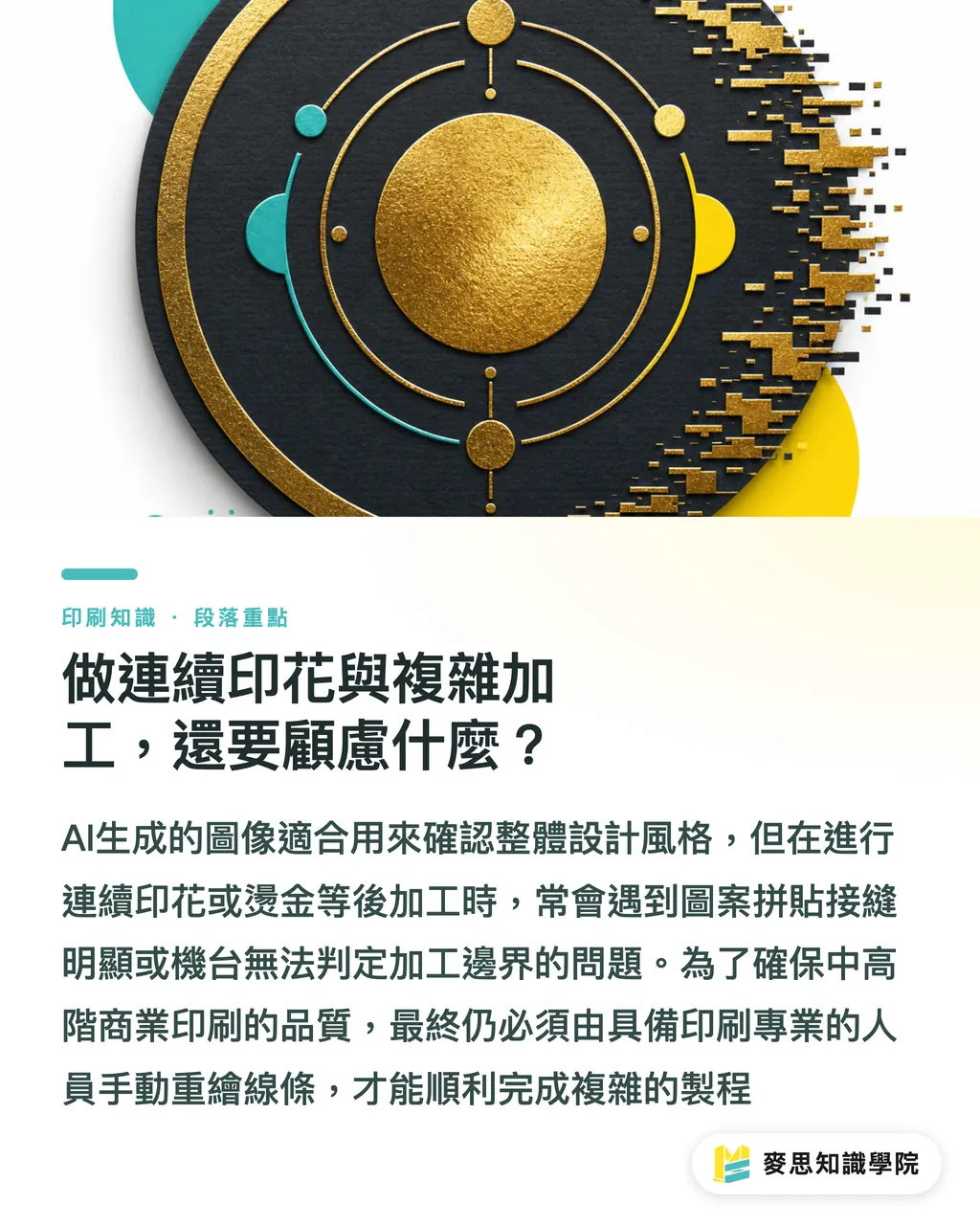
¿Qué más hay que tener en cuenta al imprimir patrones continuos y procesos complejos?
Muchos diseñadores usan la IA para generar estampados de cobertura total en papeles de embalaje
Recientemente revisé varios casos de la competencia; la tragedia más frecuente es la aparición de costuras visibles en los puntos de unión del patrón
Aunque los gráficos generados por IA se conviertan a vector, si no se corrigen manualmente las condiciones de borde, el montaje quedará desalineado
Lo mismo ocurre con los logotipos; además de los problemas de derechos, los complejos degradados de luz y sombra hacen que la máquina no pueda determinar límites claros para procesos posteriores como recorte, foil o embossing
Para impresiones comerciales totalmente personalizadas de nivel medio‑alto, como empaques de marca o catálogos corporativos, aconsejo al cliente usar la IA solo para definir el estilo y, al final, contar con un especialista en impresión que redibuje las líneas
Para una evaluación de proceso tan detallada, puedes contactar directamente a MINDS (MS) y solicitar una revisión previa a la impresión
Resumen de puntos clave
・Los vectores de IA están compuestos de bloques fragmentados y una avalancha de nodos; enviarlos tal cual casi siempre provoca fallos de la máquina
・Antes de la entrega final, es imprescindible combinar rutas, simplificar nodos y eliminar bloques ocultos
・Los estampados de cobertura total y los procesos posteriores como foil o recorte siguen dependiendo en gran medida de la redibujación manual y la definición de bordes
Reflexiones adicionales
La IA realmente rompe las barreras creativas iniciales, pero el último tramo desde la pantalla hasta la impresión física sigue estando limitado por restricciones físicas y requerimientos de equipos
En vez de depender ciegamente de una generación con un clic, es mejor tratar a la IA como un borrador de propuesta y, una vez aprobado, dedicar tiempo a una limpieza exhaustiva de nodos; esa es la actitud profesional responsable tanto con la obra como con la línea de producción
FAQ
- ¿Se pueden usar directamente los vectores generados por IA para recorte o foil?
- No, los archivos de IA están llenos de rutas fragmentadas y nodos inútiles; la máquina no puede determinar bordes claros y es necesario redibujar líneas limpias y continuas
- ¿Por qué los vectores de IA se ven normales en Illustrator pero la imprenta dice que no pueden procesarse?
- Porque el archivo contiene decenas de miles de nodos inútiles, excediendo la carga de cálculo del RIP de pre‑impresión; primero hay que simplificar los nodos
- Al imprimir patrones continuos, ¿puedo montar directamente los gráficos generados por IA?
- No se recomienda usarlo tal cual; los bordes que genera la IA suelen presentar errores de píxel o discontinuidades, lo que al montar produce costuras visibles; siempre hay que corregir manualmente los límites
Artículos relacionados



El boletín semanal de impresión × IA
El conocimiento práctico de impresión e IA que diseñadores, marcas y empresas pueden usar antes de actuar, en un solo correo, cada semana en tu bandeja de entrada
Herramientas gratis MINDS
AI background removal, brand stamping, and a LINE sticker maker — free design tools, right in your browser, no upload.
Grupo MINDS
¿Necesita servicios reales de impresión o regalos?
Una vez leído el contenido, el siguiente paso queda en manos de las marcas hermanas del Grupo MINDS: desde impresión de alta calidad hasta pedidos en línea y regalos de temporada